What is an NVR in CCTV?
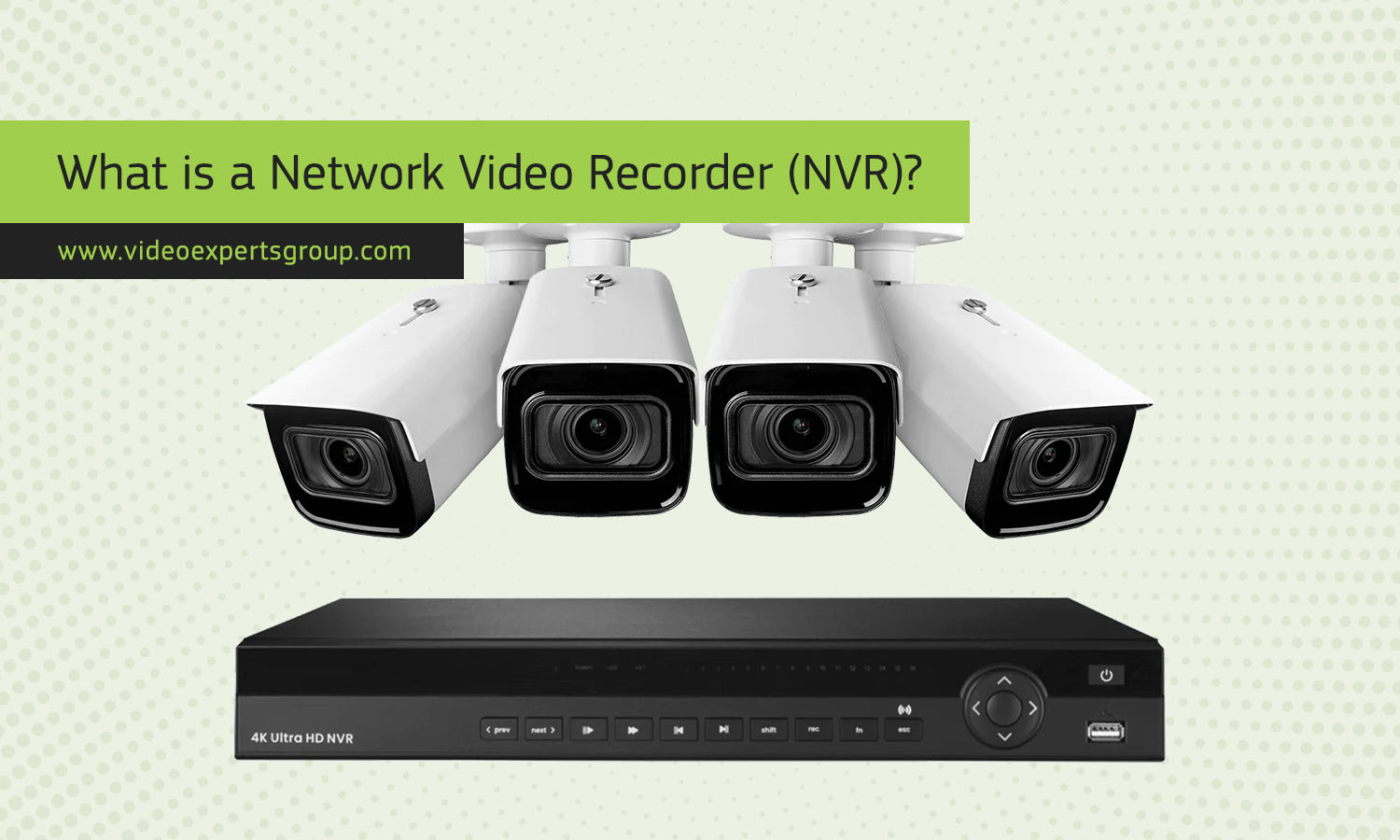
An NVR is one of the core components of modern video surveillance systems. As security cameras continue shifting from analog to digital formats, NVRs have become the preferred way to record, store, and manage footage. They provide higher video quality, easier installation, better scalability, and more advanced features compared to older technologies. Whether you are setting up a home security system or designing a large scale commercial surveillance network, understanding what an NVR is and how it works helps you choose the right equipment and optimize your recording setup.
Meaning
NVR stands for Network Video Recorder. It is a device that records video transmitted over a network from IP cameras. Unlike older analog systems, an NVR does not receive video through coaxial cables. Instead, it works with digital cameras connected via Ethernet cables or Wi-Fi, which send video to the recorder in a fully digital format. This leads to better image clarity, simpler installation, and a wide range of advanced features that rely on digital transmission.
The NVR stores recordings on internal hard drives, external storage, or network attached storage. Many models support multiple drive bays, allowing users to expand storage capacity for long term retention. An NVR also includes software for viewing live feeds, managing cameras, configuring motion detection, and exporting video clips when needed. Because everything travels through the network, users can place the NVR in a secure location while cameras remain distributed across the property.
Modern NVRs often come as standalone units with dedicated operating systems, but they may also be implemented through software installed on a server. Regardless of format, the main function remains the same: receive, process, and store digital video streams from IP cameras.
How to use
Using an NVR is straightforward once the network is prepared. The process usually includes several basic steps that create a functional and reliable surveillance system.
1. Connect cameras to the network
IP cameras are connected using Ethernet cables or Wi-Fi. For wired installations, many users prefer PoE switches that provide both power and data through a single cable. This simplifies the setup and eliminates the need for separate power adapters. If PoE ports are built directly into the NVR, cameras can connect to the recorder without additional network equipment.
2. Assign or detect camera addresses
Each IP camera has its own network address. Most NVRs automatically scan the network and detect compatible cameras. In some cases, manual configuration is required, especially in larger installations where static IPs provide better stability.
3. Configure recording settings
After the cameras are connected, the NVR allows you to choose video resolution, frame rate, recording schedule, and motion detection sensitivity. Higher resolutions require more storage, so users often balance quality with retention needs.
4. Monitor and replay footage
Live video can be viewed directly on a connected monitor, through a web interface, or via a mobile app. Playback tools make it easy to review events, zoom in on certain sections, and export clips. Many NVRs send instant alerts when motion is detected or when a camera loses connection.
5. Maintain and update the system
Regular updates improve security and performance. Cleaning dust from the NVR, checking hard drive health, and reviewing storage capacity ensures that the system stays reliable. Since an NVR is a long term recording device, stability and proper maintenance matter.
Benefits
An NVR offers several advantages over traditional analog video recording. These benefits make it a popular choice for both residential and commercial surveillance systems.
- High image quality: Because IP cameras capture and transmit digital video, NVRs support resolutions from HD to 4K and even higher.
- Simpler installation: Ethernet cabling and PoE reduce the amount of wiring needed, making setup faster and cleaner.
- Remote access: Users can view cameras from anywhere using smartphones, computers, or tablets.
- Scalability: Adding new cameras is easier since they only need to connect to the network, not directly to the recorder.
- Advanced features: Many systems support smart analytics such as line crossing detection, facial recognition, and object tracking.
- Flexible storage: NVRs support multiple hard drives, external storage, and cloud backups.
These capabilities make NVRs ideal for modern security setups where image clarity, flexibility, and integrated smart features are essential.
NVR vs. DVR
NVRs and DVRs serve similar purposes but work with different types of cameras and technologies. Understanding their differences helps users choose the right system.
Camera compatibility
An NVR works with IP cameras, while a DVR works with analog cameras. IP cameras send digital video over a network, while analog cameras use coaxial cables to transmit analog signals that the DVR converts into digital form.
Installation method
NVRs use Ethernet cables, which can provide power and data simultaneously when PoE is available. DVR systems require separate power sources for each camera and run coaxial cables back to the recorder.
Video quality
NVRs offer better quality because IP cameras capture and transmit digital video from the start. DVR systems are limited by analog technology, which often results in lower resolution images.
Flexibility and features
NVR systems support smart analytics, easier expansion, and remote access through standardized network protocols. DVR systems are simpler but more limited and are often used in older or budget installations.
FAQs
