Default Credentials for Lorex IP Cameras
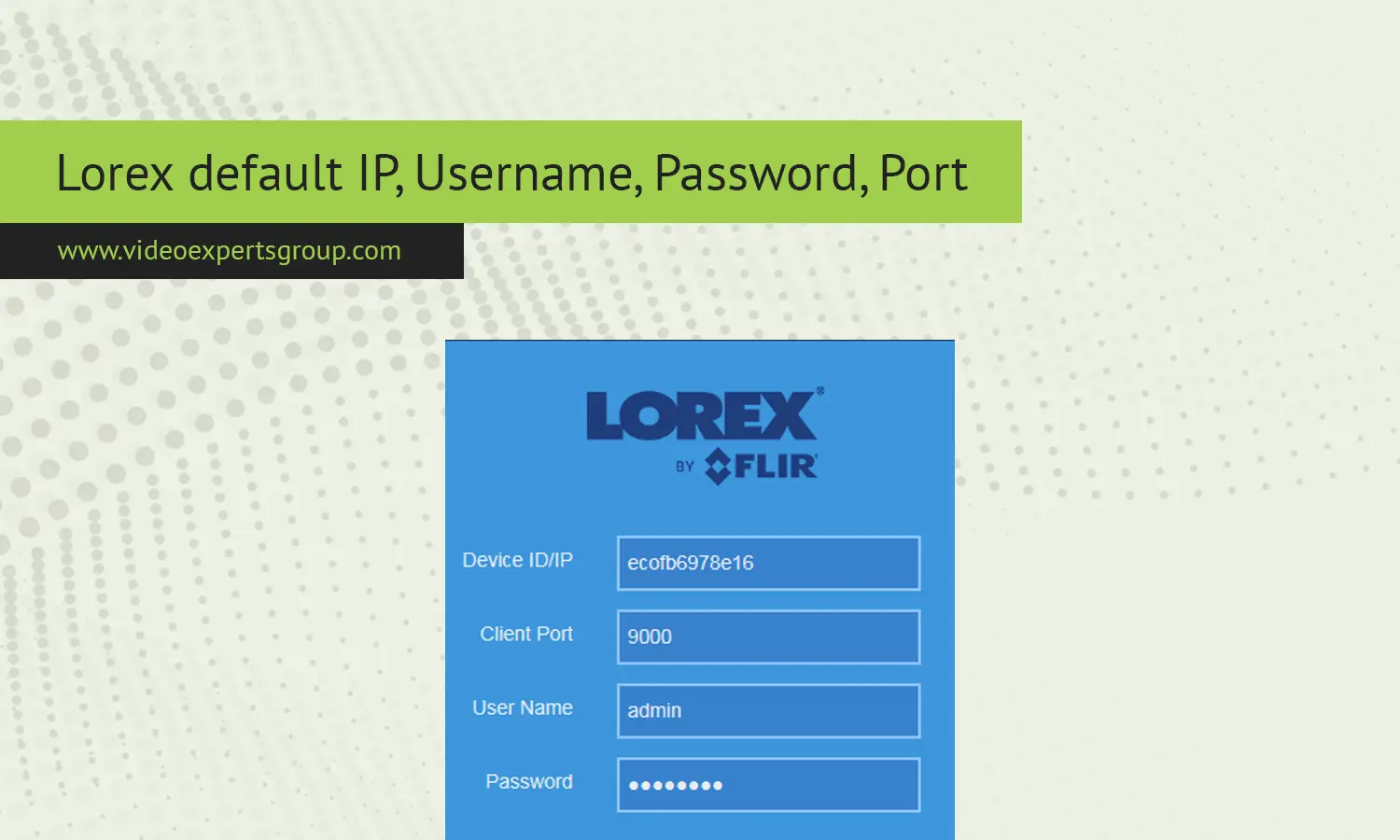
The network parameters on your Lorex security camera, NVR or DVR system are pre-set by the factory to allow you to initially log in. Factory settings can be used by the user to log in to the device and begin using it to set up security features, set up remote viewing, and access devices. It is important to change these details to maintain security.
Default IP Address
Most Lorex IP cameras and recorders are configured to utilize a default private IP address for initial access. This default IP address is: 192.168.1.108 (this default IP address is generally assigned to standalone IP cameras).
Some systems do not have an IP assigned and instead they are assigned dynamically from the router (DHCP). If the camera cannot be seen at the default IP then a network scan may be required or check the device label.
Default Username
On most new devices, Lorex typically keeps a straightforward administrative username: admin on most new devices.
Some of the newer models allow you to make a username at your first login in the setup wizard.
Default Password
Previously factory-reset or older Lorex devices might have the default password as being admin and/or empty, as you will be prompted to set a password during your first login.
Most recent firmware versions require you to change your password after the first login using the default password. It's necessary to change default login that known by everyone.
Default Port
Lorex systems commonly use:
- HTTP port:
80 - Client/command port:
35000(used by some Lorex NVR/DVR models) - RTSP port:
554(for video streams)
Depending on the device, ports may vary. Remote access apps typically detect the correct ports automatically.

