Provision-ISR Camera: Default Credentials
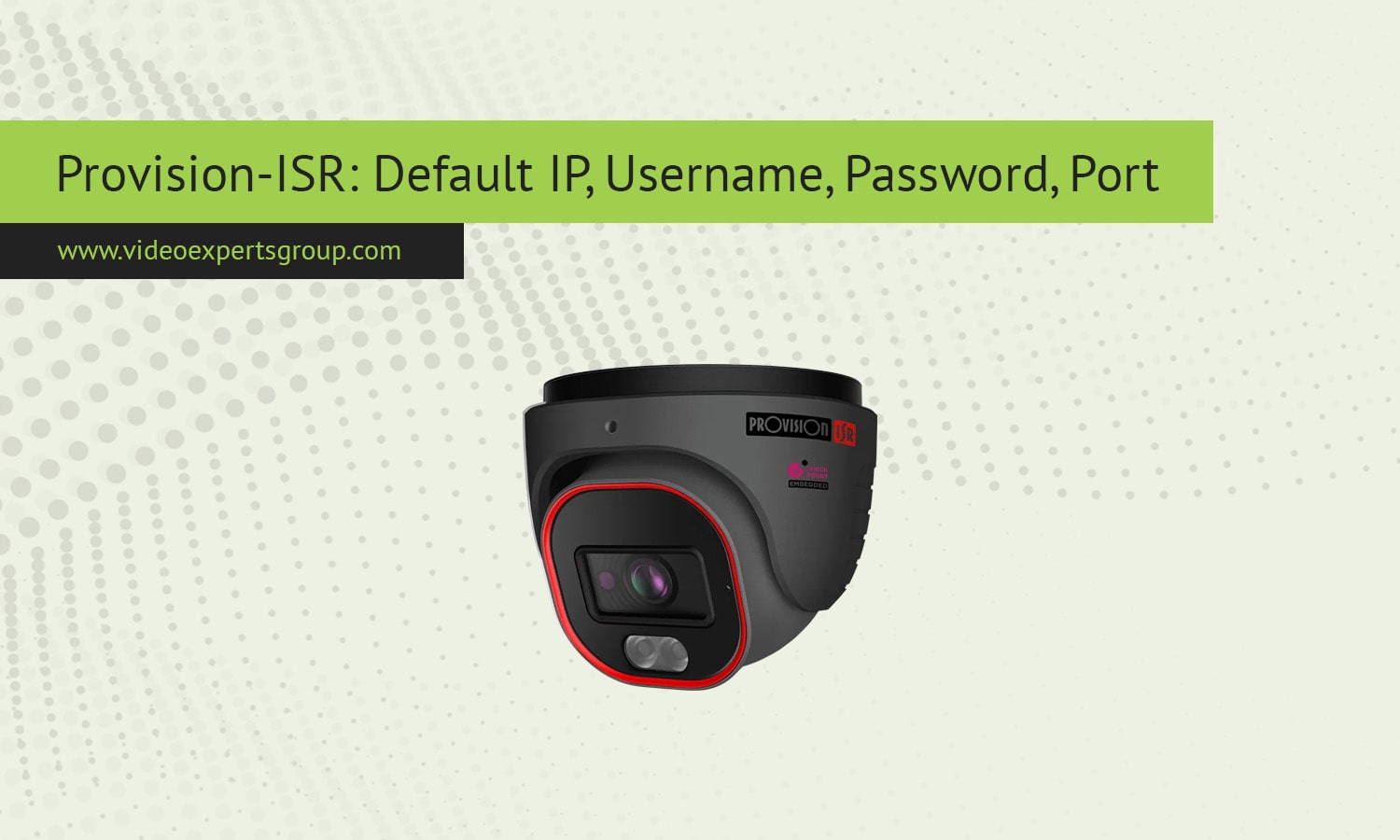
Provision-ISR cameras are a popular choice for video surveillance systems thanks to their user-friendly design, affordable pricing, and reliable performance. To get the most out of these devices, it’s important to know the default network and login details. Whether you are installing a new camera or resetting one back to factory settings, the default information makes it possible to access the camera’s interface and adjust settings for remote viewing or local monitoring.
Default IP Address
The default IP address for most Provision-ISR cameras is 192.168.1.108. This address allows direct access to the camera via a web browser or the company’s client software. If the camera does not respond to this IP, it might be assigned a new address by the router through DHCP. In that case, using a network scanning tool will help locate the active IP.
Default Username
The standard default username for Provision-ISR cameras is admin. This account grants full administrator privileges, which means it can be used to configure video settings, security options, and network parameters. For security purposes, it is advisable to create new accounts with limited permissions if multiple users need access.
Default Password
The default password is generally 123456. Some models may prompt you to create a new password the first time you log in. Leaving the default password unchanged creates a major security risk, as anyone with access to your network could potentially connect to the camera. A strong, unique password should always replace the factory default.
Default Port
The main communication port for Provision-ISR cameras is 37777. This port is used for device connections through client applications and remote access. For web access, port 80 is commonly used, while secure connections can run through port 443. If you plan to enable remote viewing, you may need to configure port forwarding on your router.
FAQs
