Default Credentials for Swann IP Cameras
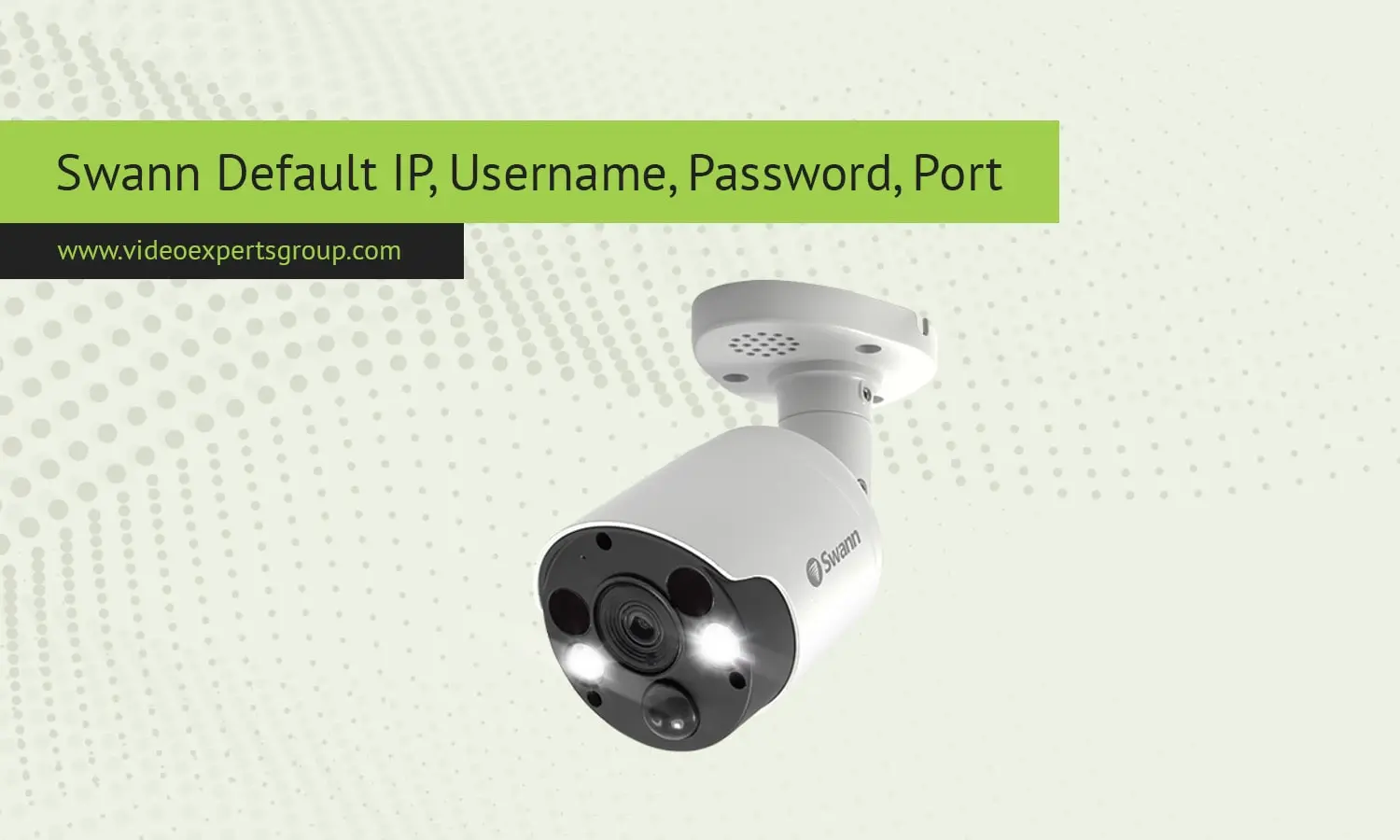
Swann camera is popular in the security industry. It is a big name in the field of both home and business security. Swann cams come with default network configurations which allow you to install and access your new Swann camera. When you configure your Swann camera for the first time, you might need to know the default IP address, username, password, and port of the Swann security cameras, which is explained below along with answers to other questions.
Default IP Address
Swann security cameras will be shipped with a default IP address to enable local network access. A typical Swann IP camera will be configured to automatically obtain an IP address from the router via DHCP (Dynamic Host Configuration Protocol). Once this is enabled, the device will automatically be assigned an IP address from the router.
Additionally, if you require a fixed IP address for convenient access you can assign a static IP address to the camera in the network settings within the Swann View Link software, or within the camera's settings if it features a local web-server. Some users are also able to connect to Swann cameras via their IP address using the device list within the router, or by using network scanners such as Advanced IP Scanner.
Common Default IP Address (if not set to DHCP) 192.168.1.108 or 192.168.0.100
How do I find my camera IP address? When using the above IP addresses, 54, 61 or 51, you will need to locate your camera on your router connected device list, or use the Swann View software to locate the camera IP.
Default Username
The default username is one of the important information to login into your Swann camera. For the majority of Swann security cameras and DVR/NVR systems, the default username is set to the following:
Default Username: admin
This username is used by Swann and when creating a new username it is simple to remember. Swann is encouraged to use a password for the default username that is more difficult to guess, particularly if you intend to monitor the camera remotely.
Default Password
Swann default password In older versions of Swann cameras, the default password was blank which enabled simple device configurations. But for security reasons, most recent swann cameras ask users to set up a robust password initially. However, if the device does come with a default password, it is mostly:
Default Password: (often blank) or 12345
When you're having a problem with your camera and don't think you can access it because it has a default password, try to leave the password blank or put in 12345. If you've previously used a custom password but can't remember it, you'll have to factory reset the camera.
Note: Always update the password after the initial setup to secure your device from unauthorized access.
Default Port
Ports are used for networking so applications can talk to each other over the internet. Swann cameras use common ports for both their HTTP and video streaming protocols which can be changed to suit your network setup.
Here are the commonly used default ports for Swann cameras:
- HTTP Port (Web Access):
80 - RTSP Port (Real-Time Streaming Protocol):
554 - HTTPS Port (Secure Web Access):
443 - Media Port (for software like SwannView):
9000
You may also find them in the network configuration menu of the camera in case you want to change them. This can be useful to avoid conflicts with other devices in your network or to make port forwarding for remote access.
Tip: Port 554 is used for RTSP and can be useful if you’re integrating your Swann camera with other software like VLC or other IP camera applications.

