Default Credentials for ADT Security Cameras
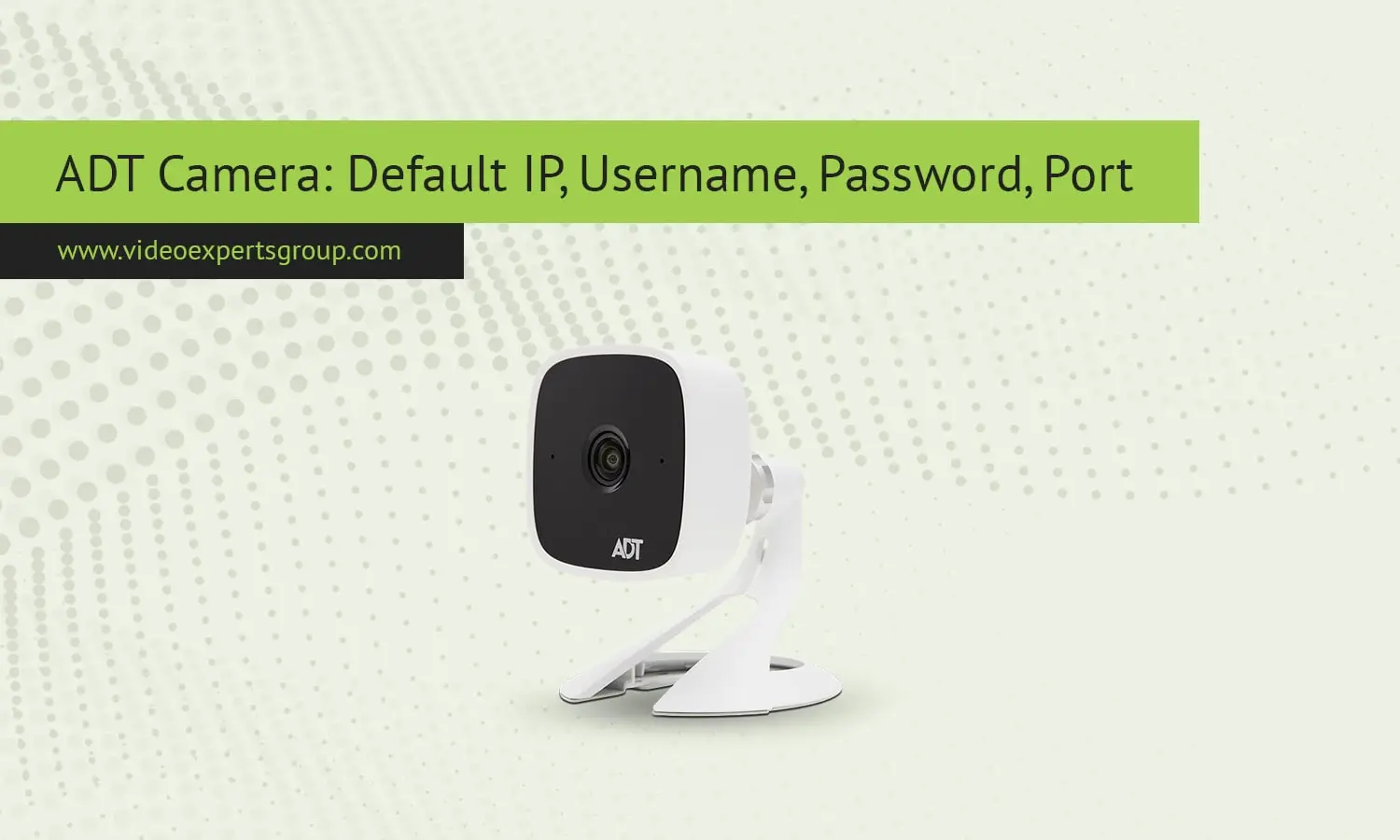
ADT is a leading provider of monitored, professionally installed home and business security, known for its high-quality systems, which consist of smart sensors, security cameras, and monitoring services. If you've installed a camera or are trying to identify how to connect to the network on a reset camera, you should take a moment to review the default network configuration for ADT Security devices.
Default IP Address
A majority of ADT IP cameras ship with the default address 192.168.1.1 or 192.168.1.2. When powering on a new camera in the network, this address enables your computer or router to pick it up before you can assign it a different IP to use. If you're not sure how to find the camera on the network, you can do so with a network scanner, or with the ADT Pulse app. It is suggested to change the IP to your network address for best operation.
Default Username
By default the username for your ADT camera will most likely be admin. This login will provide you with full access to the system, allowing you to modify everything from video quality and network options to user access levels. When you log in you may be asked to create a second user or change the username and password.
Default Password
The default ADT camera password is usually 12345, admin, or null. Some home automation camera models linked to ADT Pulse or ADT Command applications will force you to create a password during initial setup. You should always change your default password - your home automation system may be vulnerable to hacking if ADT cameras are available from remote locations.
Default Port
Most ADT cameras will have port 80 available for browser access and port 37777 for TCP access. Port 80 allows you to access the camera through a web browser and port 37777 transmits data between the camera and recorder. If you want to access the cameras remotely, the ports will need to be mapped in your router. You should also consider changing the default ports and enabling secure connections if your system supports it.

