Default Login Credentials for Arenti Cameras
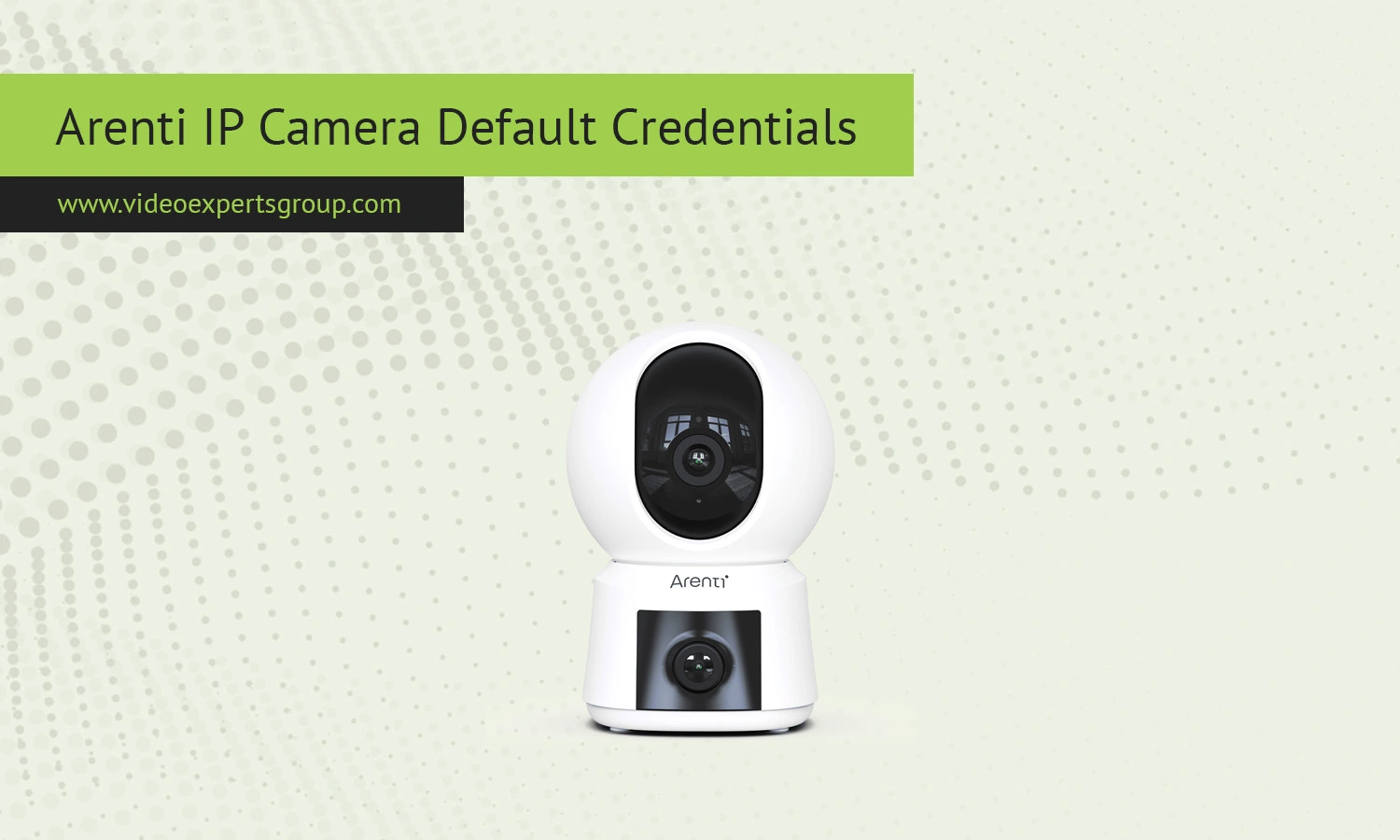
Arenti IP camera are meant to be used in your smart home, which requires frequent use of the mobile app and the cloud. Rather than setting up a web login and password, most Arenti IP cameras are to be set up on the Arenti or on related apps like Laxihub. This also means that the default login information is different than your typical IP address and admin login. Many people are familiar with Arenti's default login, but this is unique to IP cameras.
Default IP
By default, Arenti cameras use DHCP, which means the router will automatically assign an IP address. Normally, the IP address is within local network ranges such as 192.168.0.x or 192.168.1.x.
Because each network environment differs, there is no default IP address for a network. Once the camera is connected, it will be requesting an available address from the router.
If you need to locate the camera on your network, you can:
- check your router device list for a new connected device
- use a network scanning app to identify active IP addresses
- look for device names that include Arenti or similar identifiers
In many cases, direct IP access is not required since control is handled through the mobile application.
Default Username
Arenti cameras do not have a default password, such as admin. Login is associated with the account you create when installing the app. Your account is your phone number or email address, and your default password is your account password.
This approach allows:
- secure user-specific authentication
- easy device sharing between trusted users
- centralized management of multiple cameras
Because of this system, there is no universal login username that works across all devices.
Default Password
There is no default password for Arenti IP cameras. During initial setup, users must create their own password as part of the account registration process.
Key points to remember:
- password is created by the user during setup
- factory default passwords are not used
- password recovery is handled through email or app verification
This method significantly reduces the risk of unauthorized access that often occurs with default credentials.
Default Port
Arenti cameras rely on secure outbound connections to communicate with cloud servers and mobile apps. They do not require manual port forwarding or open inbound ports.
Common ports involved in communication include:
- 443 - HTTPS for encrypted communication
- 80 - used occasionally for setup or fallback scenarios
- dynamic ports - used internally for streaming and synchronization
Since connections are initiated from the device to the cloud, most users do not need to adjust router settings.

