Avigilon Camera: Default Credentials
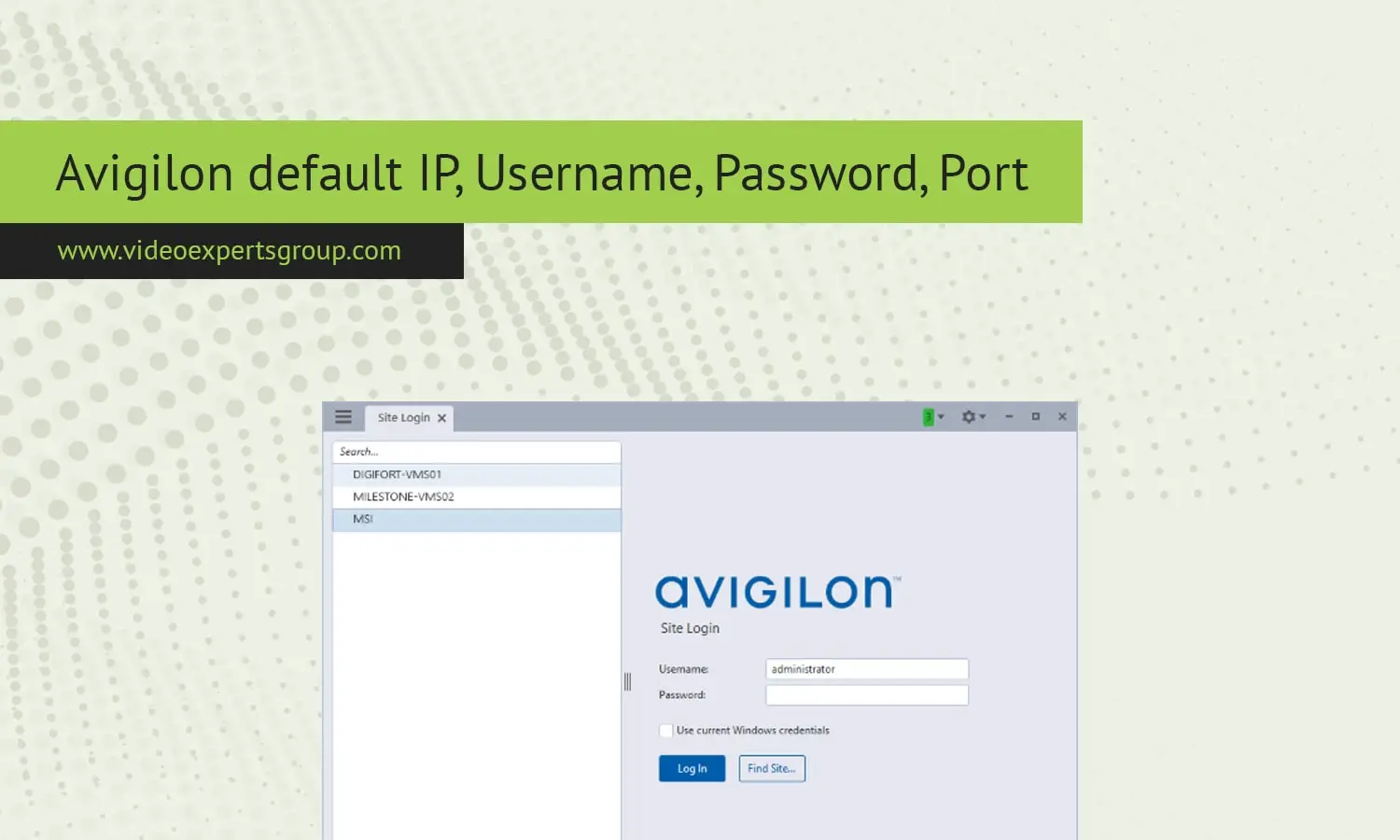
Avigilon is among the most well-known high-definition security camera manufacturers. Their security cameras and network video recorders (NVRs) are regarded as high quality, scalable and integrable products. In order to perform the initial configuration of the Avigilon devices, you might be required to either connect directly or over a network, in which case you will require the default IP, username, password and port for your device. Read on to know these defaults and learn how to quickly access your Avigilon device.
Default IP
Default IPs are a key part of connecting any networked device, like NVRs and cameras from Avigilon. If you plug an Avigilon device into your network directly, it either has a default IP address or use DHCP to receive one assigned by the network's router. If you don't have access to the Avigilon device or the default IP is not working, you'll need to learn how to find the default IP.
Avigilon Camera Default IP:
All Avigilon cameras are set to "Auto" by default on the IP Address setting. This means that the camera is set to automatically grab an IP address using DHCP. Without a DHCP server the camera defaults to a self-assigned 169.254.x.x.
Avigilon NVR Default IP:
The cameras follow the same principle as the Avigilon NVRs by default getting an IP address from DHCP. If this service is not available, you will need to find an IP address using the software tools that Avigilon provides (Avigilon Control Center for example).
Default Username
You can set a username to gain access to the web interface or software configuration of your device. The username will be the same for most Avigilon device and it will be used along with a password.
The default username of the Avigilon device is the same as for most other Avigilon device devices. It is usually set to admin.
Default Password
The default password, along with the username, is necessary to access your Avigilon device for the first time. Leaving the default password in place can be a major security issue so it is recommended to change it immediately after the setup process is complete.
In most cases, the default password for Avigilon devices is either admin or password. It should be understood that some newer models of devices require you to create a new password as a part of their initial configuration process.
Default Port
Network ports are essential for enabling communication between devices and their management software. Avigilon devices are set to use default network ports for accessing and controlling video streaming, management, and more.
Default Port:
- HTTP Port: The default HTTP port for Avigilon devices is typically
80. This port is used for accessing the web interface of the device. - HTTPS Port: If secure communication is required, the default HTTPS port is
443. - RTSP Port: For real-time streaming protocol, which is used for video streaming, the default port is
554. - Custom Ports: Some advanced configurations may involve custom ports, but these are the defaults that are commonly used.
Knowing your Avigilon default IP, username, password and port is crucial information for your initial setup and ongoing management of your surveillance system. The following default login credentials and settings can get you up and running, however it's highly recommended to change these in your security policy. Up to and including an entire network of connections, the information below applies to all of your surveillance installations.

