Default Credentials for Dahua Cameras
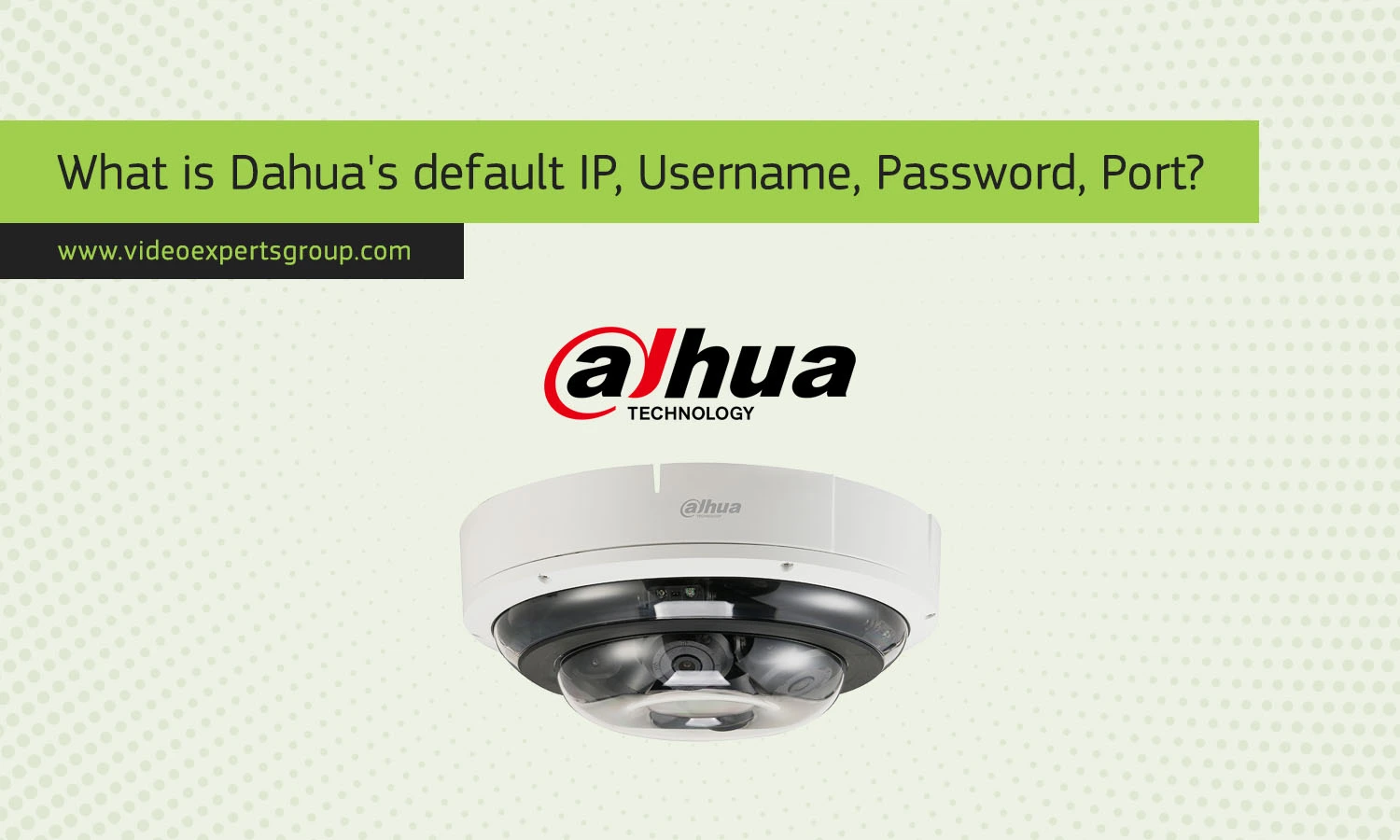
Dahua Technology is a major manufacturer of video surveillance products. For ease of setup for a newly installed Dahua camera, it is necessary to be aware of the cameras default settings. The default IP address, default username and password, and default port are described below.
Default IP
The factory default ip address of most dahua camera is typically a static address. Generally, the ip address is 192.168.1.108 (It depends from which Dahua camera model and also depending on the network you are working with). Please check your Dahua camera user guide.
Default Username
The default username of the Dahua camera has been often admin. This username is utilized to log into the camera’s interface with settings and functions managed within its management interface.
Default Password
The default password used to set up a new Dahua camera depends on its type. New Dahua models can be, when you connect the device for the first time, set up through a specific Wizard in which users must define and set a unique and strong password. In the case of older models, usually the password default is always set to: admin or even to empty field (no password), so anyone could access the camera’s view.
Default Port
The default port for accessing Dahua cameras is usually 80. This port is used for HTTP traffic, allowing you to access the camera’s web interface via a web browser. Additionally, Dahua cameras might use port 37777 for TCP connections, which is commonly used for communication between the camera and the Dahua software or mobile applications.

