Default Credentials for Digital Watchdog Cameras
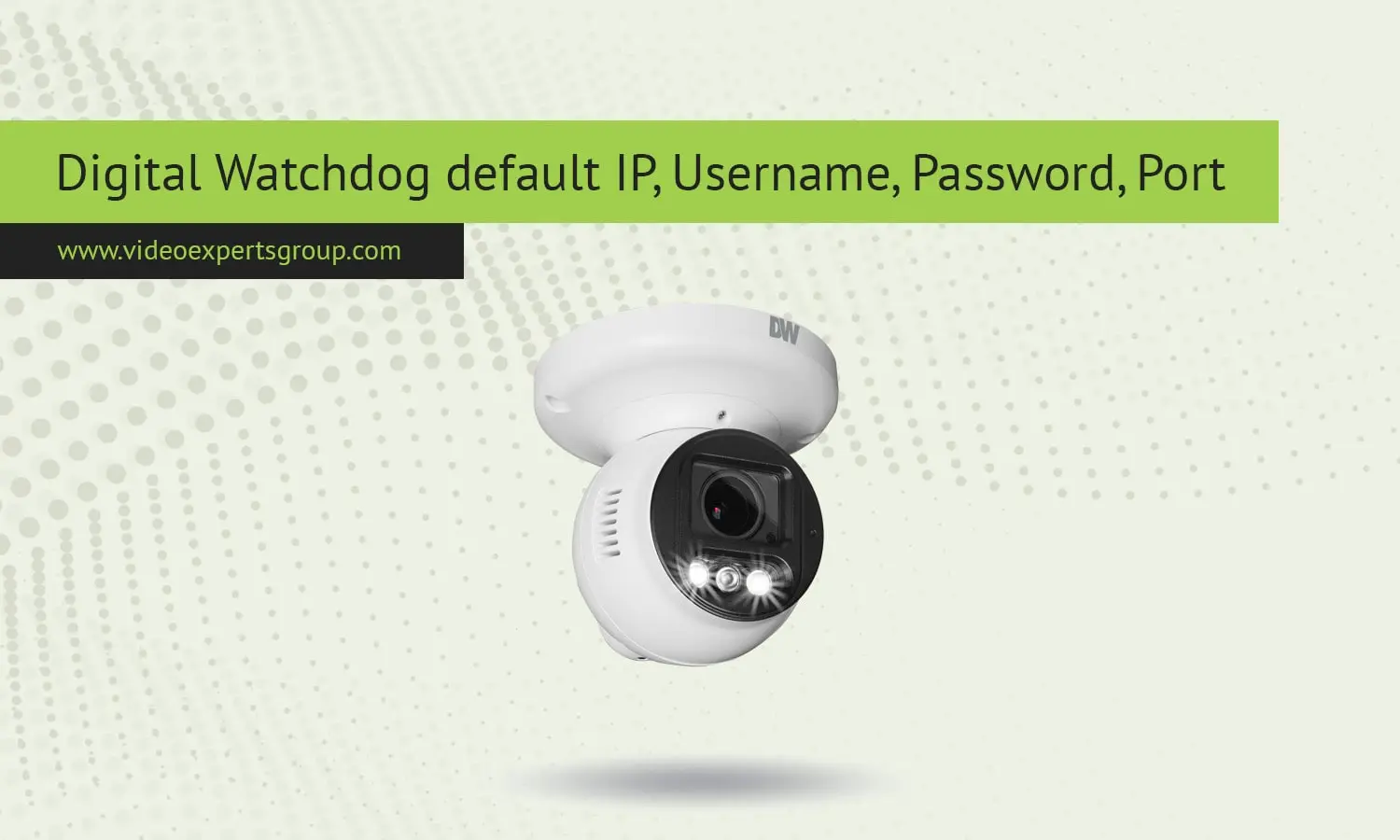
Digital Watchdog is a leading manufacturer of security and surveillance products, including a wide range of IP cameras. Digital Watchdog (DW) cameras can be found in a variety of applications, including small and medium-sized businesses and large enterprises. A DW IP camera offers many benefits, including high-resolution video, remote access, and scalability. The company offers a wide variety of IP cameras, and the default settings for the company are listed below, including default IP address, default username and password, default port, and other relevant details.
Default IP Address
When installing a Digital Watchdog IP camera, the initial default IP address is where you will connect the computer to in order to access the camera setup. Most commonly, DW IP cameras will be set to use DHCP by default, and if this is the case, your camera will automatically be assigned an IP address from your router. If you are not using a DHCP router (or if the camera is set to a static IP address on the network), the default static IP address is 192.168.1.80. This static address is within the private IP range (192.168.1.0/24) which is the most common for use with PC network cards.
Default Username
The default username for Digital Watchdog IP cameras is often admin. This username is used on most models so that there is an easier process for initial configuration and setup. With the username of admin you will be able to access and control the web interface of the IP camera which allows you to change camera settings, set up the camera, and add it into your security system.
Default Password
Along with the default username, Digital Watchdog IP cameras also have the default password set to admin as well. Using a combination of "admin / admin" for the username and password will allow you to access the camera easily during the initial setup. However, do keep in mind that leaving a default password unchanged is a huge security risk that can be exploited by malicious hackers to access your camera. Therefore, once you have accessed the camera for the first time, change the default password to a strong password consisting of a unique combination of special characters, numbers and alphabets.
Default Port
The most common port used in Digital Watchdog Cameras is port 80, which is the port that allows the camera to be visited and controlled through a web browser. Some Digital Watchdog IP cameras also have support for port 443 which is a secure and encrypted version of port 80. You may also find support for port 554 which is used for RTSP allowing video to be streamed to other IP enabled devices.
Getting to Know your DW IP Camera Default Settings It is important for your Digital Watchdog IP Camera to have default settings to facilitate the easy installation and configuration of your security system. You should change your default password for your IP address, port settings, and other default settings as soon as possible to ensure the security of your Digital Watchdog IP Camera. This process guarantees peace of mind in your Digital Watchdog IP Camera security system.

