DMSS App: Overview, Alternatives
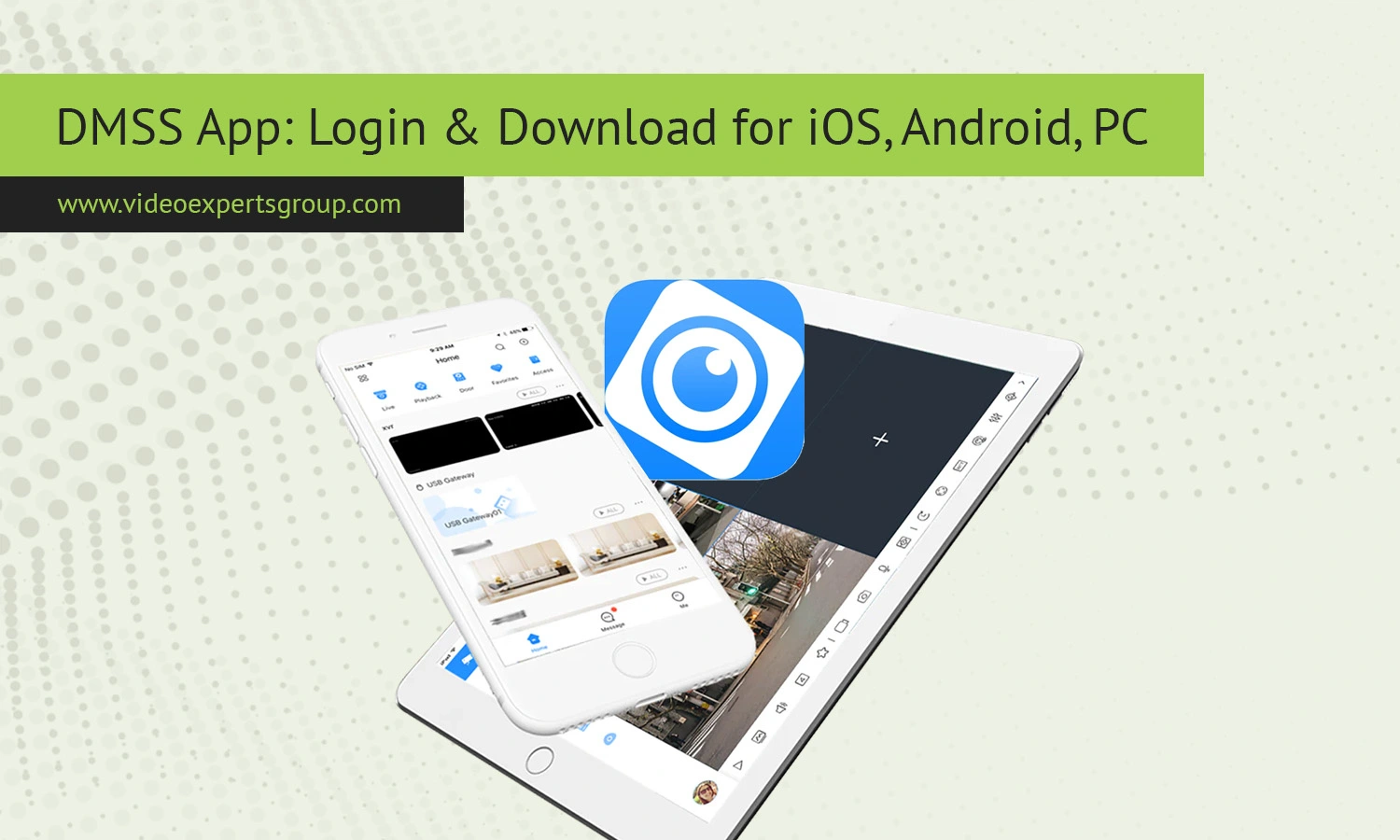
The DMSS app is one of the most used application programs for watching cameras remotely of any video surveillance system, from your smartphone, tablet or computer, such as in your home, office, commercial property or any large-scale project where the system of cameras works properly, now this app has given ease to everyone to stay attentive and receive updates about events related to their security.
What Is DMSS
DMSS (Dahua Mobile Surveillance System) is the official mobile app for Dahua product users. The app allows you to remotely connect to IP cameras, DVRs, and NVRs and remotely control them using a mobile phone, tablet or computer.
Using this app, users are able to look at live video streaming, playback recordings, receive real-time notifications, control camera settings and a lot more. It is also able to be used for private homes, businesses and large enterprises. DMSS allows cloud connectivity which makes the network setup simpler as the users don't need to configure intricate network settings.
Key Features
DMSS provides various features and is a useful and adaptable tool for managing surveillance. Among its essential functionalities is live video surveillance. Users can watch numerous cameras concurrently in real-time streaming high-definition video.
The remote playback functionality is also an essential feature. It enables you to access footage without physically being in front of the device; very helpful for resolving incidents or confirming events. Push notifications and motion detection alerts are also supported by DMSS.
When suspicious activity is observed, the notification is promptly forwarded to your device for a fast reaction.
Supports two way audio when enabled by the cameras, normally seen in door entry systems. Other capabilities are; device management (adding, removing devices and settings changes in one screen), multiple cameras supported, device setup from cloud accounts. Also controls included are PTZ cameras, video clips, screenshots captured and encryption for security.
Compatible Devices
DMSS application has been designed to be compatible with most of the available Dahua products. Some of the main Dahua products compatible are: IP cameras (alone or in integration with analog cameras through DVRs), NVRs, video intercom systems.
The application is also compatible with all smart home devices compatible with Dahua systems. Some of them are: video intercom systems, doorbells, alarm systems, access control systems.
The supported Operating Systems for mobile devices are the latest Android and iOS versions. No official desktop version has been released, but you can always run the DMSS on a desktop PC with the aid of emulators software (for example BlueStacks, Nox Player).
For an optimal and fast operation it's better to use modern smart phones/computers with a stable internet connection since the streaming and control of the high resolution video footage is a really demanding process.
DMSS Alternatives
While DMSS is a very functional application, it is not suitable for everyone. Some users are looking for an alternative application that better integrate cloud functionality, is not a specific brand solution, or provides advanced analytics.
One of the best alternatives is the VXG cloud video surveillance solution. VXG represents an advanced solution for viewing video with great cloud capabilities and compatibility with most camera brands.
With VXG mobile application you can access live and recorded video and advanced video analytics events, as well as use scalable cloud storage. VXG is well suited to companies who need to implement a flexible and centralized system.
If you need a truly versatile, future-proof solution, give the VXG mobile application a try. This application will allow you to build the surveillance system you need without being committed to a specific hardware manufacturer, which in the long run will save your money and offer more flexibility.
Other applications can also perform the function of video surveillance; but they primarily present similar functions provided by their manufacturers and in most cases cannot match the capabilities of VXG.
FAQs
