Default Login Credentials for Eufy Cameras
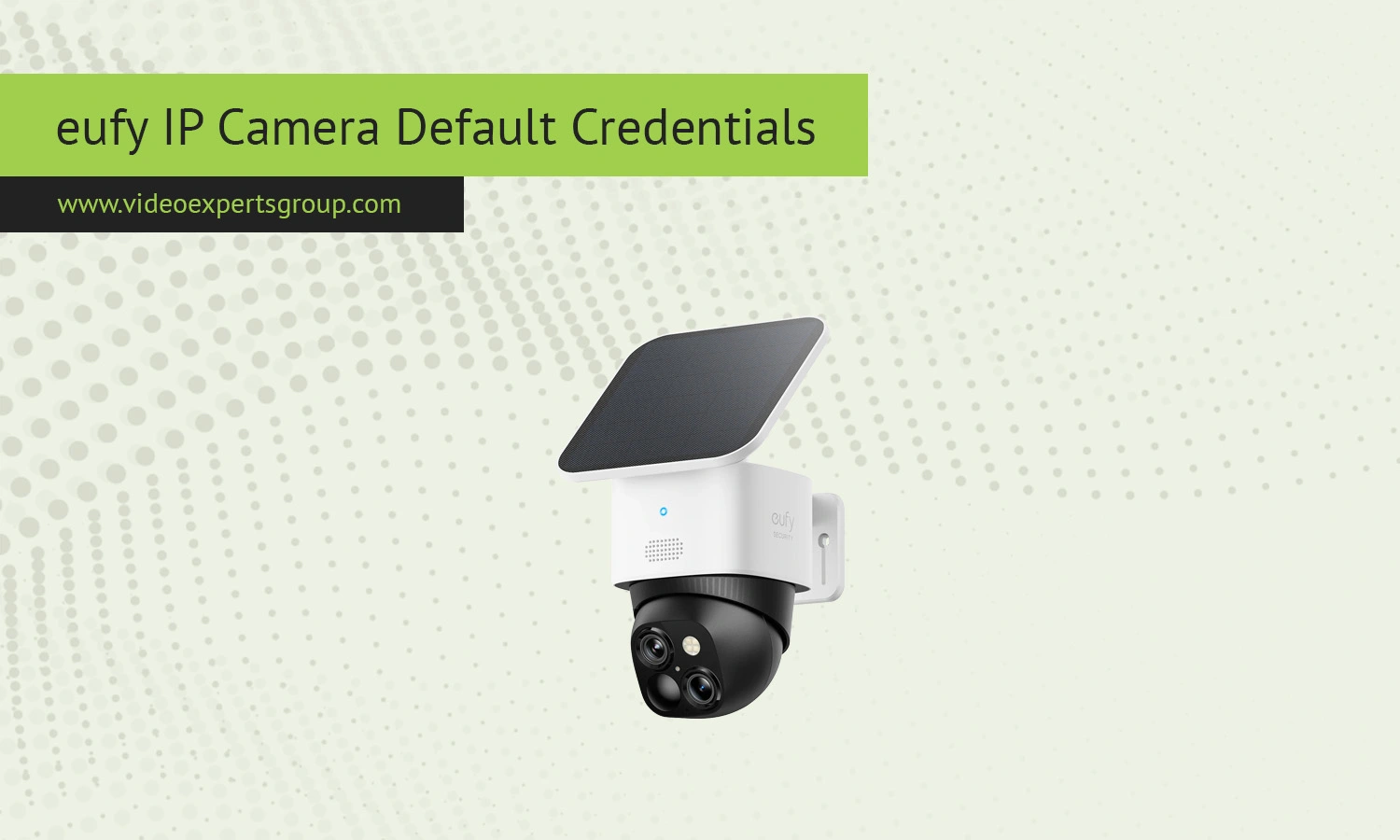
Eufy security cameras from Anker Innovations prioritize privacy, local storage, and straightforward phone management. In contrast with other IP cameras that demand browsers and factory usernames & passwords, eufy cameras are built using an ecosystem of Eufy Security App (and often a Home Base hub) and have the modern Facebook or Google login experience. This can make it a bit trickier to get to the camera login page, and here's how to do that. In general, no need to remember a username & password, as that personal account gets you in and most communication happens via local or cloud encrypted pathways, but understanding some IP fundamentals is often necessary.
Default IP
By default, eufy cameras use DHCP, meaning that your camera will automatically receive an IP address from your router when connected. This IP address will usually be within the private IP address range (192.168.0.x / 192.168.1.x).
What is the default IP address of a eufy camera? As eufy cameras are plug and play devices, there is no default IP address. For a CCTV system with a Home Base, it is the hub the camera will connect to and not an IP camera in the network.
If you need to identify the device on your network, you can:
- check the connected devices list in your router
- look for the HomeBase unit rather than the camera itself
- use a network scanner to detect active devices
Direct access to the camera via IP is usually not part of the normal user workflow.
Default Username
Eufy cameras do not have default username like admin. The login is exclusively based on the user account created with the eufy Security app. User name is usually an email id or your registered mobile number.
This system allows:
- personalized login credentials for each user
- secure sharing of camera access with family members
- centralized control across multiple devices
Because of this design, there is no generic username that works across devices.
Default Password
Are eufy cameras password protected? There are no default passwords for eufy cameras. When setting up the cameras, you will be prompted to create a password for your account.
Important details about password handling include:
- password is defined during account creation
- no factory default password exists
- password recovery is handled through the app or email verification
This approach improves security and reduces the risk of unauthorized access that is common with default credentials.
Default Port
Eufy cameras communicate with the apps and cloud services using outbound encrypted connections. They don't need to port-forward manually or require an open inbound port for remote access. Most of the communication is over a secure internet protocol.
Typical ports involved include:
- 443 - HTTPS encrypted communication
- 80 - limited use during setup or fallback scenarios
- dynamic ports - used internally for video streaming and updates
When using a HomeBase, communication between cameras and the hub is handled locally and encrypted, without exposing direct ports to the internet.

