Hik-Connect App: Overview, Alternatives
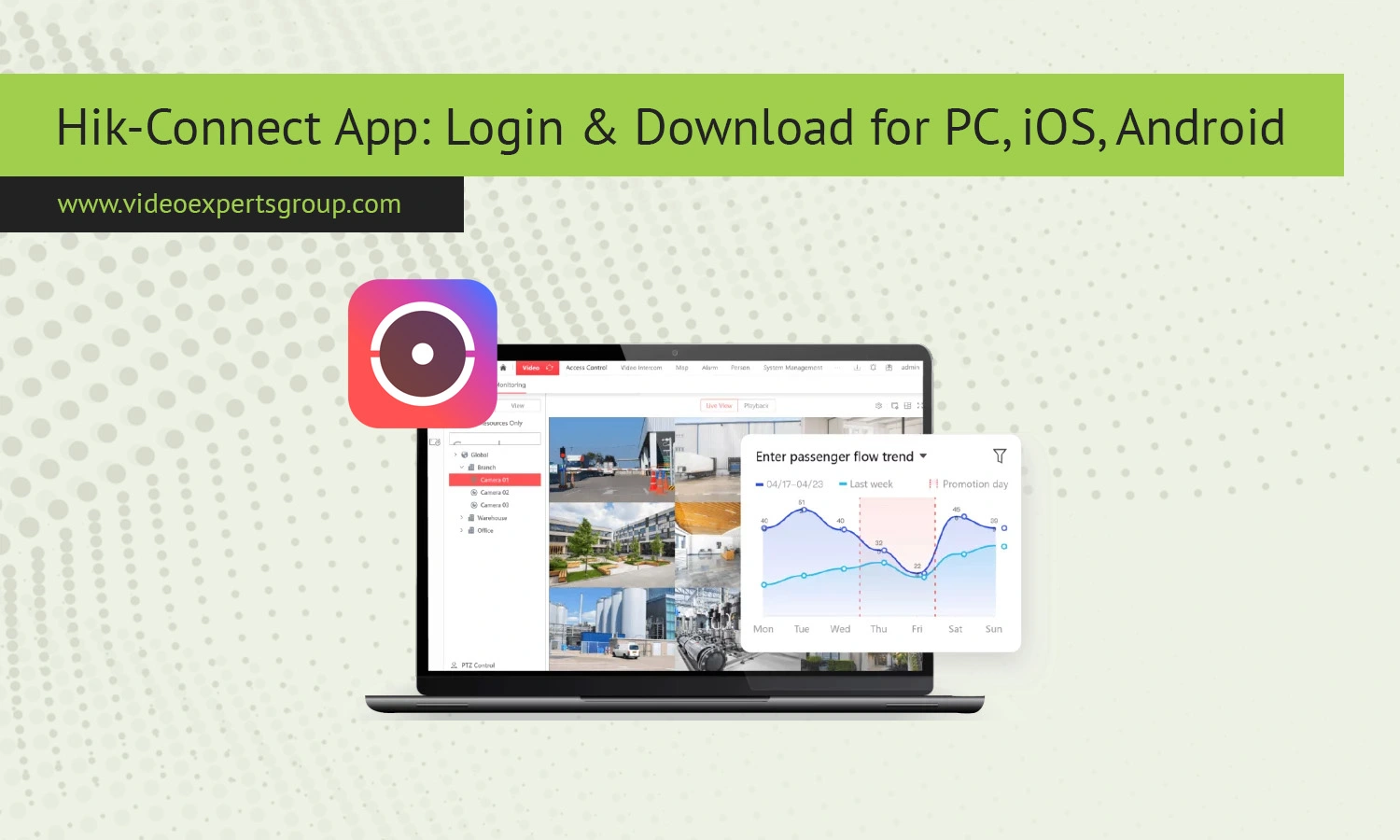
The Hik-Connect app is the application to control the real-time remote video surveillance. It allows you to connect your cameras, recorders and view any location with surveillance: home, office, industrial site… from just about anywhere. In this guide, you will learn about what Hik-Connect is, how to connect your camera correctly, alternative solutions and answers to the most frequent user questions.
What is Hik-Connect
Hik-ConnectHik-Connect is a desktop and mobile application that enables users to have remote control over their video surveillance system. It has been programmed to support particular IP cameras, DVRs, and NVRs and can provide real-time streaming and recordings playback, besides offering alert notifications. This app utilizes the cloud, so the devices are accessible by the users from virtually anywhere, without requiring intricate network setup such as port forwarding or static IP addresses.
Simply connect your Hik-Connect system with your user account.
The app is popular with business and home security for their scalability and simplicity to use and, furthermore, because they are quite trustworthy systems.
Key Features
Hik connect has an amazing array of functions, from monitoring your security cameras to receiving real-time alerts. Hik-connect's most impressive feature of live streaming the multiple cameras on one screen remotely so that it is a breeze to monitor your home when you're not at home. Hik-Connect also features an array of cameras in all configurations, with both outdoor-appropriate ones and cameras suitable for internal placement.
You’re able to re-play footage and search for particular days to go to where you'd like.
Hik-Connect is an excellent application for managing your security cameras remotely with an ability to manage the configuration and add and delete camera devices from Hik-Connect. With live sound, hik-connect will additionally offer your a real time perspective through two direction audio streams, a number of cloud access facilities for storing all your videos securely off of the internet.
How to Connect Camera to Hik-Connect App
Connecting a camera to Hik-Connect is a quick process that takes just a few minutes to set up. Simply turn on your camera or recorder and ensure that it's connected to the internet before proceeding. Download and install the Hik-Connect app on your smartphone or tablet, and then launch the application.
Scroll down through the menu and then select Add device from the device management section.
You then have the option of either scan the QR code (which is physically present on the device) or add the device by its serial number. When prompted, add all the other information concerning your device and your camera or NVR will automatically appear within your device management section and from then on you could live View without a hitch
Hik-Connect Alternatives
Hik-connect is the correct choice to keep monitor and check any activity done from any remote areas, even this may assist you to find stolen items that contain an inbuilt hik-connect application. However, this is not only option for Remote monitor that can be used. The other important options in this categories: The VXG App: Cloud surveillance of all brands of cameras is supported by this app where VXG comes as a solution with more flexibility when the system or software support different brands, whereas for any custom and personalized development can also use this option if they own different types of IP camera.
In comparison to any other product listed, the VXG system stands out with its brandagnosticism and a very advanced and wide range of analytical functions as well as safe cloud access for all recorded video streamings, in this VXG is a strong alternative to HIK-CONNECT that has the same benefits. Other alternatives, such as any other device manufacturers, consist in having each brand application associated and is more challenging to use as every manufacturer use proprietary systems with distinct interfaces and procedures.
FAQs
