HikCentral Professional: Overview, Alternatives
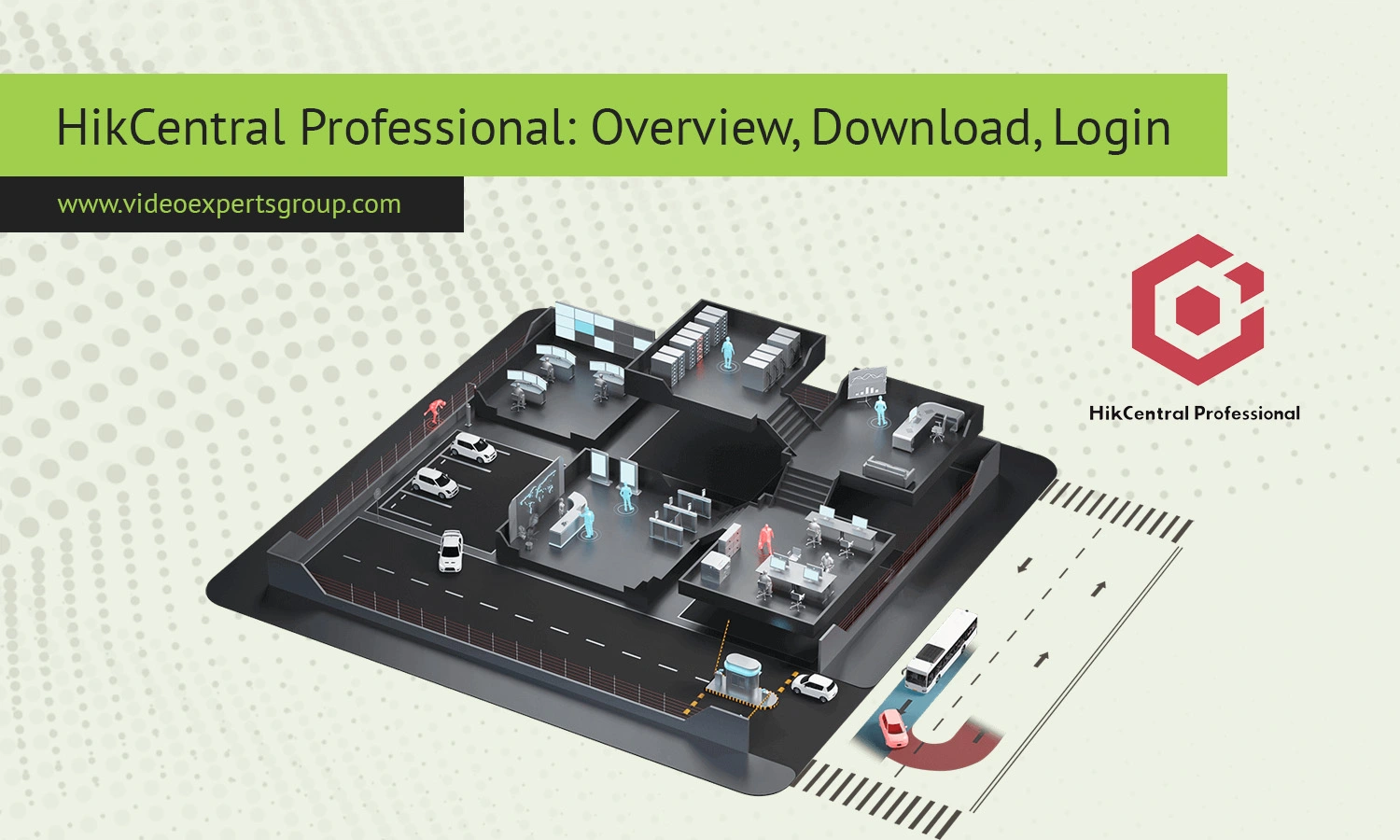
Gone are the days when a video surveillance system was just about wiring up a few cameras. Today, enterprises expect a single, centralized platform that does it all: manages the feed, plugs into AI analytics, connects to the cloud, locks down cybersecurity, handles mobile access, and scales effortlessly for the future. Because physical security is now completely intertwined with your IT infrastructure, picking a video management platform is a major strategic tech decision — not just a hardware purchase for the security team.
For many enterprises, universities, factories, retail chains, and government bodies, one of the first options on the table is Hikvision’s HikCentral Professional.
HikCentral Professional acts as an all-in-one hub, centralizing everything from video surveillance and access control to alarm management and connected hardware. In this review, we’ll break down its core features, pros and cons, and deployment requirements. We'll also look at how traditional setups like this stack up against modern, cloud-native platforms like VXG Cloud VMS in a world increasingly dominated by edge AI, cloud tech, and Generative AI.
About HikCentral Professional
HikCentral Professional is an integrated physical security software platform built for managing numerous security subsystems all in one centralized place. The software becomes the central command and control room, compiling video streams from devices along with access control events, alarm states, attendance data, and other operational data. This kind of platform is often put in place where an administrator must manage hundreds or even thousands of cameras across one or multiple sites.
Whereas traditional CCTV solutions start and stop with a DVR or NVR device, HikCentral Professional acts as the software management layer on top of the existing hardware architecture, including the functionality to centrally manage users, rights, records, alarms, and analytics.
Features
Centralized Video Management
HikCentral Professional is, in the first place, a video management system. As a manager you can watch live streams, play recordings back, configure devices, manage users, and be notified when an event occurs, all from a central interface.
- Live video monitoring
- Playback and recording management
- Event and alarm handling
- User role administration
- Multi-site management
- Map-based monitoring
- Video wall integration
Access Control Integration
It provides system access controls for which security operators can see each log on and link this information to video recordings of the entry. This is useful in the facility of an organisation which requires the recording and investigations.
Alarm Management
Security personnel can set up automated alarm workflows to send alerts based on specific triggers. Operators may be notified about any instances of unauthorized access attempts, tampering with cameras, violations of perimeters or other system malfunctions.
Video Analytics
Many deployments leverage video analytics functions available through compatible cameras and servers. These may include:
- Intrusion detection
- Line crossing detection
- Object classification
- People counting
- Crowd density monitoring
- License plate recognition
- Face recognition
While these capabilities can improve situational awareness, organizations should evaluate the actual analytics engine, accuracy rates, environmental conditions, and operational workflows before relying on automated detections.
Mobile Access
Remote viewing via mobile and web apps provide the benefit of giving authorized users the flexibility of monitoring activities on the go without needing to stay at the centralized command station.
Reporting and Operations
Reporting capabilities are also a component of the solution, allowing organizations to monitor and track attendance and security event occurrences, and gain insights into various business operations for larger organizations. They allow for comprehensive audit trails for compliance.
Compatibility
A Key Takeaway When evaluating HikCentral Professional. Hikvision Hardware Focused HikCentral is engineered around Hikvision hardware. If your organisation already has a significant investment in Hikvision equipment, it is highly likely you will enjoy the greatest range of functionality and the most seamless implementation.
Support For 3rd Party HikCentral does provide support for non-Hikvision devices using industry-standard Protocols like ONVIF.
However, supported functionality will vary depending on device vendor and firmware level.
Compatibility should be evaluated across several categories:
- IP cameras
- NVRs and DVRs
- Access control devices
- Intercom systems
- Alarm panels
- Storage infrastructure
- Analytics servers
As businesses move to more long-term deployments, the question of potential vendor lock-in needs careful consideration in conjunction with how far the business wishes to extend its capabilities in the future before committing to an ecosystem.
System Requirements
Camera count varies between systems depending on size, cameras included in a recording, analysis being done, and how many are accessing recording.
Typical enterprise deployments require dedicated server infrastructure capable of handling:
- Video processing workloads
- Database operations
- User authentication services
- Analytics processing
- Recording management
- Network communication
The big systems use a group of servers distributed between the app role, the db role, the storage role, and the failover role.
Organizations should also account for:
- Storage growth
- Network bandwidth consumption
- Redundancy requirements
- Cybersecurity controls
- Disaster recovery planning
- Software maintenance
When it comes to large-scale deployments that involve a few hundred cameras or more, infrastructure becomes critical.
Deployment and Management
Typically HikCentral Professional will be deployed at the clients site in the organisations IT environment. The upside is full control over the infrastructure and data, but the drawback is the maintenance, updates, backups, security, and scaling of HikCentral Professional will fall to the integrators/clients team.
Deployment projects frequently involve:
- Server installation
- Database configuration
- Camera onboarding
- User provisioning
- Network optimization
- Storage planning
- Cybersecurity hardening
- Operator training
These features can be implemented within an organization that has internal IT and security resources. Small businesses often seek technology that helps to decrease infrastructure overhead while still providing the features found in enterprise solutions.
The overall video surveillance market is increasingly going to the cloud. Many organizations want the convenience of cloud-based deployments due to decreased upgrade time, increased multi-site deployment and less hardware investment.
Alternatives
VXG Cloud VMS
These days there are some interesting alternatives to the typical server-based video management solutions such as cloud-based platforms.
VXG Cloud VMS is an modern cloud-native solution targeting businesses that need to centralizedize their video management without investing a massive on-premises infrastructure. VXG is compatible with hundreds of brands, providing choice when working in mixed environments.
Unlike some older, traditionally hosted VMS solutions which require one to rely on on-premise servers, cloud video surveillance solutions such as VXG enable quick scaling and rapid deployment of video monitoring across many geographically distributed sites. This minimizes your on-premise infrastructure cost.
VXG is more than just traditional video management. VXG has made significant investments into cloud video surveillance, intelligent video analytics, cloud video storage, and also GenAI video security.
Modern surveillance environments increasingly require capabilities such as:
- Cloud recording
- Remote device management
- Cross-vendor camera support
- AI-assisted event detection
- Video analytics integration
- Scalable storage
- API-first architecture
The role of Generative AI is gaining relevance in surveillance processes, with security departments more frequently leveraging it to:
- Summarize incidents.
- Conduct video searches in plain language.
- Automate the investigation process.
- Fast-track decisions in operational procedures.
Industry reports estimate a sharp rise in the deployment of video analytics with the assistance of AI in the next several years as the organizations work towards leveraging their video data as information assets.
For organizations considering a modern video surveillance alternative, cloud native platforms are the answer. The speed of deployment, agility to scale and simpler operational models provide an immediate advantage over on premises deployments.
Should you be planning an upcoming video management system deployment or seeking a migration path from your existing solution, why not try the VXG Cloud VMS and experience the benefits of cloud-powered video management, multi-vendor integration, powerful AI and ample storage space compared to conventional on premises systems.
FAQs
