Honeywell Camera: Default Credentials
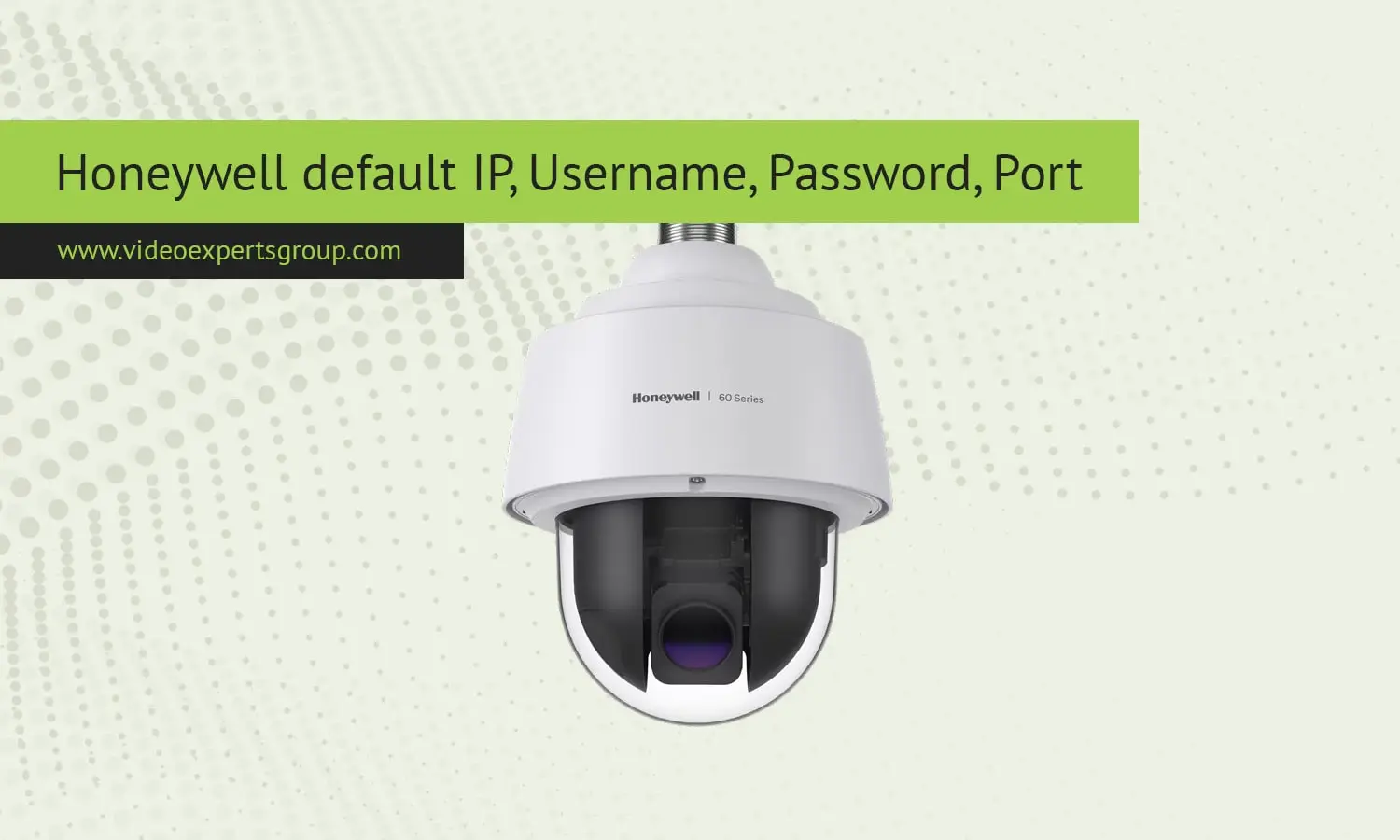
Honeywell IP camera generally have some standard default settings like IP address, username, password, port etc. that are used for initial access and setup. If you want to set up a Honeywell IP camera, or even if you're troubleshooting access, you should know these default camera settings in case they're necessary.
Default IP
IP addresses that are set by default on Honeywell IP cameras are the predefined network address that you can use to connect the camera to your local network. In the case of Honeywell IP cameras, the default IP address is 192.168.1.1. It belongs to the IP range reserved for private use.
Accessing the Camera Your computer or mobile device must be on the same subnet (for example, 192.168.1.x) as the camera to connect to it. Type the default IP address into your web browser address line to access its web interface. If you have set it up and/or the default IP address does not work, you may have to restore the camera to its default settings or use a network scanner application to locate its current IP address.
Default Username
The default username is an essential component of the login information needed to access the Honeywell IP camera. Most default username is admin, which generally comes with the full management permission, such as change network, video settings, and security features.
The default username is usually the same on different models and firmware versions of Honeywell IP Camera. The default username and password are admin, but you should change to new ones to prevent unauthorized access after logging in for the first time.
Default Password
The default password may be set by the manufacturer but could have a different default depending on the model/firmware version. Generally, the default password will be 1234 or admin. Other cameras may not have a password set at all and the password field will be empty, requiring you to only enter "admin".
In order to avoid malicious actors accessing the camera once it is set up, the default password should be changed as soon as possible. The default password should be strong and should contain both numbers and symbols.
Default Port
The default port number is the network communication port through which the Honeywell IP Camera sends and receives data. For the majority of Honeywell IP cameras, default port number is 80 which is the normal port for HTTP traffic. You can also access the web interface of the IP camera through a web browser.
In certain situations, especially if you need secured connection, the camera would use port 443 for HTTPS traffic.
This makes sure that the data is properly encrypted while communicating from the camera. If you want to use the camera remotely, you might have to open up the port forwarding on the router to let you access the port remotely. Furthermore, changing the default port number can also be useful because it makes your camera less vulnerable to attack since it makes it harder for someone to access the web interface. For instance, when you change the port to 8080, you will be able to access the camera through http://192.168.1.1:8080.

