Default Credentials for Illustra IP Cameras
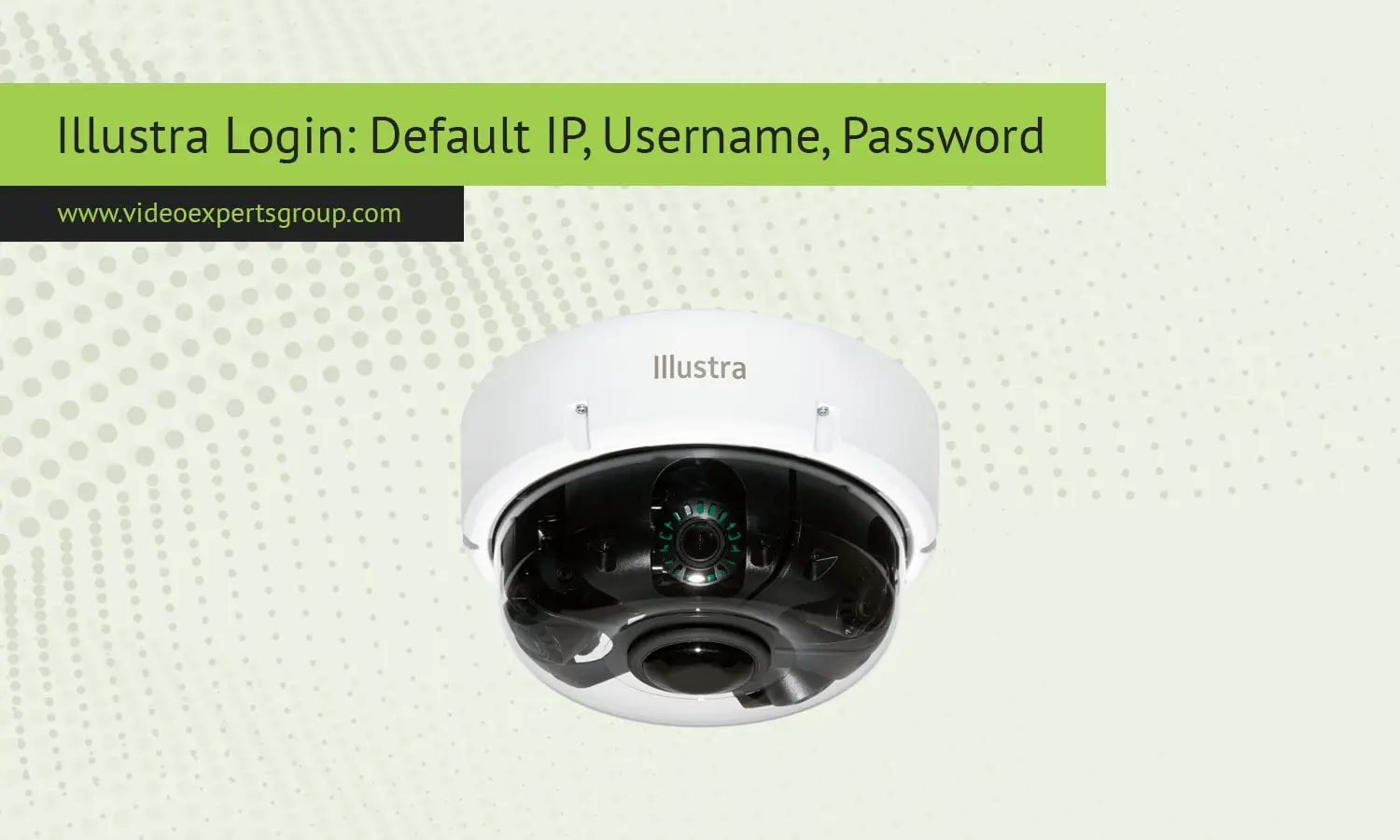
Illustra cameras can provide high quality security surveillance footage, and are used in commercial as well as residential security systems. Illustra security cameras are manufactured by Tyco Security Products, a part of Johnson Controls. Here you will find some helpful instructions to set up and configure the camera properly, including the password information and network settings.
Default IP Address
Upon initial setup, Illustra cameras are typically assigned a default IP address to facilitate straightforward access:
- Default IP Address:
192.168.1.168
To access the camera's web interface:
- Connect the camera to your network using an Ethernet cable.
- Ensure your computer is on the same subnet as the camera (e.g., an IP address like
192.168.1.x). - Open a web browser and enter
http://192.168.1.168in the address bar.
This process should direct you to the camera's login page.
Default Username
The default administrative username for Illustra cameras is:
- Username:
admin
This username grants full access to the camera's settings and configurations.
Default Password
Corresponding to the default username, the initial password is:
- Password:
admin
Important: For security purposes, it's highly recommended to change the default password immediately after the first login to prevent unauthorized access.

