Just (Video) Player: Overview, Alternatives
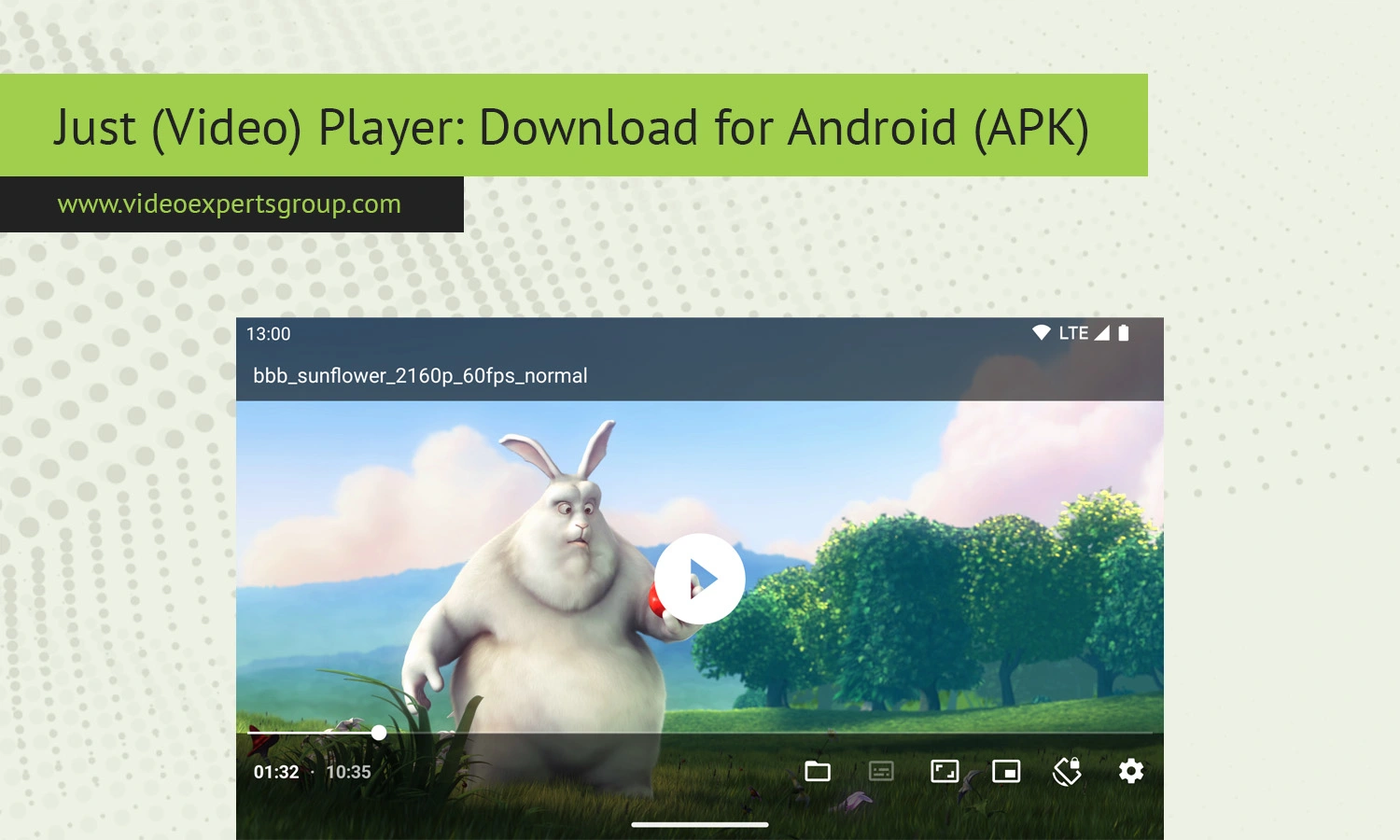
If you are a fan of watching videos on an Android device, then you already know that there are more than enough available on the market. But the problem many have with watching videos is the difficulty they encounter finding a lightweight video player with an emphasis on fluid and seamless playing over frivolous additional features. These may include excessive advertisement on the user interface or subscription models that make the software prohibitively expensive for what it is, but fortunately, this is where the Just (Video) Player comes into play.
The software focuses on providing its users with a fast, clutter-free, and robust video playing experience, which, needless to say, comes without any of the unnecessary complexities.
Because Just (Video) Player is built using the ExoPlayer framework, it guarantees users that the software is extremely stable, supporting hardware acceleration, subtitle files, and various video file formats, among many other capabilities. These qualities make it a favored video player amongst Android users and Android devices of all ranges, including the lower end of smartphones. You can learn even more in this article where we cover everything from the best features and supported formats to differences with VLC and frequently asked questions online.
About Just (Video) Player
Just (Video) Player is a free and open source video player application, developed to be used on Android devices only. This player does not try to make itself as an "entertainment center" like some of the other media players, it's focused on being just a good, fast local and network video player.
The application is made to be as simple as possible. The user interface consists only of the controls necessary for enjoyable video playback, which appeals to users who are sick of their current media players being "bloated" and full of ads, or recommending things the user has no interest in.
It is based on the Google's ExoPlayer project, which enables the app to have good codec support and hardware acceleration. This helps it handle high resolution video with fewer resources used, thus using less battery.
Another benefit and a big selling point for this player is privacy. It doesn't need to ask for extra permissions or create a user account, nor does it try to "track you". This type of player is much preferred by Android enthusiasts, as it feels lightweight, clean and very similar to the standard Android OS.
The player is commonly used for:
- Local video playback
- Watching downloaded movies and TV shows
- Streaming network media files
- Subtitle-based foreign language content
- High-resolution 4K playback
- Android TV media playback
Since the project is open-source, developers and advanced users can also inspect the codebase and contribute improvements.
Features
This app looks basic at the start, however, it packs in numerous sophisticated playback alternatives you would anticipate in any sort of contemporary Android media gamer.
Clean Minimal Interface
You will notice the app doesn't use menus or distracting bits you can't skip. You can always play the video, without the controls taking up screen room, leaving most space for your film.
Hardware Acceleration
Just (Video) Player can leverage hardware acceleration to decode videos on devices that have compatible Android versions. Hardware decoding makes video playback smooth and decreases CPU usage, especially with videos in HD resolution and 4K.
Subtitle Support
Supports external and embedded subtitles The player can handle user-loaded external subtitle files or those embedded into video containers.
Supported subtitle features include:
- Subtitle synchronization
- Font scaling
- Multiple subtitle tracks
- Embedded subtitle rendering
- UTF-8 text compatibility
Gesture Controls
This feature on the new Android is great to increase and decrease the volume level, adjust brightness or skip forward and rewind the song by doing some swipes on the screen.
Picture-in-Picture Mode
Picture-in-Picture Android is for a mode that lets videos continue playing when you leave the app or go to the other app.
Audio Track Selection
Most movies or TVs include several audio tracks. This can be easily changed using your player from within the video player by simply choosing the desired audio language.
Network Stream Playback
They have the ability to stream local network files or media streams directly from a remote device. No downloads are needed beforehand.
Android TV Support
This application is optimized to work with Android TV devices with remote-control-style navigation, perfect for your media system.
Open-Source Development
The fact that the app is open-source allows for open development and a community to contribute towards betterment of the application.
No Ads
Perhaps most important of all, is the fact there are no annoying advertisements. If you have found yourself tired of all the clutter and intrusive ads which appear in almost every other free Android media playing software, this app is exactly what you should be looking for.
Supported Formats
ExoPlayer support and Android codecs enable Just Player to handle many common video and audio file types.
Common supported video formats include:
Supported video codecs may include:
Audio format support commonly includes:
Subtitle formats usually supported include:
- SRT
- ASS
- SSA
- TTML
- VTT
Actual compatibility may vary depending on Android version, device hardware, and codec availability.
Just (Video) Player vs. VLC
VLC continues to be among the favorite video players for many people in the world and especially for Android users. But if there is one that directly faces the first mentioned, that is Just (Video) Player due to its availability at no cost and wide compatibility.
Interface
For instance, the primary goal of Just (Video) Player is simplicity. However, VLC packs additional menus, controls, a media library, and media streaming features that go above and beyond Just (Video) Player. Power users who require complex features will use VLC, whereas those looking for a basic but perfectly effective option will stick with Just (Video) Player.
Performance
Just (Video) Player is usually considered lighter and more agile on the lower-end of the Android spectrum. VLC is more compatible, but can be more power-intensive in some instances.
Library Management
The VLC player comes with the media organisation and library functions preloaded Just (Video) Player tries not to burden you with extensive media management features
Streaming Features
VLC supports more of the advanced streaming protocols, and more network playback abilities. (Just) Video Player is basically limited to just playing local video files.
Customization
More settings & configurations: VLC, for instance, has tons of advanced settings whereas (Video) Player only has the essential ones to keep it super simple.
Ads and Pricing
Both apps are free to use and, as such, mostly have little to no disruptive ads.
Which One Is Better?
Deciding on whether to use Just (Video) Player or VLC entirely depends on your needs. If you prioritize simplicity, low resource usage and minimalist interface, Just (Video) Player might be your go to. If you need more control, have many media libraries and want a wider variety of streaming options, VLC will definitely be the better option.
Try VXG Player
For those that want an enterprise quality Android video player for IP streaming, cloud services or media applications on premise you can give VXG Player a look.
VXG Player is designed for advanced video streaming scenarios and supports:
- RTSP playback
- Cloud video streaming
- IP camera integration
- Ultra-low latency playback
- Enterprise Android applications
- High-performance video rendering
It is commonly used in professional surveillance, smart home, and enterprise streaming environments.
FAQs
