MikroTik Router: Overview, Default Credentials
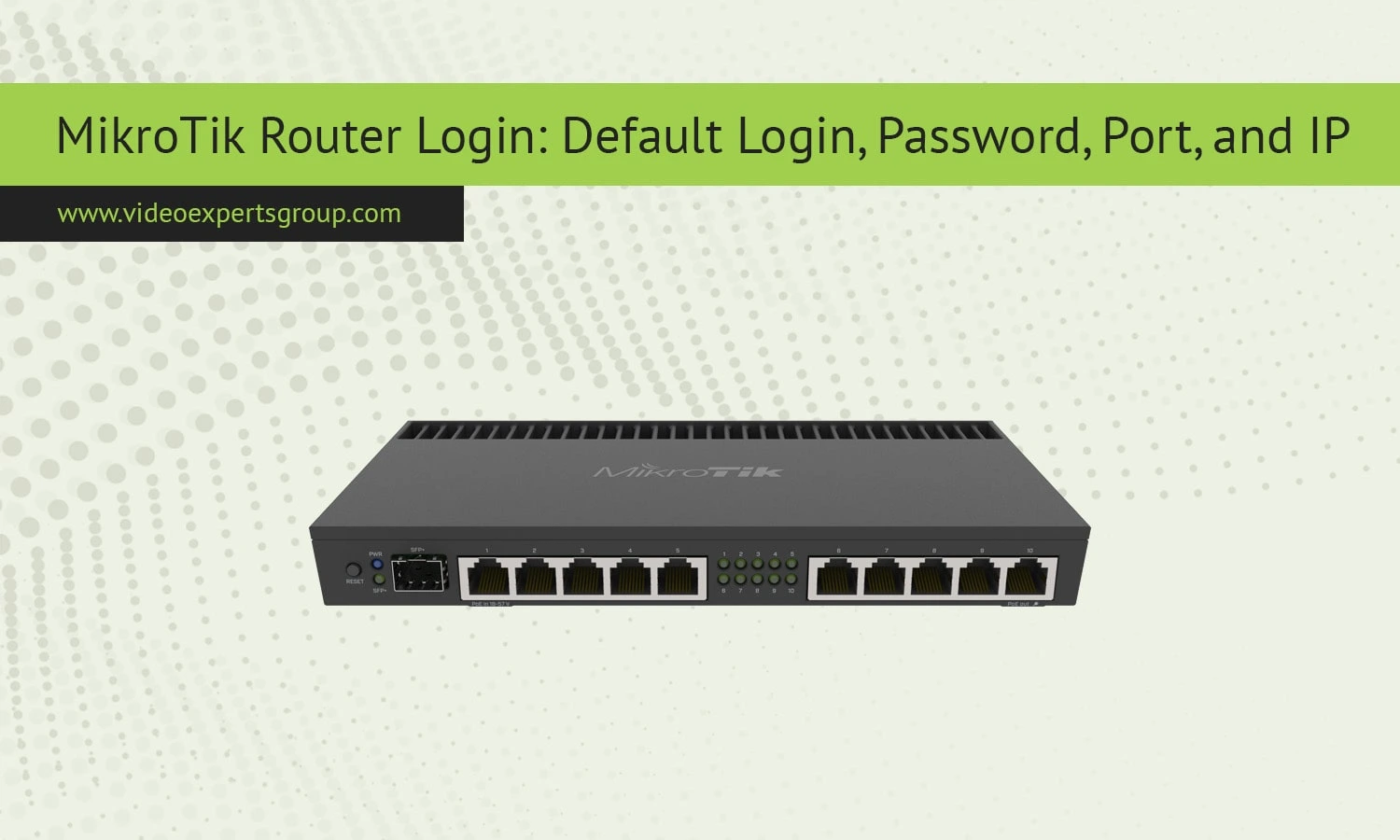
MikroTik is a popular brand of networking equipment used by small to medium business, ISPs, and tech-savvy people. Its routers are very capable, flexible, and include features typically reserved for enterprise routers at a much lower cost. In order to make the most of MikroTik routers and use them efficiently, you need to know all about the MikroTik router login, default username and password, the IP, and the ports used.
What is a MikroTik Router?
A MikroTik Router is a device from the Latvian vendor MikroTik, which makes wired and wireless network infrastructure products. The product runs on the routers based on the vendor's operating system MikroTik RouterOS (which is a Linux-based OS), allowing using any PC and the Router Board.
What is a MikroTik Router Used For?
MikroTik routers are used for:
- Routing and switching for small to medium networks.
- Firewall and bandwidth management.
- VPN server/client setups.
- Wireless access point and repeater functionality.
- Load balancing and failover.
- Hotspot gateway management.
- Network monitoring and diagnostics.
They are particularly popular among ISPs, system integrators, and advanced home users.
Advantages of MikroTik Routers
- Affordable pricing with professional-grade features.
- Highly customizable through RouterOS.
- Winbox GUI and CLI for full configuration flexibility.
- Regular software updates and community support.
- Strong firewall, QoS, and traffic shaping tools.
- Remote management via SSH, Telnet, or WebFig.
Disadvantages of MikroTik Routers
- Steep learning curve for beginners.
- Interface complexity, especially for non-technical users.
- Not ideal for plug-and-play use — requires configuration.
- Limited brand recognition in consumer markets.
Default Login Credentials
When you purchase a new MikroTik router or reset it to factory settings, it comes with default access data that you need to log in to the system.
- Default IP Address:
192.168.88.1 - Default Port:
- Web Interface (WebFig): Port
80 - Winbox: Port
8291 - SSH: Port
22 - Telnet: Port
23
- Web Interface (WebFig): Port
- Default Username:
admin - Default Password: (blank — no password)
⚠️ For security reasons, MikroTik recommends immediately changing the default login credentials after your first login.
How to Access Your MikroTik Router
You can access your MikroTik router using any of the following methods:
- Winbox (Windows application)
- Connect to
192.168.88.1:8291 - Enter
adminas username, leave password blank
- Connect to
- WebFig (Web Interface)
- Open a browser and go to
http://192.168.88.1
- Open a browser and go to
- SSH/Telnet (Advanced users)
- Use an SSH or Telnet client to connect to the router IP
Security Tip
If you’re accessing the router for the first time:
- Change the default password immediately.
- Disable unused services and ports.
- Regularly update your RouterOS firmware.
