SmartPSS Lite App: Overview, Comparison, Alternatives
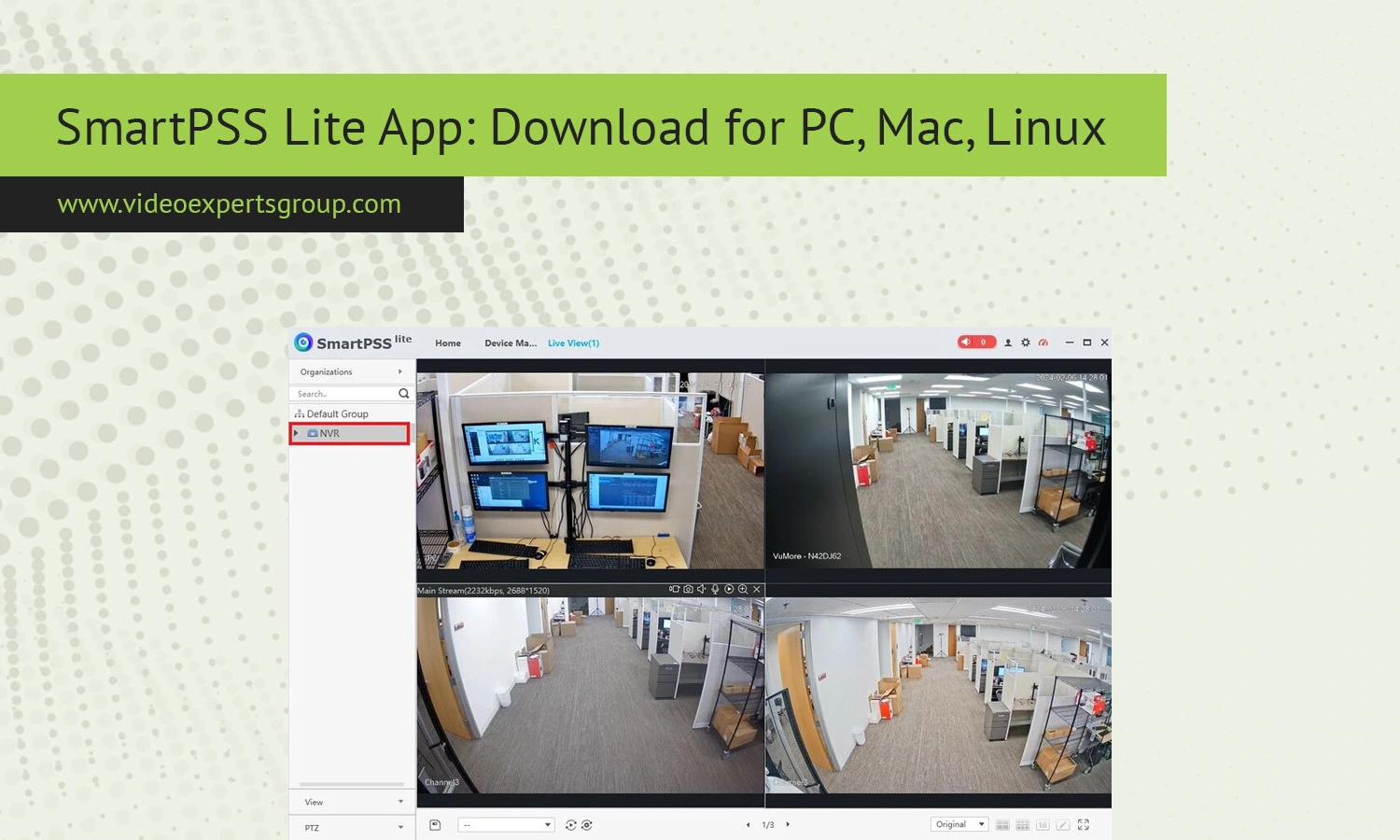
Smart video surveillance has evolved into an integral part of security for businesses and residences worldwide. Regardless of what is being monitored - a small office, a warehouse or your home, a decent client application will be of prime need to you. SmartPSS Lite is a small program that will allow easy managing of video devices in an efficient way, it is this and a comparison with widely used alternatives that will be discussed here.
What is SmartPSS Lite
SmartPSS Lite is a simplified video management client application designed for users who want a basic, but reliable interface to easily view and manage their cameras and recording equipment. SmartPSS Lite works best when using an IP camera, NVR, or DVR system, and the 'Lite' version sacrifices enterprise-class features in favor of simplicity in accessing live viewing and playback controls, as well as managing camera devices.
This is a great client application for small and medium sized installations, where ease of access is more of a priority than heavy analytics or very large deployments. It can support multiple devices and manage them from one location.
Key Features
SmartPSS Lite supports a reasonable amount of functionality for everyday monitoring, with live view in multi-screen layout enabling many cameras to be displayed and recorded playback to easily search through recorded video by date and time. The device management allows adding and managing cameras and NVRs, with remote access support also being a key feature.
With a user friendly interface, the learning curve is minimal for new users to integrate the different functions within their monitoring structure. Other useful features include alert notifications, basic event management, video export and snapshot support; whilst not being supported for advanced AI analytics it ticks all of the basic functions of a surveillance package.
SmartPSS Lite vs. SmartPSS
Both SmartPSS Lite and SmartPSS are based on the same technology but are aimed at different users. SmartPSS Lite is a simple-to-use piece of software which makes the most of few functions, suitable for users who require little system setup and simply wish to monitor feeds or view events. SmartPSS is a fully featured professional client supporting features such as intelligent video analytics and a much more sophisticated event management system than theLite version, as well as being more suitable for use on larger networks. The Lite client will only be needed if that is the only way for your to view your system.
SmartPSS Lite vs. DSS Express
DSS Expressis another type of VMS which has been released more recently and used for the implementation in more enterprises or more large-scaled video surveillance. Compared withSmartPSS LITE, DSS Express supports more number of devices and more number of users to connect and manage. As a typicalserver based application, DSS Express has centralized video management and access control as well as higher expandability.
When SmartPSS LITE is generally used in a single independent installation under the workstation; DSS Express must be installed at a server site which can help with enterprise class security requirements.
When it comes to a smaller installation, SmartPSS LITE provides sufficient functions and value for money; when there is a large-scale use DSS Express will be a much stronger performer.
SmartPSS Lite Alternatives
While SmartPSS Lite is a reliable choice, several other alternatives are worthwhile to explore. The VXG solution is of interest as it brings cloud-based video management with high scalability and flexibility. Without local setup required, you are able to control your cameras from afar and the VXG platform fits best with a more future-proof, cloud-enabled solution. Take advantage and investigate the VXG solution and its platform.
Other solutions include: open-source VMS solutions or other third-party applications designed to allow more than one camera brand to function on the application. Other third-party video management systems are available with different functionalities and features like AI technology, mobile applications or cloud storage.
When looking to integrate different video management software, take your needs, budget and your technical setup in to consideration.
FAQs
