SPYPOINT Camera Default Credentials
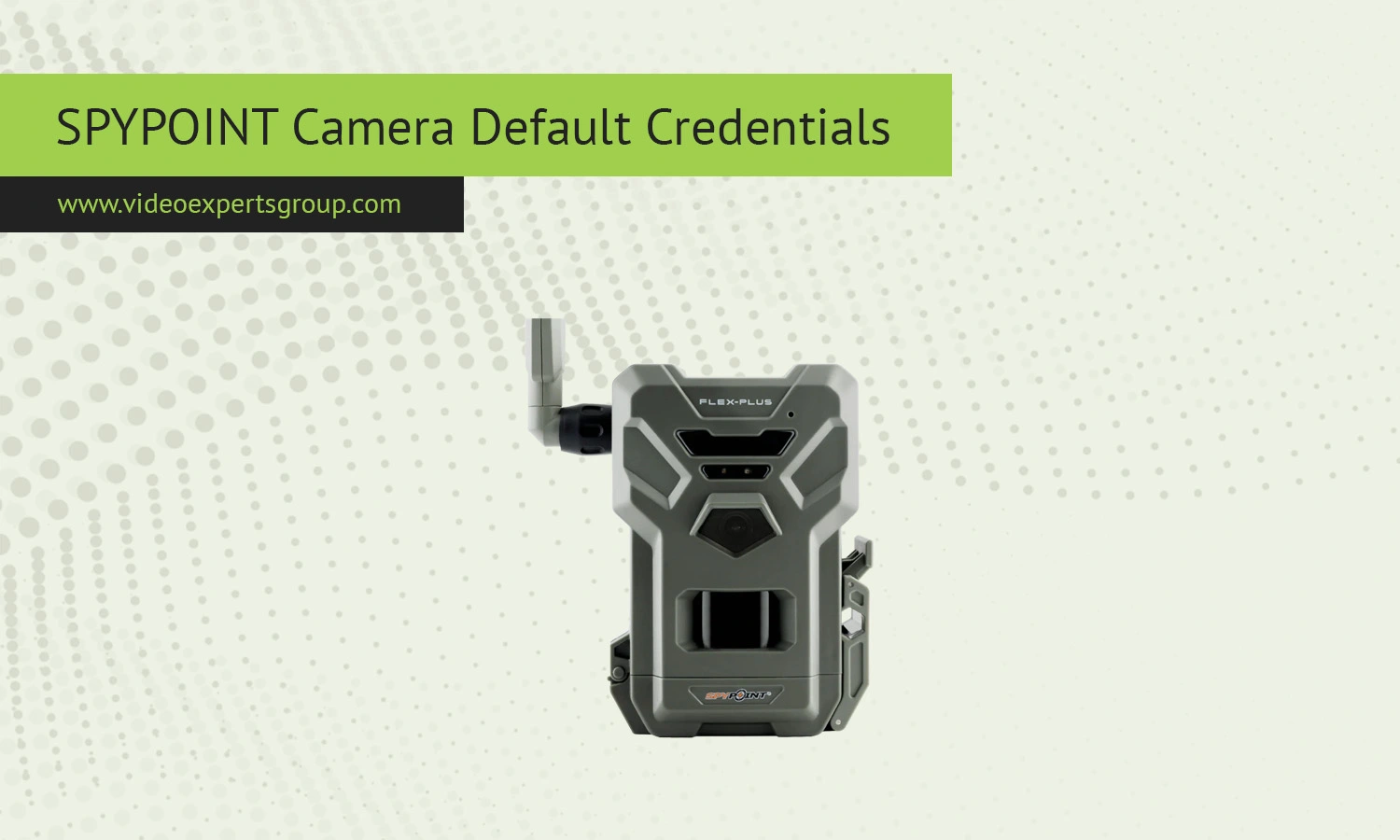
SPYPOINT cameras are popular for outdoor surveillance, hunting, and remote camera monitoring. These types of cameras are not IP cameras and they don't connect to WiFi like other IP cameras. SPYPOINT cameras typically connect to cellular networks, and use a different approach for accessing and setting up cameras. You can't open a web browser and type in the IP address, username, and password, and most SPYPOINT cameras are accessed using an app or via a web account on the manufacturers online cloud.
Default IP
The user does not have access to the camera through a local IP address as SPYPOINT cameras do not have their own local IP address. Usually you don't see the camera on your home network because the cameras communicate through cellular.
Key points about IP usage:
- no fixed default IP address is assigned for user login
- devices connect directly to cloud servers over mobile networks
- local network scanning usually will not detect the camera
In rare cases where a model supports WiFi setup, a temporary local IP may be assigned during configuration, but this is not used for ongoing access.
Default Username
SPYPOINT cameras don't have a default username like admin. They are associated with the account you created on the SPYPOINT app or website.
The username is typically:
- an email address used during registration
- a unique account identifier linked to your devices
This system allows users to manage multiple cameras from one account and simplifies remote access without manual login to each device.
Default Password
There is no factory default password for SPYPOINT cameras. During setup, users create their own secure password for the account.
Important details:
- password is set during account registration
- each device is linked to the account, not a separate password
- password recovery is available through email verification
This approach reduces the risk associated with default credentials, which are often targeted in traditional IP camera systems.
Default Port
SPYPOINT cameras do not require manual port configuration. Communication is handled automatically through secure outbound connections to cloud servers.
Typical behavior includes:
- use of encrypted HTTPS connections on port 443
- no need for port forwarding on routers
- dynamic communication channels managed by the device firmware
This design ensures that cameras can transmit images and status updates from remote locations without complex network setup.

