TP-Link Omada Cloud: Overview, Benefits, Troubleshooting
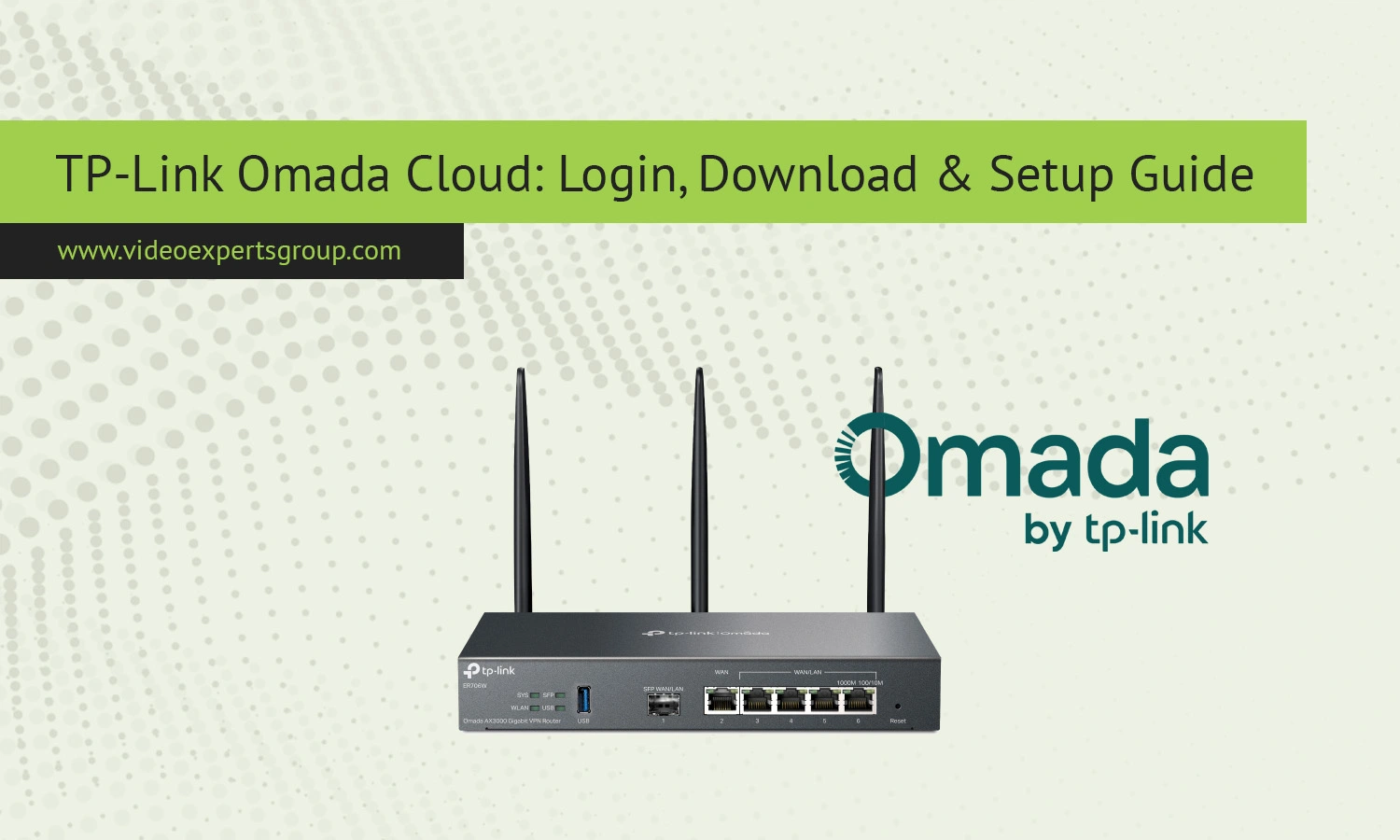
For corporations, system integrators and IT professionals who require easy central device management in distributed network environments, TP-Link Omada Cloud delivers total access. You’ll have access to managing your access points, switches or gateways, enabling easy configure, monitor, and administer in one portal.
What is TP-Link Omada Cloud Controller?
The TP-Link Omada Cloud Controller is a centralized network control system provided by TP-Link for the management of Omada-ready devices. With Omada-ready, devices like Omada access points, jetstream switches, and Omada gateways can be integrated for unified administration all from a web console. The device controller can be hosted as software in a server in your locally, or run off an appliance or it can even host the controller within a cloud system.
Hosting the control software remotely allow it to connect to and control your access points without issues concerning port forward or vpns setup.
Once adopted to your cloud controller you can modify ssids,vlans,security settings,traffic controls and update firmware on your devices from anywhere at anytime.
Key Benefits
With Omada Cloud, enterprises can take advantage of a number of compelling advantages:
- Consolidating all locations and devices into single device management console
- Remote login from any internet connected PC or mobile device
- Scalability for adding additional switches or Wireless Access points
- Zero-touch deployment ensures easy configuration for remote locations
- Provides real time visibility of traffic, connected clients and device performance
- Provides granular control over who can configure settings. Roles can be delegated to staff, integrators, etc.
For SMB’s this removes the complexity of managing access devices without sacrificing enterprise class control.
Troubleshooting Common Issues
Controller not detecting devices - devices on the same Layer 2 during adoption, firewall rules for discovery protocols disabled.
Cant bind to cloud account - server has access to internet and correct DNS setup.
Login fails - login details verified, system time is correct, and applicable if you are using HTTPS certificates.
High CPU usage - more RAM assigned, more robust server.
Firmware mismatch - updated to correct firmware with current controller build.
FAQs
