UniFi (Ubiquiti) Camera: Default Credentials
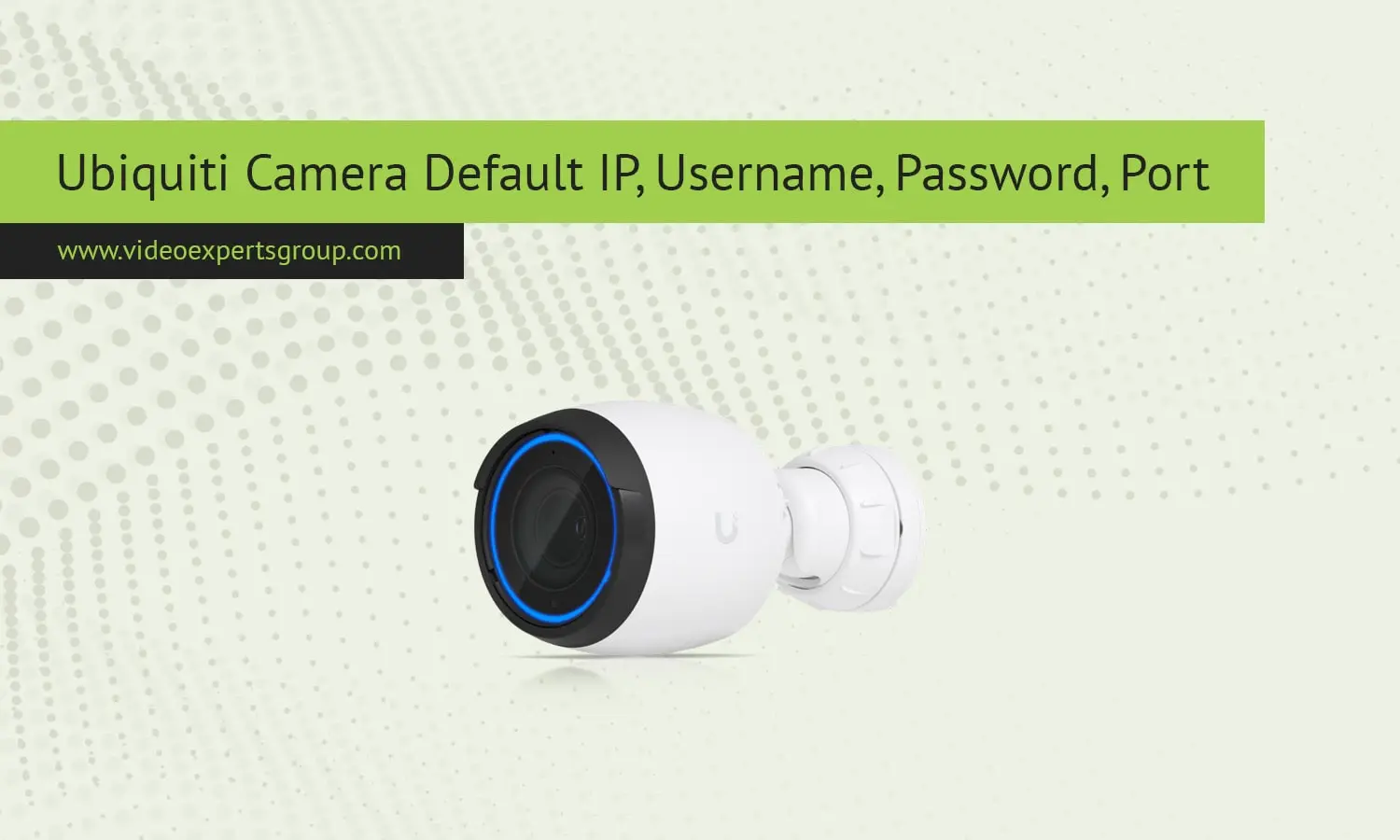
Ubiquiti's UniFi cameras are extremely popular for homes, businesses, and enterprise deployments because they are tightly integrated into the UniFi Protect ecosystem. Unlike many other IP cameras, UniFi cameras do not have a basic plug-and-play type device with a local web login as you might expect. Instead, UniFi cameras are meant to be centrally managed via UniFi Protect that can be running on a dedicated headless NVR device or a UniFi OS console. This is great for security, management, and scalability, but it can also cause trouble for first time users searching for a default IP address, username, or password.
This is a guide to how the actual UniFi camera login process operates. This article shares what exactly the default IP address behaviour is, is there a default username and password combination, which network ports are used, and how to get into your camera in a safe way. If you're either in the process of trying to get into your UniFi camera or are starting fresh then this will provide you with a realistic overview.
Default IP
UniFi cameras don't come with a static default IP address like most standalone CCTV cameras. Out of the box, a UniFi camera will be set to automatically receive an IP address from a DHCP server. When you plug the camera into a network with a DHCP server (normally your UniFi router or gateway), the camera will ask for an address and be given one.
Because of this design, the IP address of your UniFi camera is really determined by the local network to which it's connected. Here's where you can find the IP address.
- From within the camera details area of the UniFi Protect interface.
- Within the UniFi Network application on the client list.
- Through your router's DHCP lease table.
Usually UniFi cameras will only be assigned a link-local address in the 169.254.x.x range if DHCP is unavailable, but this is only meant for temporary troubleshooting use. UniFi cameras should always be adopted by UniFi Protect and centrally managed rather than IP-based.
Default Username
UniFi cameras will not have a default username used to login directly to a web browser. There is no default admin account / user account used to sign into the camera directly via a web browser.
Once a camera is adopted, it is linked to the UniFi Protect controller and inherits access control from the UniFi OS user accounts. These user accounts are created by the system owner and can be given different roles and permissions, including view-only access or full administrative privileges.
By using this model, the ease of exploiting common default username and password combinations is eliminated, and the log is retained in a centralized location. Log in to UniFi Protect to access and manage cameras with your UniFi OS credentials, not a camera-specific username.
Default Password
UniFi does not have a default password for cameras Unlike most IP cameras that come with factory set simple passwords, our cameras do not have a password for local login on the camera.
In the first login, the application connects to the camera securely and provisions it automatically. After that, authentication is always via your UniFi OS account. Passwords are created by your administrator during creation of all the UniFi users, and are never stored in the camera.
UniFi OS password recovery/ reset instructions: If you have forgotten your UniFi OS password, you will need to recover or reset it through the UniFi OS recovery methods. Resetting the camera will not restore the default password, as there is none.
Default Port
UniFi cameras do not have an exposed default port for user login as communication between the camera and UniFi Protect is performed over multiple service ports internally and automatically by the system.
From the user perspective, viewing live view, recordings and camera configuration is done via the UniFi Protect web interface or mobile application. This is generally served via an HTTPS connection on port 443 for the UniFi OS device hosting Protect. The UniFi OS consoles may have additional ports that access the web interface internally, but those are not exposed for the user to change.
Direct RTSP streams are an option for particular use cases, like in third-party integrations, but those streams are also accessible through the UniFi Protect settings instead of the camera login page. Manually opening ports is not recommended unless you understand the risks involved.

