Arenti Camera: Default Credentials
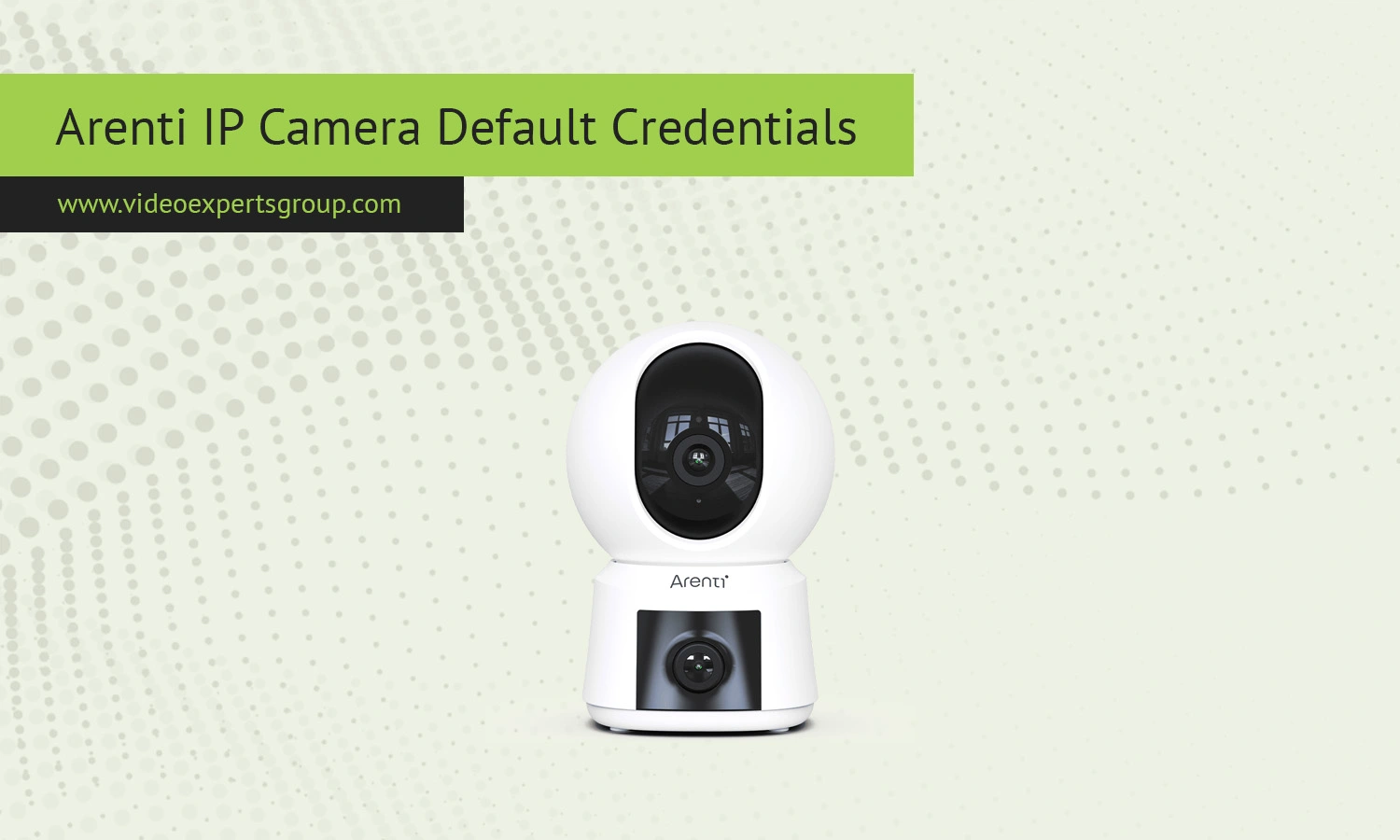
Arenti IP cameras are designed for modern smart home use, with a strong focus on mobile control and cloud-based access. Instead of relying on traditional web interfaces and fixed credentials, these cameras are typically configured through the Arenti or related apps such as Laxihub. This changes how default login information works. Many users expect a standard IP address and admin login, but Arenti devices follow a different model where security and ease of use come first. Understanding these differences helps avoid confusion during setup and troubleshooting.
Default IP
Arenti cameras use DHCP by default, meaning the router assigns an IP address automatically. The assigned IP usually belongs to a local network range such as 192.168.0.x or 192.168.1.x.
There is no universal default IP address because each network environment is different. After connecting the camera, it will request an available address from the router.
If you need to locate the camera on your network, you can:
- check your router device list for a new connected device
- use a network scanning app to identify active IP addresses
- look for device names that include Arenti or similar identifiers
In many cases, direct IP access is not required since control is handled through the mobile application.
Default Username
Arenti cameras do not use a fixed default username like admin. Instead, access is linked to the account created during setup in the mobile app. The username is typically your email address or phone number.
This approach allows:
- secure user-specific authentication
- easy device sharing between trusted users
- centralized management of multiple cameras
Because of this system, there is no universal login username that works across all devices.
Default Password
There is no default password for Arenti IP cameras. During initial setup, users must create their own password as part of the account registration process.
Key points to remember:
- password is created by the user during setup
- factory default passwords are not used
- password recovery is handled through email or app verification
This method significantly reduces the risk of unauthorized access that often occurs with default credentials.
Default Port
Arenti cameras rely on secure outbound connections to communicate with cloud servers and mobile apps. They do not require manual port forwarding or open inbound ports.
Common ports involved in communication include:
- 443 - HTTPS for encrypted communication
- 80 - used occasionally for setup or fallback scenarios
- dynamic ports - used internally for streaming and synchronization
Since connections are initiated from the device to the cloud, most users do not need to adjust router settings.

Connect Arenti cameras to VXG Cloud VMS with GenAI for free
Learn moreFAQs
