Eufy Cloud Storage: Plans, Costs, and Full Review
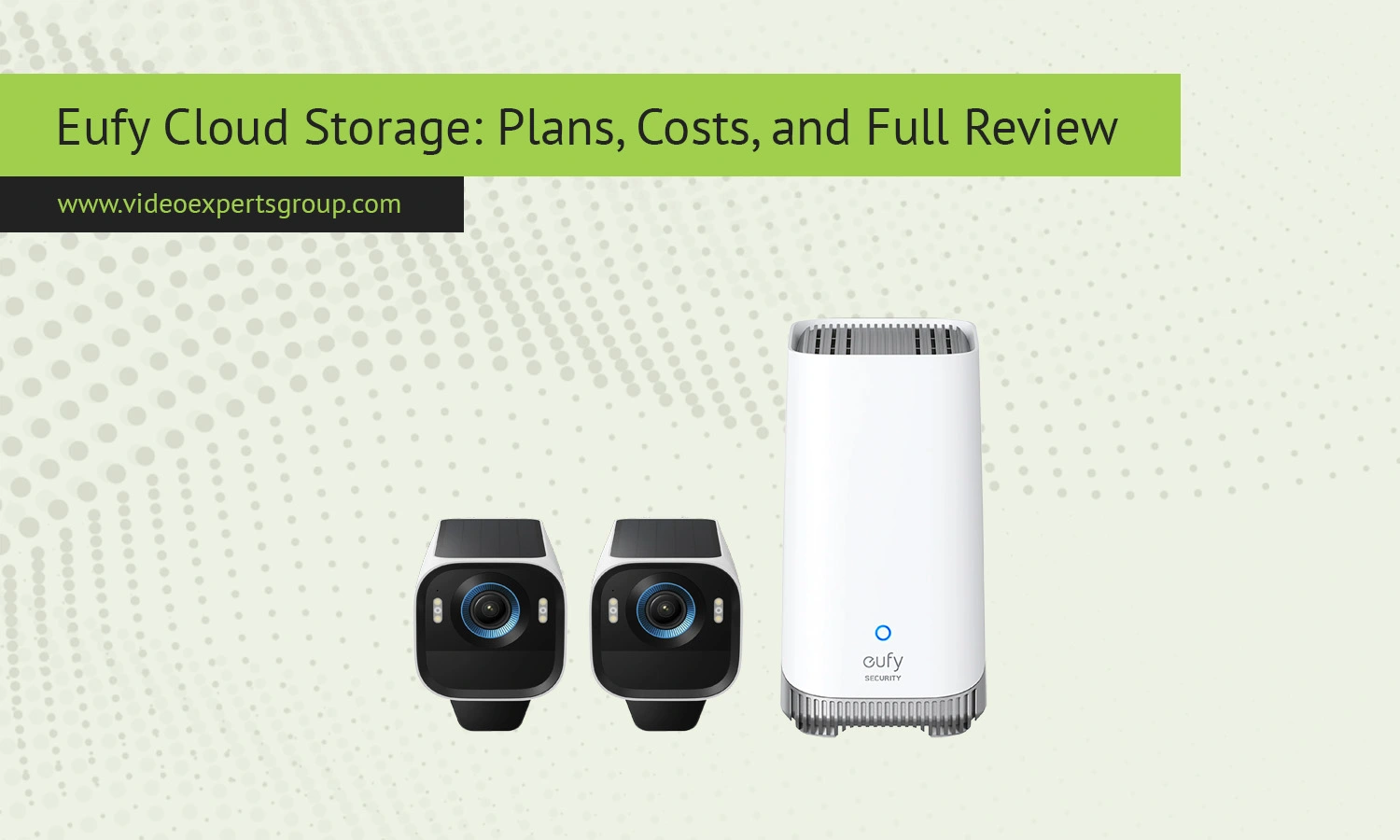
Eufy security products have become popular among homeowners and small businesses because they combine smart features, easy installation, and flexible storage options. One of the most discussed features in the Eufy ecosystem is Eufy Cloud Storage. While many Eufy cameras support local recording through microSD cards or HomeBase devices, cloud storage offers an additional layer of convenience, backup protection, and remote accessibility.
For users who want secure off-site video storage, continuous access to recordings, and protection against device theft or hardware failure, Eufy Cloud Storage can be a practical solution. At the same time, many people have questions about pricing, reliability, subscription limits, privacy, and whether cloud storage is actually necessary for a Eufy system.
This guide explains how Eufy Cloud Storage works, what plans are available, how much they cost, how to set everything up, and what alternatives may better fit advanced surveillance environments.
What Is Eufy Cloud Storage?
Eufy Cloud Storage is a subscription-based online video storage service designed for Eufy security cameras and video doorbells. Instead of storing footage only on a local device such as a HomeBase or SD card, recordings are uploaded to secure remote servers where users can access them through the Eufy Security mobile application.
The main purpose of cloud storage is to create an off-site backup of security recordings. If a camera is stolen, damaged, reset, or loses local storage data, videos stored in the cloud remain accessible from the user account.
Eufy originally promoted its ecosystem as a privacy-focused alternative to cloud-dependent security systems. Many Eufy devices still support local storage without mandatory subscriptions. However, cloud storage was later introduced for users who wanted additional flexibility and backup protection.
Depending on the camera model and subscription type, cloud storage may include:
- Motion-triggered video uploads
- Event recording storage
- Remote playback access
- Encrypted cloud backup
- Video history management
- Multi-device support
- Push notification integration
Cloud recordings are typically stored for a limited retention period based on the active subscription plan.
How It Works
Eufy Cloud Storage operates through the Eufy Security platform and mobile application. Once cloud storage is enabled on a compatible device, recorded events are automatically uploaded to remote servers whenever motion detection or configured triggers occur.
Recording Process
When a Eufy camera detects movement, sound, or another configured event, the device begins recording video clips. These clips are temporarily processed locally before being encrypted and transferred to the cloud.
The exact upload behavior depends on several factors:
- Internet upload speed
- Camera model
- Power mode
- Subscription plan
- Recording quality settings
Battery-powered cameras often prioritize motion-triggered clips rather than continuous recording to preserve battery life.
Encryption and Security
Eufy states that uploaded recordings are encrypted during transmission and storage. This means the video data is scrambled before being transferred across the internet and remains protected while stored on cloud servers.
Users access recordings through authenticated accounts within the Eufy Security app. Additional account protection methods such as two-factor authentication can improve security.
Playback and Access
Cloud recordings can be viewed remotely from smartphones or tablets connected to the internet. Users can browse event history, download clips, share recordings, or delete videos directly from the application.
This remote accessibility is one of the biggest advantages over purely local storage systems.
Retention Periods
Stored footage remains available for a limited number of days depending on the subscription tier. Once the retention limit is reached, older recordings are automatically overwritten or removed.
For users requiring long-term evidence retention, additional backup solutions may still be necessary.
Subscription Plans and Costs
Eufy Cloud Storage pricing may vary slightly by region, promotions, and device compatibility. The company usually offers several subscription options based on the number of devices and storage duration.
Single Device Plans
Single camera plans are intended for users with one Eufy camera or video doorbell. These subscriptions typically include:
- Cloud recording access for one device
- 30-day video history
- Encrypted cloud storage
- Remote playback
Monthly pricing for single-camera subscriptions is generally affordable compared to larger surveillance systems.
Multi-Device Plans
Users with several cameras can choose multi-device subscriptions. These plans usually support up to ten devices under one account.
Multi-device plans are more cost-effective for homes using multiple indoor cameras, floodlight cameras, or doorbells.
Storage Duration
Most Eufy cloud plans provide approximately 30 days of event video retention. Some regions or enterprise offerings may support different retention options.
Continuous recording storage is generally limited compared to enterprise-grade cloud surveillance systems.
Free Local Storage vs Paid Cloud Storage
One reason Eufy became popular is its support for local storage without mandatory subscriptions. Many competitors require cloud subscriptions for basic playback functionality.
With Eufy, users can often choose between:
- Local-only recording
- Cloud-only recording
- Hybrid local and cloud storage
The hybrid approach provides the highest level of redundancy.
Is the Subscription Worth It?
The answer depends on the user’s priorities.
Cloud storage is valuable for:
- Off-site backup protection
- Remote access convenience
- Protection against stolen cameras
- Users who travel frequently
- Homes with unstable local hardware
However, users comfortable with local storage and manual backups may not need recurring subscriptions.
How to Set Up and Access Your Account
Setting up Eufy Cloud Storage is usually straightforward and can be completed through the Eufy Security mobile app.
Step 1: Install the Eufy Security App
Download the Eufy Security application for Android or iOS devices and sign in using your Eufy account credentials.
Step 2: Add Your Device
Connect the camera, HomeBase, or doorbell to your network following the setup instructions inside the app.
Most devices require:
- Wi-Fi connectivity
- QR code scanning
- Firmware updates
- Account pairing
Step 3: Choose a Cloud Plan
Navigate to the subscription section in the application. Select the preferred cloud plan based on the number of cameras and storage requirements.
Billing is typically handled through:
- Google Play
- Apple App Store
- Direct Eufy billing systems
Step 4: Enable Cloud Recording
After purchasing a subscription, cloud recording must be activated for each supported device.
Users can configure:
- Motion sensitivity
- Activity zones
- Notification preferences
- Recording schedules
- Video quality settings
Step 5: Access Recordings
Open the Eufy Security app to review cloud-stored recordings. Events are displayed chronologically, making it easy to locate incidents.
Users can also:
- Download clips
- Share recordings
- Delete videos
- Filter event types
- Search by date
Troubleshooting
Although Eufy Cloud Storage is generally reliable, users occasionally encounter issues involving uploads, playback, subscriptions, or connectivity.
Cloud Uploads Not Working
If recordings are not appearing in cloud storage:
- Verify internet connectivity
- Check subscription status
- Restart the camera
- Update device firmware
- Confirm cloud storage is enabled
Weak upload bandwidth is one of the most common causes of failed uploads.
Playback Errors
Playback issues may occur because of:
- Corrupted recordings
- Slow internet speeds
- Temporary cloud server problems
- Outdated mobile applications
Clearing the application cache and reinstalling the app often resolves playback bugs.
Subscription Problems
Users sometimes report issues where active subscriptions are not recognized.
Possible solutions include:
- Restoring purchases in the app
- Signing out and back in
- Verifying payment confirmation
- Updating billing information
Camera Offline Errors
If cameras frequently disconnect:
- Move the device closer to the router
- Reduce Wi-Fi interference
- Restart the router
- Update firmware
- Check battery levels
Stable internet connectivity is essential for reliable cloud recording.
Missing Notifications
Push notifications may fail due to:
- Disabled app permissions
- Battery optimization settings
- Notification filtering
- Cloud synchronization delays
Ensuring the app can run in the background usually improves notification reliability.
Eufy Cloud Storage vs. Cloud Backup
Many people confuse cloud storage with cloud backup, but the two services are not identical.
Cloud Storage
Cloud storage focuses on storing and accessing active surveillance recordings. It is designed for everyday viewing, event playback, and remote monitoring.
Features usually include:
- Short-term retention
- Motion event access
- Mobile playback
- Automatic overwriting
Cloud Backup
Cloud backup systems are designed for long-term preservation and disaster recovery.
These systems often support:
- Long-term archival storage
- Enterprise retention policies
- Multi-site redundancy
- Advanced export tools
- Compliance support
Eufy Cloud Storage primarily targets consumer surveillance use rather than enterprise backup management.
Which One Is Better?
For most homeowners, standard cloud storage is sufficient. However, businesses, schools, warehouses, and multi-camera installations may require more advanced cloud backup infrastructure.
Professional environments often need centralized management, scalable retention policies, and advanced analytics beyond what consumer-focused platforms provide.
Eufy Cloud Storage Alternatives
Although Eufy Cloud Storage works well for many homeowners, some users eventually outgrow its limitations and look for more scalable or flexible alternatives.
VXG Cloud
VXG Cloud is one of the strongest alternatives for users seeking a professional cloud video management platform. Unlike basic consumer cloud subscriptions, VXG Cloud is designed for scalable surveillance deployments.
Key features include:
- Cloud video management system architecture
- Remote camera management
- AI-powered analytics support
- Multi-user administration
- Enterprise scalability
- Cross-brand camera compatibility
- Web and mobile access
VXG Cloud is particularly useful for:
- Businesses
- Retail stores
- Commercial buildings
- Large residential properties
- Professional installers
- Multi-site surveillance deployments
Unlike simplified consumer cloud storage services, VXG Cloud supports more advanced integrations and professional monitoring workflows.
Google Home and Nest Aware
Google Nest cameras integrate with Nest Aware subscriptions that provide cloud recording, facial recognition, and smart home integrations.
These plans are convenient for users already invested in the Google ecosystem.
Ring Protect
Ring Protect plans support cloud video history and sharing features for Ring doorbells and cameras.
The ecosystem is simple to manage but relies heavily on subscriptions.
Arlo Secure
Arlo Secure provides cloud storage with advanced AI detection features including vehicle, package, and person recognition.
It is popular among users wanting smart event classification.
Synology Surveillance Station
Users preferring private storage infrastructure often choose Synology NAS systems combined with Surveillance Station software.
This approach provides:
- Local ownership of recordings
- Custom retention control
- Expandable storage capacity
- Reduced subscription dependence
However, setup complexity is higher compared to Eufy cloud services.
FAQs
