What Does FPS Stand For?
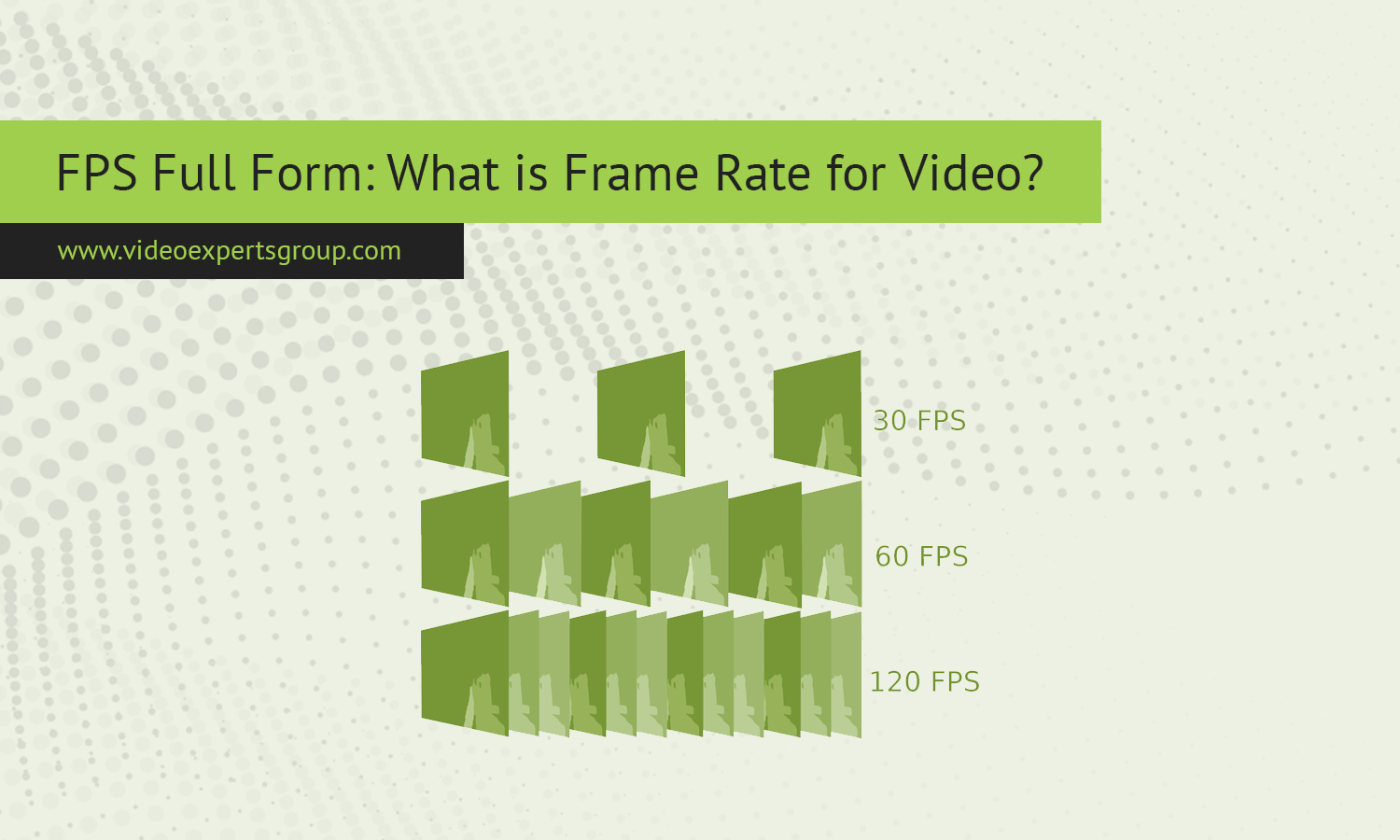
In video technology, especially in CCTV and security systems, image quality is not defined by resolution alone. Motion clarity plays an equally important role. This is where FPS comes in. Whether you are configuring a surveillance camera, reviewing recorded footage, or designing a monitoring system, understanding FPS helps you balance smooth motion, storage usage, and network load. FPS directly affects how natural video looks and how much detail can be captured when something moves across the scene.
Meaning
FPS is Frames Per Second. In technology, FPS describes how many individual images, called frames, are captured, transmitted, or displayed every second. Each frame is a still image, and when frames are shown in rapid succession, the human eye perceives motion.
In a CCTV context, FPS indicates how often a camera records or streams images per second. A camera set to 25 FPS captures 25 separate frames every second. Higher FPS results in smoother motion, while lower FPS can make movement appear choppy or blurred.
FPS is different from resolution. Resolution determines how much detail is present in each frame, while FPS determines how frequently those frames are updated. Both values work together to define overall video quality.
Common frame rates & uses
Different frame rates are used depending on the purpose of the video and system limitations. In CCTV systems, choosing the right FPS is a balance between clarity and resource usage.
- 1 to 5 FPS is often used for basic monitoring where motion detail is not critical, such as storage rooms or rarely accessed areas.
- 10 to 15 FPS provides acceptable motion for general surveillance and saves bandwidth and storage.
- 20 to 25 FPS is common in many regions and offers smooth motion suitable for offices, retail, and entrances.
- 30 FPS is widely used in real-time monitoring and situations where identifying fast movement is important.
- 50 or 60 FPS is typically reserved for specialized applications requiring very smooth motion, such as traffic analysis or high-speed environments.
In most CCTV deployments, higher FPS does not always mean better security. The best choice depends on lighting, scene activity, and system capacity.
How FPS works
FPS works by defining how frequently a camera sensor captures images. Each second is divided into equal intervals, and at each interval, the camera records one frame. These frames are then encoded into a video stream or saved as recorded footage.
In digital surveillance systems, FPS is closely tied to the video codec. The codec compresses frames to reduce file size and bandwidth usage. Some frames are stored as full images, while others only record changes between frames. This means that effective motion quality depends not only on FPS but also on compression efficiency.
Lighting conditions also influence how FPS performs. In low light, cameras may reduce FPS automatically to allow longer exposure time per frame. This improves brightness but can reduce motion smoothness.
How to adjust and optimize FPS
Optimizing FPS in a CCTV system starts with understanding the monitoring goal. Areas with fast movement, such as entrances or parking lots, benefit from higher FPS. Static areas can use lower FPS without losing useful information.
Most modern IP cameras allow FPS adjustments through their settings interface or through a network video recorder. Lowering FPS reduces storage usage and network load, which is helpful in large systems with many cameras.
Another optimization method is using variable FPS. Some systems increase FPS only when motion is detected and lower it during inactivity. This approach maintains useful detail while saving resources.
Balancing FPS with resolution and bitrate is essential. A slightly lower FPS combined with higher resolution can sometimes provide better evidence quality than high FPS with low resolution.
FAQs
