Petawise Camera: Default IP, Username, Password, Port
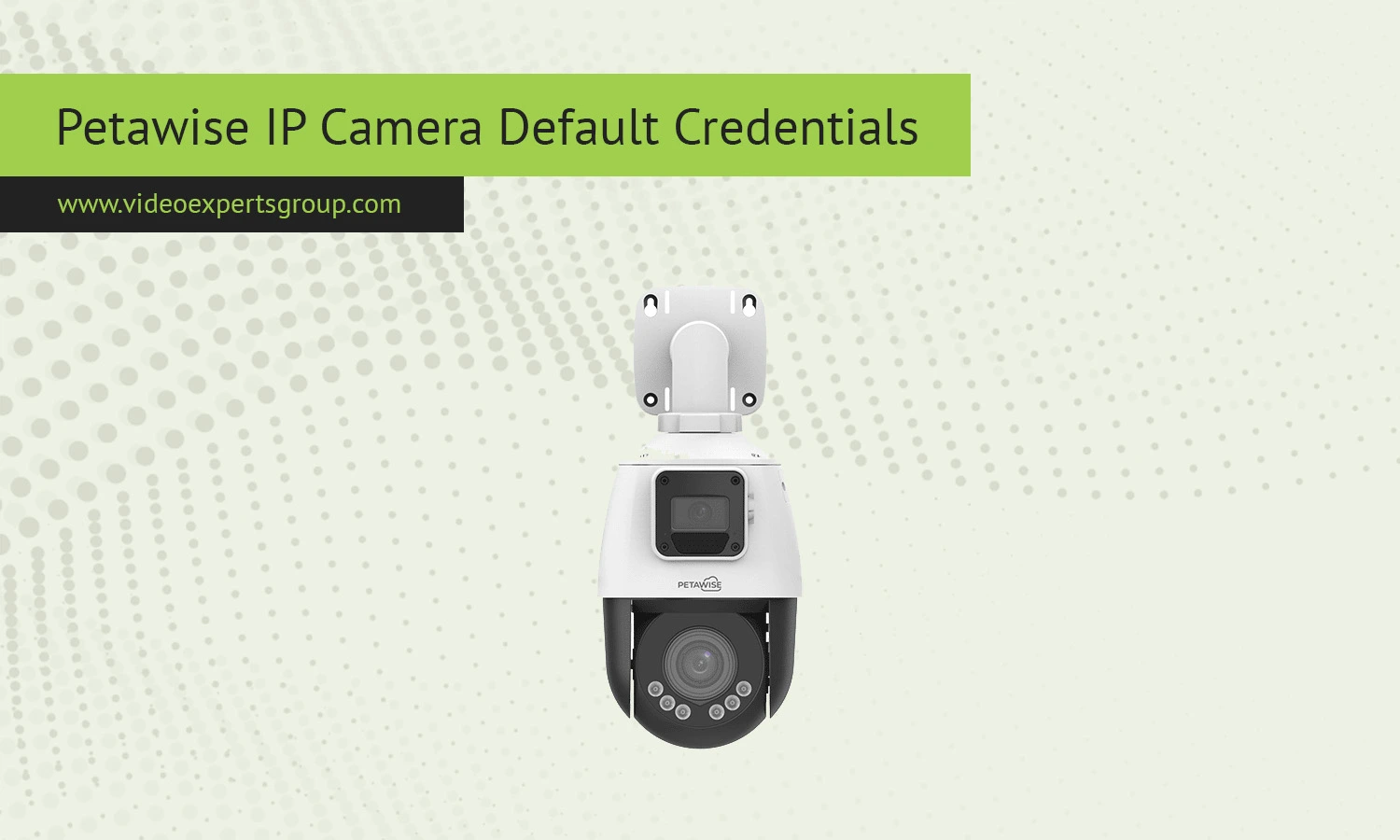
Petawise IP cameras are widely used in small business setups and home surveillance thanks to their affordability and straightforward configuration. Like most network cameras, they ship with default credentials that allow initial access through a web browser or mobile app. Knowing these defaults is essential when setting up a new device, resetting a camera, or troubleshooting connection issues. At the same time, leaving default credentials unchanged can expose your camera to unauthorized access, so it is important to update them as soon as possible.
Default IP
The default IP address is typically one of the following:
192.168.1.10192.168.0.100- DHCP enabled (assigned automatically by your router)
If the camera is set to DHCP mode, you can find its assigned IP address through your router’s admin panel or by using a network scanning tool.
Default Username
Most Petawise IP cameras use a simple default username:
admin
This account provides full administrative access to camera settings, live view, and configuration options.
Default Password
The default password is usually one of the following:
admin123456- blank (no password)
If none of these work, the camera may require you to create a password during the first setup or may have a unique password printed on the device label.
Default Port
The standard port used to access Petawise cameras via a browser is:
- HTTP port:
80
In some cases, the port may be changed to:
- 8080
- 88
To access the camera, you would enter the IP address followed by the port in your browser, for example: 192.168.1.10:80.

Connect Petawise cameras to VXG Cloud VMS with GenAI for free
Learn moreFAQs
