VCA Camera: Default IP, Username, Password, Port
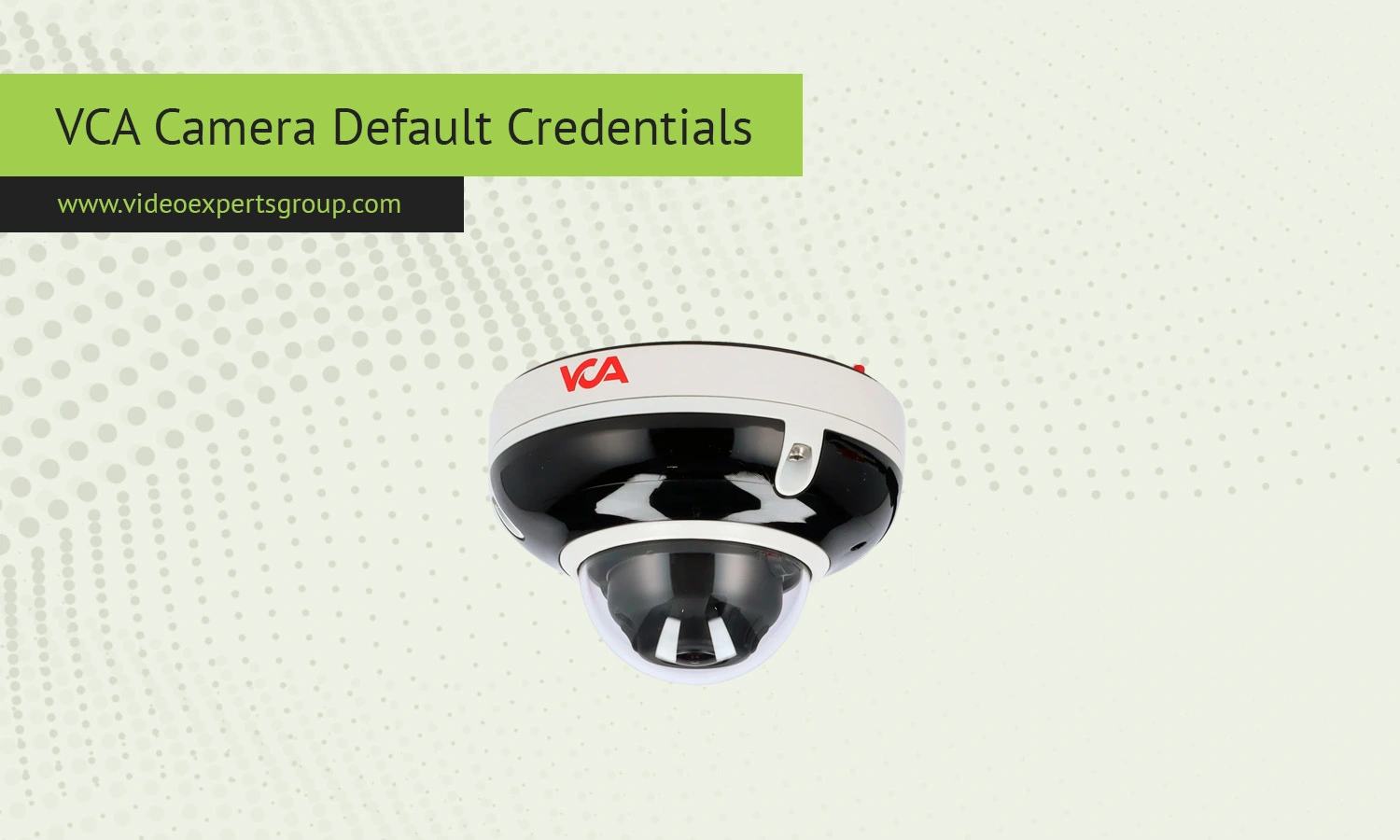
VCA IP cameras are widely used in video surveillance systems for homes, offices, warehouses, and commercial facilities. Like many network cameras, VCA devices ship with factory default login credentials that allow administrators to access the web interface during the initial setup. Knowing the default IP address, username, password, and port can save time when configuring a new camera or restoring a device after a reset.
This guide explains the most common VCA IP camera default credentials, how to access the camera interface, and what to do if the default login no longer works. It also answers common questions users often ask when setting up or troubleshooting VCA surveillance equipment.
Default IP
Most VCA IP cameras use a default IP address that allows direct access through a browser or network utility tool. The most commonly used default IP addresses for VCA cameras include:
192.168.1.108192.168.1.100192.168.0.100
The exact address may vary depending on the camera series, firmware version, or reseller branding. If the default IP address does not respond, the camera may already have received a different IP address from the router through DHCP.
To locate the active IP address of the camera, users can:
- Check the router’s connected devices list
- Use an IP scanner utility
- Use the manufacturer’s discovery software
- Reset the camera to factory settings
When connecting the camera directly to a computer, make sure the computer is on the same network range as the camera. For example, if the camera uses 192.168.1.108, the computer should have an address such as 192.168.1.50.
Default Username
The default username for most VCA IP cameras is: admin.
The username is usually written entirely in lowercase letters. In some older models, the username may remain unchanged even after the initial setup, although modern firmware often forces users to create a custom administrator account during the first login.
If the camera was previously configured by another user or installer, the default username may no longer work. In that case, a factory reset is typically required.
Default Password
Many VCA IP cameras use one of the following default passwords:
admin12345612345- blank password with no entry required
Newer VCA models often require users to create a secure password during the first activation process. This security measure helps prevent unauthorized access to the surveillance system.
If the password has been changed and forgotten, users usually need to reset the camera physically. Most VCA cameras include a small reset button located near the Ethernet port or inside the housing. Holding the reset button for 10 to 20 seconds while the camera is powered on normally restores factory settings.
After resetting the device:
- The IP address returns to default
- The default login credentials become active again
- Custom network settings are erased
- Recording and alarm configurations may be removed
Default Port
VCA IP cameras typically use several network ports for web access, streaming, and remote management. The most common default ports are:
- HTTP port:
80 - HTTPS port:
443 - RTSP port:
554 - Server or SDK port:
8000
The HTTP port allows access through a web browser. For example, users can enter:
http://192.168.1.108
If the HTTP port has been changed from the default value, the port number must be added manually. Example:
http://192.168.1.108:8080
The RTSP port is used for live streaming through video management software, NVR systems, and mobile apps. Advanced users often connect VCA cameras to third-party platforms using RTSP video streams.

Connect VCA cameras to VXG Cloud VMS with GenAI for free
Learn moreFAQs
