Video Playback: Meaning, Troubleshooting
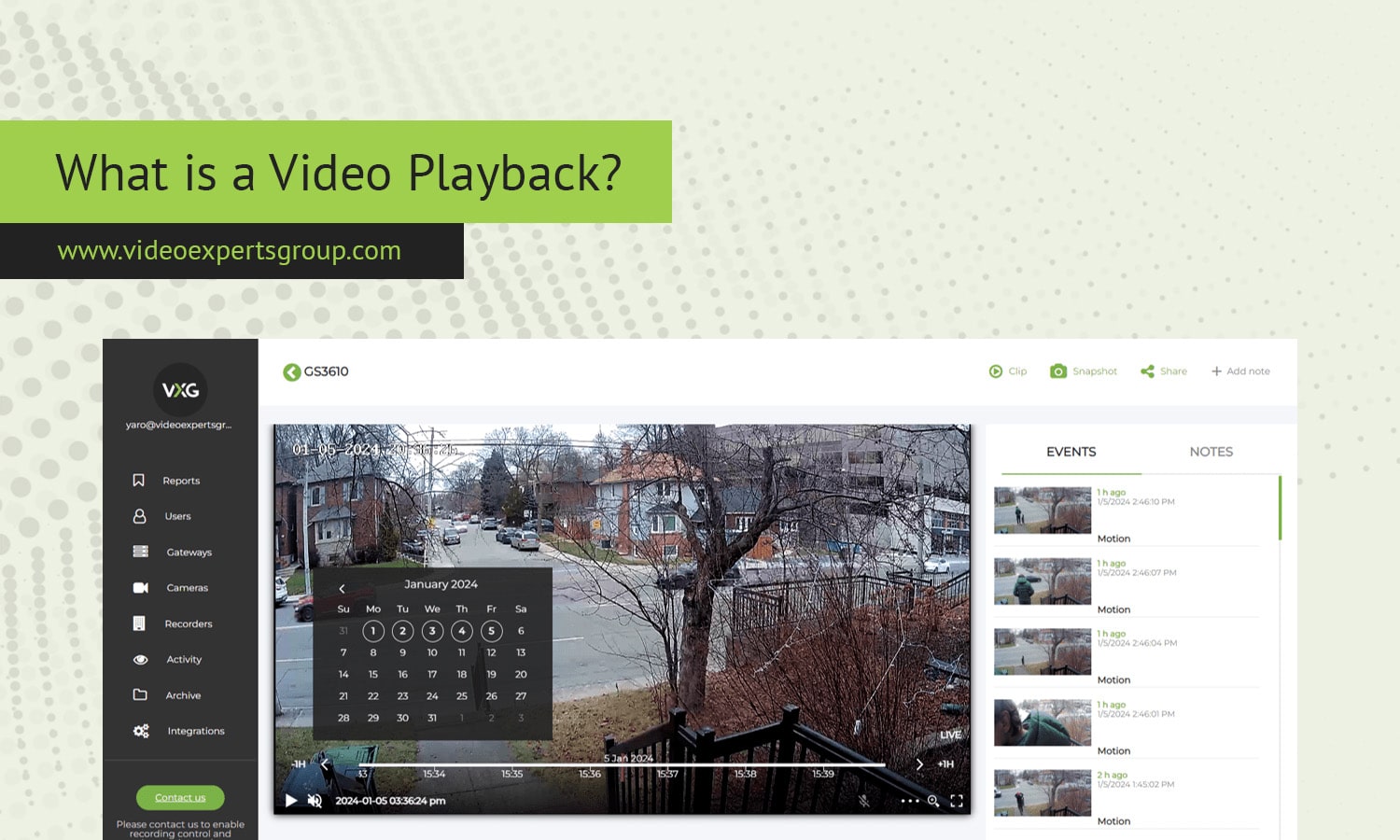
Video playback is the process of decoding and displaying recorded video content on a device so it can be watched with synchronized audio and smooth motion. Whether you are viewing a saved clip on your phone, reviewing security footage, or watching a movie file on a laptop, playback is what turns stored digital data into a visible, audible experience. While it seems effortless, reliable playback depends on compatible formats, sufficient hardware performance, and stable software.
Meaning
Video playback refers to the reproduction of video content from a stored source such as a file, disc, memory card, or local recording system. During playback, a media player or video application reads compressed video and audio streams, decodes them using codecs, and renders frames on a display while keeping sound in sync. Playback can occur on many devices including computers, smartphones, televisions, and network video recorders. Unlike live streaming, playback usually relies on data already saved locally or cached, so it does not require continuous internet access once the file is available.
Key features
- Codec decoding: Converts compressed video formats such as MP4, H.264, or HEVC into visible frames.
- Frame synchronization: Keeps video frames and audio aligned for natural motion and sound.
- Playback controls: Includes play, pause, rewind, fast-forward, and frame-by-frame stepping.
- Resolution support: Handles different quality levels from standard definition to 4K and beyond.
- Hardware acceleration: Uses GPU or dedicated chips to improve performance and reduce CPU load.
- Subtitle and track selection: Allows switching audio languages or enabling captions.
- Seeking and buffering: Lets viewers jump to specific timestamps without restarting the file.
Benefits
- Offline viewing: Content can be watched without internet once stored locally.
- Consistent quality: Playback is not affected by network fluctuations.
- Precise review: Users can pause or step through frames, useful for education or surveillance.
- Device flexibility: The same file can be played on multiple compatible devices.
- Energy efficiency: Local playback often consumes less bandwidth and power than streaming.
- Content control: Users retain copies and can archive or edit them.
Troubleshooting
When video playback fails or performs poorly, the cause is usually compatibility or performance related. The following steps address the most common issues.
- No video or unsupported format: Install a player that supports the codec or convert the file to a standard format like MP4 with H.264.
- Audio without video: Update graphics drivers or enable hardware acceleration in the player.
- Stuttering or lag: Lower playback resolution, close background apps, or ensure hardware acceleration is active.
- Out of sync audio: Reopen the file or remux it to correct timestamp errors.
- Black screen: Check DRM restrictions, GPU compatibility, or disable conflicting overlays.
- Corrupted file: Try repairing the file or re-downloading the recording.
- Slow seeking: Ensure the storage medium has adequate speed, especially for high bitrate video.
Video Playback vs. Video Streaming
Video playback and video streaming both deliver video to viewers, but they differ in how data is accessed and delivered. Playback uses content already stored on a device or local network, while streaming retrieves data continuously from a remote server during viewing. Because playback relies on local data, it typically offers stable quality and works offline. Streaming depends on bandwidth and latency, so quality may change with network conditions. Playback also allows precise control and editing, whereas streaming prioritizes instant access and large content libraries without local storage. Many modern platforms combine both, temporarily buffering streamed data so it can be played back smoothly.
FAQs
