Default Credentials for Vivotek Cameras
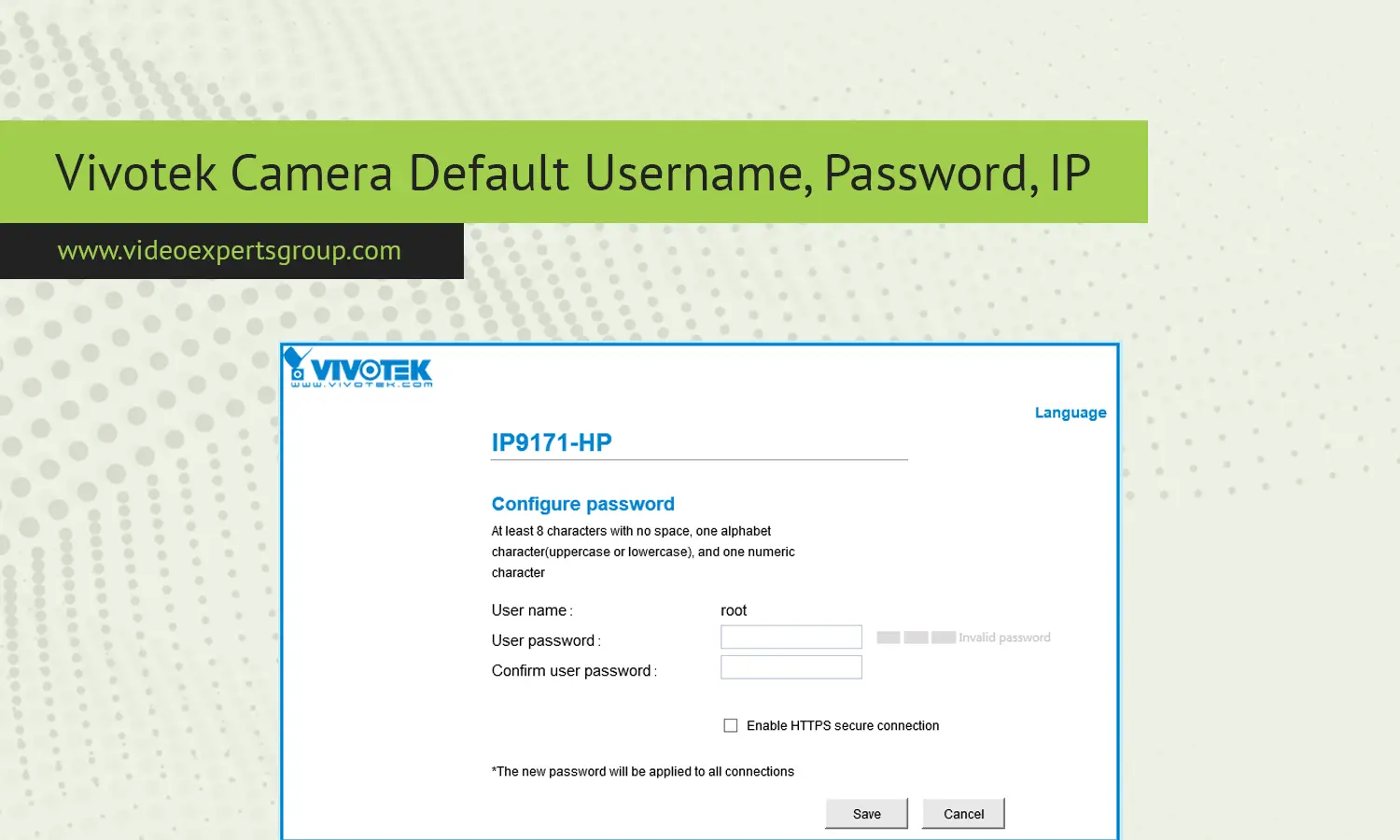
Vivotek IP cameras are commonly implemented in business security, city surveillance systems, schools, transit areas, and residential security. Installers and system administrators may be need factory default login values after resetting devices, performing initial configuration, or diagnosing network access problems. An initial factory default password, administrator login, and port will allow users to initially access the device's settings interface on their network, but the login parameters should be changed shortly after the installation begins.
Without properly changing the defaults, any internet-connected system is extremely vulnerable to potential access.
You'll learn more about factory default IP, password, and login values throughout this resource. After setting up the initial network, logging into the cameras allows to modify parameters such as image settings, compression values, recording parameters, motion and audio triggers, and network access restrictions. If you are using a camera at its default settings and is it available to access over the internet without having it password protected, it could be subject to unauthorized access.
Default IP
Default setting for most of the Vivotek camera uses an address like 192.168.0.99. This is a private IP for configuring camera, in case of you are trying to connect from a computer having an IP address different in a subnet, then the camera will not respond. Although power is supply and camera is already connected.
In order to connect, you will have to change IP address in the computer to be in the camera's subnet range eg 192.168.0.x and a subnet mask 255.255.255.0.
And access the camera through the web browser. It can then be given a fixed unique IP address according to the plan for the surveillance network so that IP address does not conflict in NVR or CMS. Some Vivotek camera supports automatic IP by default from a router, if by mistake if you do not have the default IP it may be identified in the device list of a router.
Default Username
The default administrator username for Vivotek cameras is admin. The system privilege of the admin user on Vivotek cameras is full control, which means that this user has the privilege to configure video setup, network setup, user management, event trigger setup, and firmware upgrade setup. It's crucial to safeguard this particular user since this is a user with full privileges on the camera. The most common practices that one would find at professional installations are to either modify or secure the admin user immediately after initial login.
Default Password
Older Vivotek models often use admin as the default password, while some newer units require the user to create a password during initial setup. If a default password is active, installers usually try these combinations:
- Username: admin - Password: admin
- Username: admin - Password: blank
If access fails, the camera may have been configured previously. A hardware reset usually restores factory network and login values. After logging in, create a strong password using letters, numbers, and symbols to protect the device from unauthorized access.
Default Port
When you access your Vivotek camera via its web server configuration page, the default port that is opened and accessible from the public internet is port 80. Cameras are able to be controlled through this port when the IP address is accessed within a web browser. Typically the camera has multiple port numbers dedicated to accessing video streams and information for ONVIF communication or mobile connectivity, but typically has port 80 dedicated for web access and management of the camera.
With multiple Vivotek cameras that must be accessed remotely through a single public IP address, installers will often reconfigure these ports so they do not conflict with one another in the setup. For example 8081 might be assigned to one camera's configuration access and 8082 on another so when setup as inside the network they look the same but can be accessed remotely and without internal conflict through different external ports.

