EagleEye Camera: Overview, Default Credentials
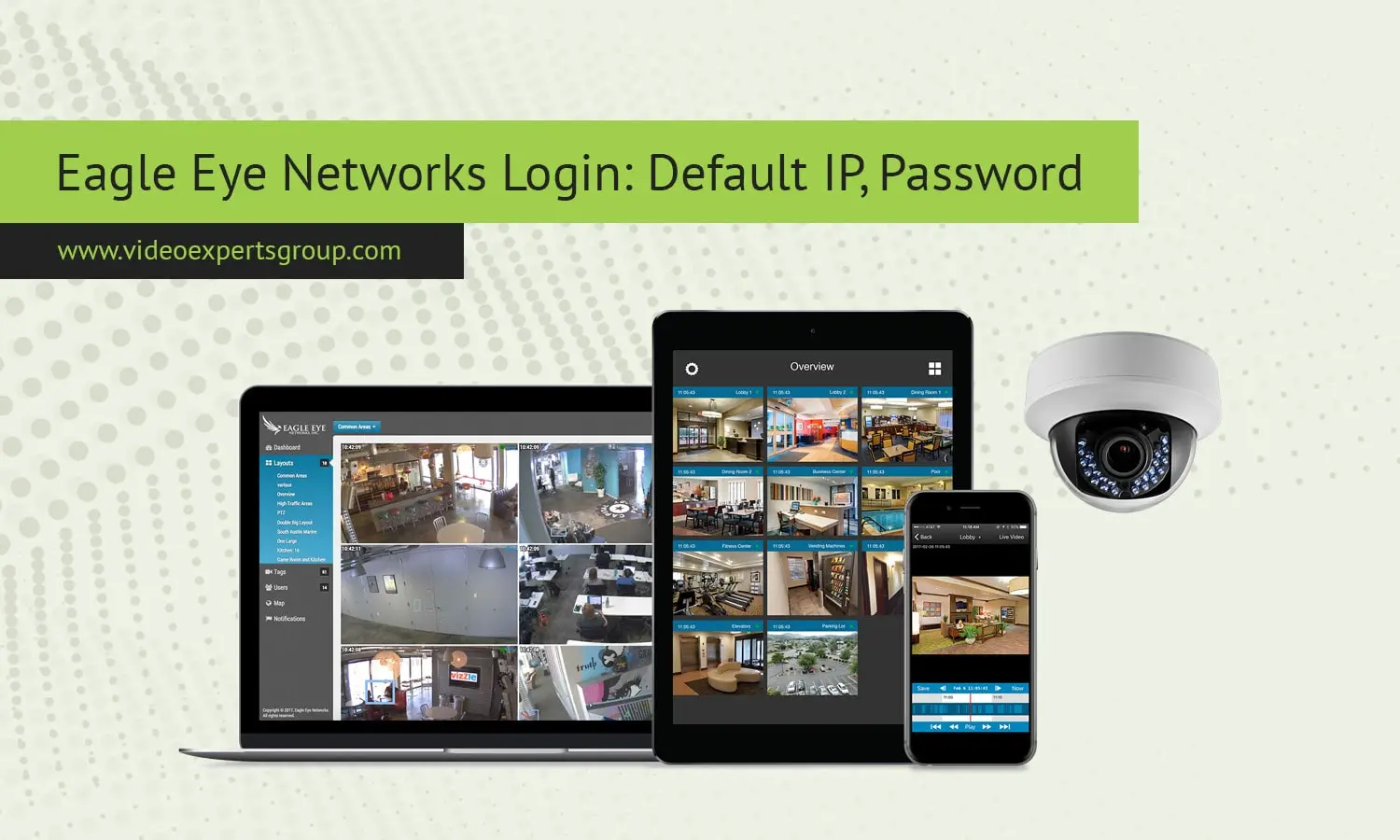
Eagle Eye Networks is a cloud managed video surveillance provider that provides link from cameras, bridge and recorder to a secure Internet cloud platform. Unlike traditional stand alone DVR or NVR solutions, where a device itself is the solution, Eagle Eye products are built to work as part of a cloud video management system. This also changes how login username, address, password and ports work, where the majority of the setup can be done on cloud dashboard using a web browser, while most installers or network administrators may still need to get local access login details for troubleshooting, setup, or network attachment. We explain what default IP address, username convention, password scheme and communication ports are used by Eagle Eye devices to help installation and security.
Default IP
Most of the Eagle Eye bridge and recording devices get their network address on an auto DHCP setup, meaning the router sets the IP address when they first connect to the network. There isn't typically a static factory IP as you find with many older recorders, but if you needed to set one up there would be possibly a local default 192.168.1.1 or similar private address with most models to connect directly to the recorder for setting adjustments. This is usually not necessary as the user determines this address from the router client list or other network scanner tool in normal installations.
- Primary method: automatic DHCP assignment
- Possible fallback local IP: 192.168.1.1 on some bridge devices
- Cloud dashboard access does not require knowing the local IP
Default Username
All systems are provided with separate and different user login details to cloud login. The logged-in access to the Eagle Eye management portal is tied to individual users created on the Eagle Eye system. User details are supplied during system installation for those using an installer and admin role. Local device level access, where supported, can be performed by a generic admin user such as admin, but most current systems use a cloud login rather than a local login page.
- Cloud login uses individual user accounts
- Local device interface, if enabled, often uses admin as the account name
Default Password
Commonly there is no default Eagle Eye password on the cloud access for the network (static IP). Instead each customer creates their own passwords at registration time, which are entered via the online portal. In most cases, the physical units are associated with the account using registration/ activation keys or pairing codes, rather than a factory preset password printed on the devices or in the documentation. For any on-device admin interface, the installer is asked to set credentials at the time of the setup.
- No universal factory password for cloud login
- Passwords are created per user during account setup
- Device pairing uses registration codes instead of shared credentials
Default Port
Eagle Eye systems primarily connect to cloud servers over standard encrypted web ports. Video feeds, device management, and reporting all primarily occur over the same outbound HTTPS port 443. Some devices may also use HTTP port 80, for initial local access, or redirects.
Video ports like 554 (RTSP) can be used for camera connections on the local network (depending on camera type).
Eagle Eye is cloud-centric, so most of the critical communication is outbound and firewalls are generally easier to configure when compared to systems where inbound ports must be open to access security controls.
- Primary cloud communication port: 443 HTTPS
- Local web access when available: 80 HTTP
- Camera streaming protocols may use 554 RTSP

