Default Login Credentials for Imou Cameras
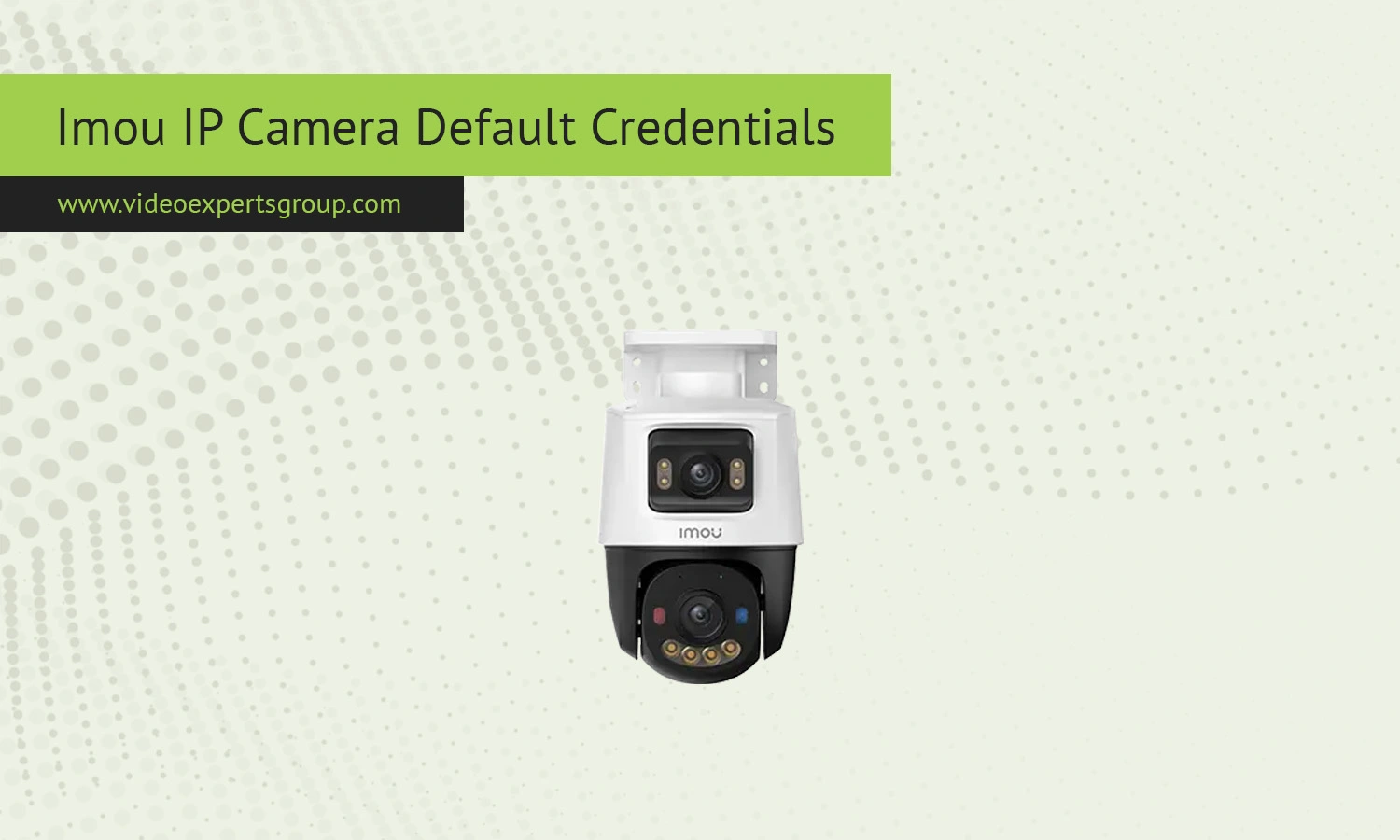
Imou offers easy-to-install IP cameras that are heavily used for private and small business security. Although their cameras are easy to set up and easy to use via a mobile app, many still look up passwords to connect to their IP camera via a browser or locally. Newer IP camera brands like Imou disable the default login combinations out of safety measures, but knowing what they are on an IP camera still makes the process smoother.
Default IP
Imou cameras do not rely on a fixed default IP address in most cases. Instead, they obtain an IP automatically from your router using DHCP. This means the address will vary depending on your network. To find the current IP of your device, you can:
- Check your router's connected devices list
- Use the Imou mobile app to view device details
- Scan the network with a discovery tool
In some rare cases, especially during initial setup or offline configuration, a fallback IP such as 192.168.1.108 may be used, but this is not guaranteed across all models.
Default Username
Most Imou cameras do not have a general default username like you find with the old IP cameras. Most are associated directly with an account setup in the Imou app. If a username is needed to access the camera via a web browser or RTSP stream, it is generally: admin.
But it is model and firmware specific. For most installations, it is linked to a fixed, existing account.
Default Password
Although the camera does not have a default password, the default password has been changed at the time of registration. It is recommended to use a strong password.
Reset the device If you're searching for a camera without knowing a password, resetting the device is the only option. You'll then have to do the configuration again by the Imou application and choose a new password.
Default Port
Imou cameras may use several ports depending on the service:
These ports can vary slightly by model and firmware, and some may be disabled by default for security reasons. Advanced users can enable or modify them through settings if supported.

Connect Imou cameras to VXG Cloud VMS with GenAI for free
Learn moreFAQs
