Default Credentials for Ivideon Cameras
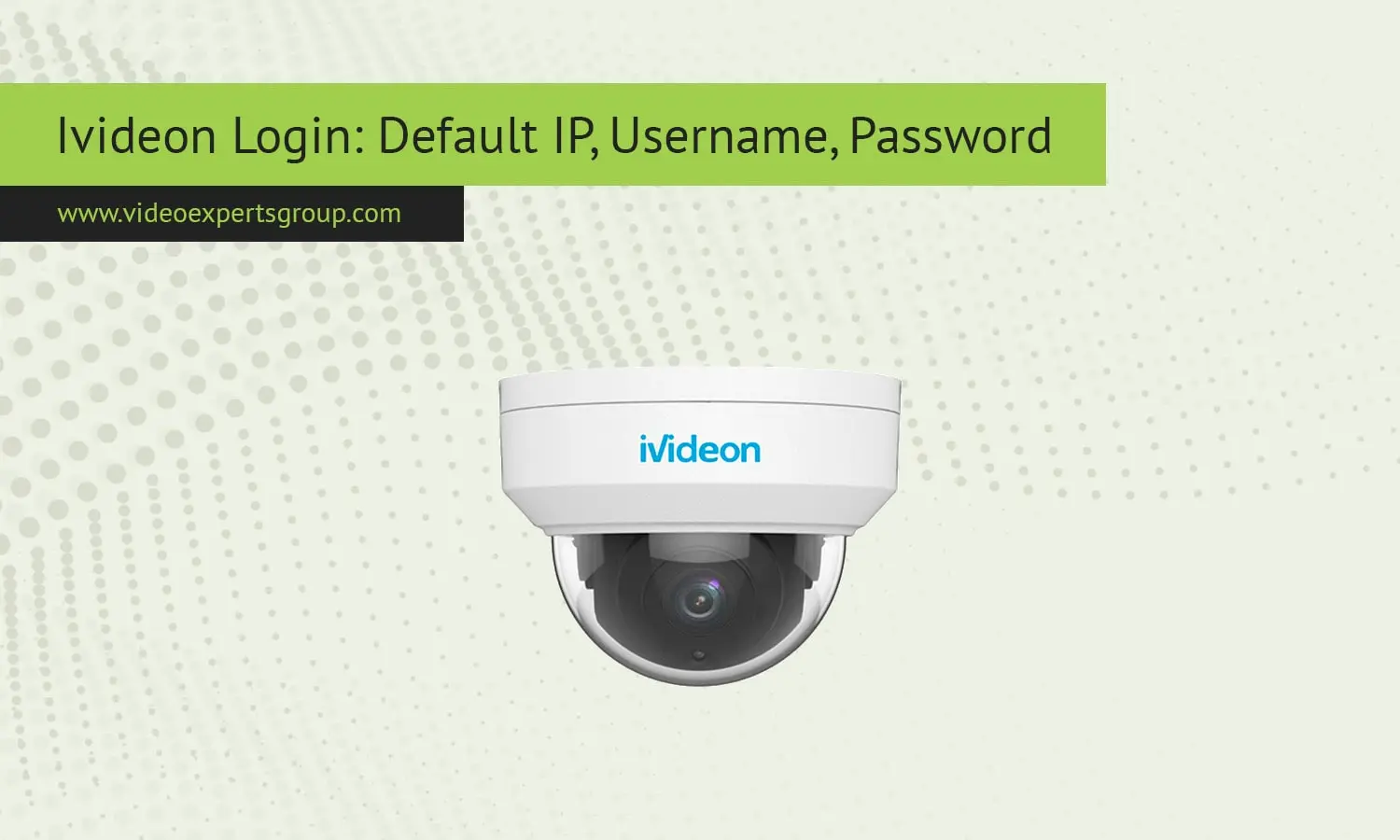
Ivideon stands apart from other IP camera brands with cloud video surveillance operating systems rather than standalone cameras. Both the Ivideon brand and cameras carrying an "Ivideon Ready" label typically log into the Ivideon cloud for remote viewing, recording, storage, and analytics. The cloud-based approach means you may see different IP addresses, ports, and login names than most traditional CCTV cameras which typically access local web servers. Still, you will want to log into networks and set up local cameras for routers or network video recorders (NVRs), and understand camera and cloud storage IP and port options for camera troubleshooting.
Default IP
Most Ivideon product or Ivideon ready cameras, by default, get their network address automatically from a DHCP server (the router), so they do not always have a fixed factory IP address like standard CCTV devices. Once the camera is plugged into a network with a DHCP server active, it then obtains an IP from the current network subnet. For many installations, this can be an address like 192.168.0.x or 192.168.1.x, depending on the configuration of your current system.
If the network does not send DHCP, some models default to a static address of 192.168.1.100. But that also depends on the manufacturer that made the Ivideon-compatible equipment, because we at Ivideon work with several OEM camera manufacturers. To find it with high confidence, installers typically:
- check the router DHCP client list
- use the Ivideon desktop setup utility
- scan the network with an IP scanner
Once the camera appears in Ivideon cloud, local IP becomes less critical because remote access occurs through the service rather than direct LAN login.
Default Username
Ivideon cameras use account authentication in the cloud rather than setting up local user accounts. When first installing an Ivideon, the camera device is registered with an Ivideon user account and permission control takes place through the cloud interface. This means that most models do not show the username prompt unless local web access is enabled.
For models that have direct web interface login, the default username is admin most often. Other OEM variants use root or no username at all. Once a user has registered their camera with an Ivideon account, administrators are generally asked to change or disable local username/password access to minimize the risk of unauthorized LAN access.
Typical username behavior across Ivideon ecosystem:
- Cloud access - Ivideon account email
- Local web login - admin
- OEM variants - root or user
Because Ivideon devices are often deployed in shared or public environments, changing default usernames is considered a basic security step.
Default Password
Most Ivideon cameras come shipped with no local password enabled until they are claimed using the Ivideon cloud platform. When the camera is claimed by an administrator through the onboarding workflow, the admin creates or provides existing credentials to the camera. Legacy CCTV cameras ship with a static password like admin or 12345.
If a web interface exists before activation, the typical default password is one of the following:
- admin
- 12345
- blank (empty)
Local passwords will be auto-randomized or replaced with cloud token authentication once connected to Ivideon Cloud. This prevents the camera from being accessed by anyone if it happens to be exposed to the internet. Factory resetting the device will generally reset the onboarding state instead of a static password.
For security, administrators should always:
- set a strong Ivideon account password
- enable two-factor authentication
- disable unused local accounts
Default Port
Ivideon cameras use mostly outbound cloud communication and not inbound port forwarding, making it easier to deploy behind NAT routers and firewalls. Since most devices connect over standard web ports to the Ivideon cloud servers via encrypted connections, remote access requires no configuration.
Common ports associated with Ivideon cameras include:
- 80 - HTTP local web interface
- 443 - HTTPS and cloud communication
- 554 - RTSP video stream (if enabled)
- 8800 or 8888 - proprietary service ports on some models
Because of it, you will hardly need to open or forward port if you want to access the IP camera remotely. The remote viewing is realized through Ivideon relay infrastructure that creates a safe outbound tunnel from your camera or gateway device. Local ports are used mostly for LAN access or third-party video software.
If you need a visual step-by-step tutorial on the Ivideon Bridge installation, please see below:

