PotPlayer: Overview, Features, Alternatives
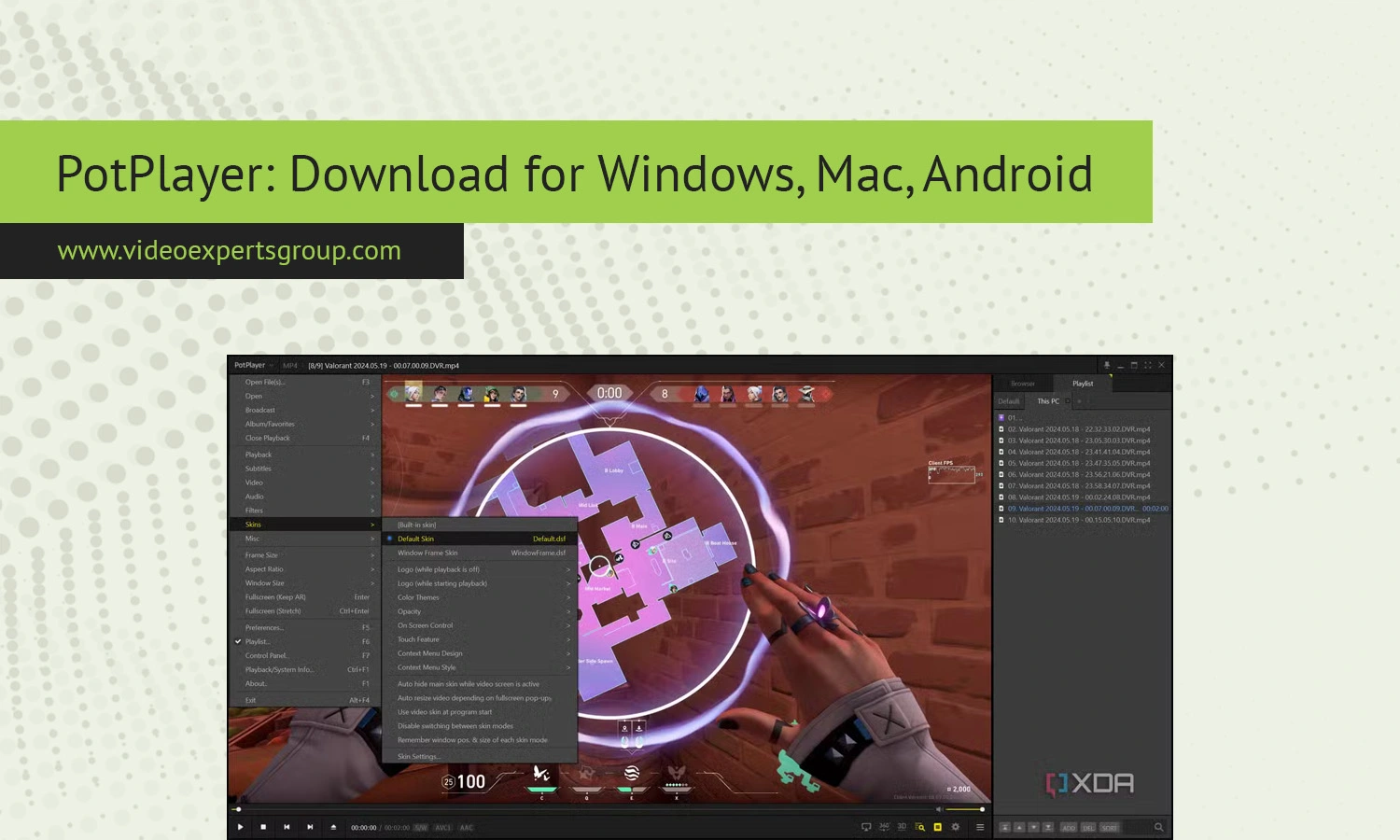
Fast, lightweight, smooth playback with extensive customization and a vast range of codecs - that's PotPlayer. While originally made for Windows, it's acquired a dedicated following among people that want their media player to give them granular control over video and audio quality without taxing their system. What is Daum PotPlayer, what alternatives achieve the same result?
About PotPlayer
Daum PotPlayer is a South Korean media player currently maintained by Kakao, and one of the true heirs of the originally ambitious idea behind KMPlayer. The goal was to have powerful and yet extremely adjustable playback capabilities for all types of media. PotPlayer achieves efficient decoding, fine tuned rendering and support for virtually any popular media format without needing to install codecs manually.
Beyond that, it offers the usual array of settings for filters, hardware support, subtitles, video color, and playback attributes.
The player does not require too much disk space and performs excellently even on old hardware. Experienced users will appreciate its features like frame level playback controls, screen capturing functionality, 3D support, video in VR mode or sophisticated subtitles support. For everyday users the player offers codec identification on the fly, and problem-free playback with large 4K / HEVC files.
Features
- Wide format support including MP4, MKV, AVI, MOV, FLAC, and more
- Hardware acceleration with DXVA, CUDA, and QuickSync
- Advanced subtitle engine with styling, positioning, and sync control
- Built in video and audio filters with fine tuning
- Custom skins, layouts, and keyboard shortcuts
- 3D, 360°, and VR playback modes
- Screen capture, GIF creation, and frame stepping
- Streaming and TV tuner support
- Low CPU and memory usage compared to many players
PotPlayer Alternatives
Though PotPlayer is a well-established and performant player that’s packing advanced playback functionality, it could be intimidating for novice users and it lacks support for specialized IP camera streaming and surveillance tasks. If you want simpler or more accessible, cross-platform, or more reliable solutions for your IP camera needs, check out some of these PotPlayer alternatives.
VXG Player
VXG Player is a contemporary option for economical and widely accessible video streaming. VXG Player utilizes supported, real time protocol capabilities to provide clients with minimum delay for HLS, RTSP, and WebRTC video streaming with a number of compatible security cameras and live streams accessible from Web, Windows, or MAC software in addition to Android and iPhone applications. This provides total remote access regardless of a person’s location on a globe devoid of demanding set ups. As it perfectly fits along with some well-liked cloud video management companies, it’s excellent for large scaled-and professional solutions.
VLC Media Player
VLC Media Player is a popular free solution for almost any media type, plus network streams. The program is Open Source and lightweight and is available for many platforms, so will make a great day-to-day player.
KMPlayer
KMPlayer boasts a simplified interface and many supported formats, as well as support for streaming. This could be a good choice for a user seeking a happy medium between features and simplicity.
GOM Player
GOM Player is one of those easy-to-use and open media players which has codec support embedded and smooth playback performance. Suitable for people who like it simple without too many configuration options.
SMPlayer
Open source media player with internal codecs and an adaptable skin. Good choice if you're looking for a free PotPlayer replacement which is lightweight but powerful.
FAQs
