KMPlayer: Overview, Comparison, Alternatives
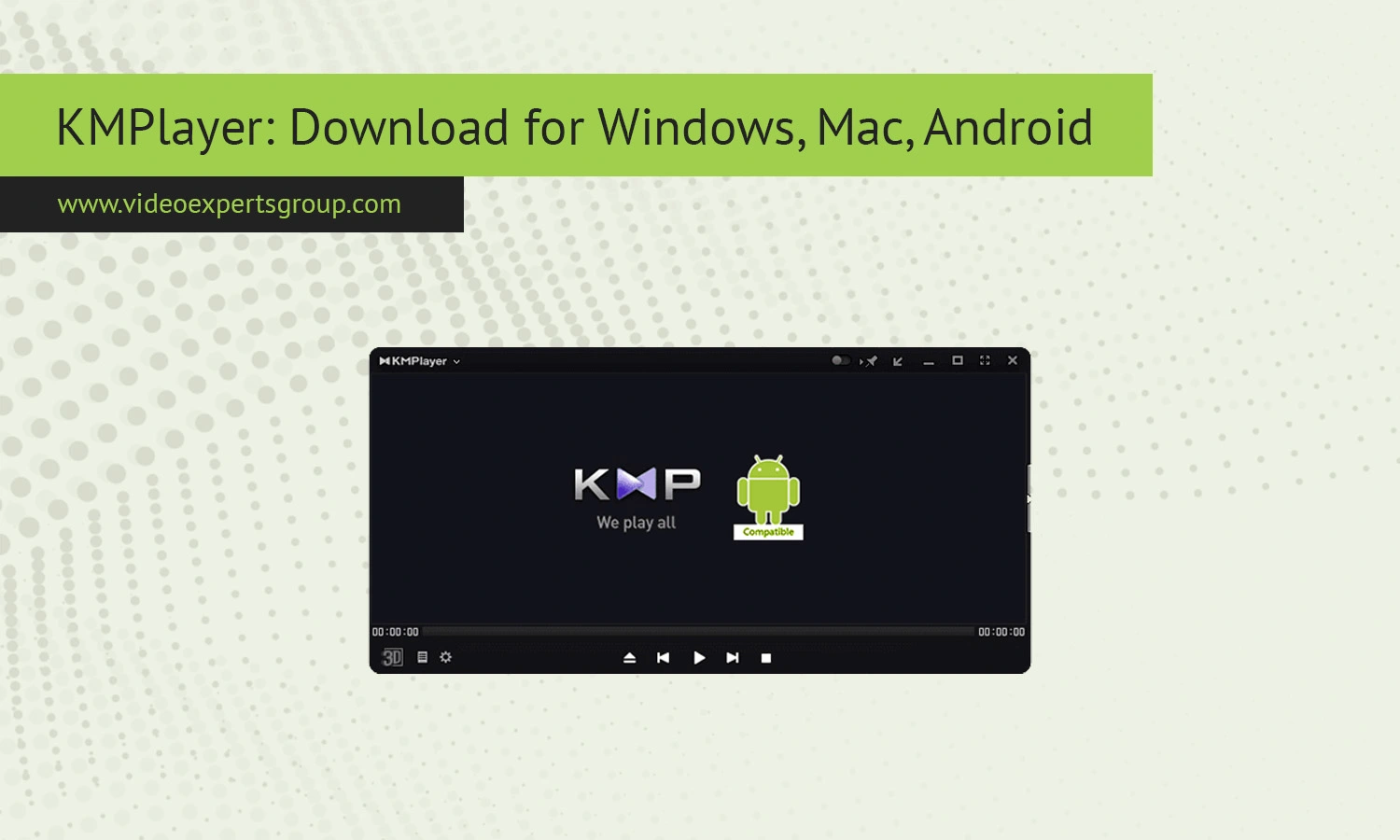
Of all the recognizable names in multimedia players, KMPlayer is a staple for those looking for more than what their built-in systems provide. Whether you're browsing the latest high-definition film, keeping an eye on a stream, or want to catalog all the videos you have, KMPlayer is player that many love for its combination of customizable options, codec support, and general performance and accessibility. This guide will walk you through all things KMPlayer, including the unique features it offers and how it matches up with other media player programs.
About KMPlayer
The KMPlayer (also known as K-Multimedia Player) is actually a shareware media player originally from South Korea. Over years of development it became a multi-platform and a full suite of entertainment media which can play various AVI files, WMV, DVD, VCD, XCD, OGG, AC3, AAC, WMA,MP3 and other format of files. For now one of the outstanding and remarkable things about KMPlayer player is not it's enormous variety of Supported codecs, filters and interfaces, or it’s wide stream of format support including: RMVB and Real media.
All you will need is your PC will probably be enough to utilize a lot of of these formats which does not mean additionalcodec packs (no worry with codec pack required) or other additional software.
The good part, and one that this player is most known for, is its ability to offer playback of many high definition files including: MP4 files 4K, Full 8K, 2K video playing in quality with no interruption. KMPlayer can support local and on the internet entertainment viewing (streaming) which is another impressive thing.
Features
KMPlayer comes loaded with a large range of functions that are helpful and enhance the viewing experience of both video and audio. These functions go above and beyond the standard play/pause controls, this player has a great deal to offer the media connoisseur.
Broad Support: One of its largest advantages is that it supports virtually any kind of video or audio file format, meaning you will likely not need to look elsewhere for or download separate codec packs. Some examples are AVI, MKV, MP4, FLV and more.
HD Playback: Support for HD, 4K and 8K means that your viewing experience will not be compromised on a compatible system or television. KMPlayer utilizes hardware acceleration to achieve Smooth high resolution playback, meaning the picture is as clean and stutter free as possible.
Subtitle control: Easily load custom subtitle files, time them to your satisfaction, change the fonts and more. Users also have the option to change the size, color and even placement of the subtitles making it easier to read at all times.
Advanced controls: Some of the more advanced controls available to users are speed control, Frame by Frame play back and taking still pictures from clips for study purposes (useful for learning).
Streaming: Users can enjoy watching and listening to online media content via the streaming function built into the program. No more switching around windows or programs, just stream right inside KMPlayer.
Customizable Skins & Layout: The player can be customized to include new skins and change its overall layout so long playback will always feel new and comfortable.
VR and 3D: Newer versions offer advanced support for viewing VR and 3D movies if and when the need arises on the required hardware.
KMPlayer Alternatives
KMPlayer's comprehensive capabilities are well-known, as are the numerous audio and video formats that it supports. However, users who might require sophisticated streaming, IP camera support, or an un-fussy interface may want to seek out other applications.
VXG Player
VXG Player is a state-of-the-art and fully adaptable software solution intended to provide seamlessly flowing video streaming over disparate systems. VXG Player is the system’s modern-looking and ultra-flexible IP camera viewer that offers real-time, low-latency HLS/RTSP/WebRTC, live online-streaming broadcast with WebRTC and HLS, IP-cameras viewing, and streaming in any Web browser or desktop and mobile operating systems. It provides ultra-quick use that no installation or extra applications needed, easy-integration, cloud-enabled platform, fully scalability, and is suitable for high-profession use.
VLC Media Player
The VLC Media Player is another really popular and free one that has excellent codec support and that allows network streaming such as IP Cameras. It's light and open-source, and has cross-platform support.
PotPlayer
PotPlayer is an exceptionally full-featured media playing device that provides high-level playback capabilities and is totally personal. It plays high-definition video smoothly and assists numerous file types in addition to streaming protocols.
GOM Player
However GOM Player a user-friendly alternative to it that built in all kinds of codec that supported and its playback smooth for use and also suitable for most user who used to have a simple player with powerful functionality.
SMPlayer
SMPlayer allows playback of most media formats and includes codecs, you don’t need any other downloads or plugins. Especially nice if you love free open software.
KMPlayer vs. VLC Player
It is also worthwhile to use KMPlayer and VLC Player to mention the merits of each player when comparing them.
KMPlayer has strengths in its customizability and advanced play functions. Users have greater flexibility to configure subtitles, audio, and interfaces, allowing for a highly personal media experience.
VLC Player has strengths in simplicity and stability. It is light, open-source, and ad-free, enabling playback with no configuration required.
Comparing performance, both media players support most video formats. It is often deemed that VLC Media Player operates more steadily on systems with lower specs.
KMPlayer may feature additional functions such as VR support and fine-grained control, but VLC Media Player prioritizes stable performance.
Although KMPlayer is more suitable for power users, VLC Media Player is a more user-friendly option for simple use.
FAQs
