Default Login Credentials for Samsara Cameras
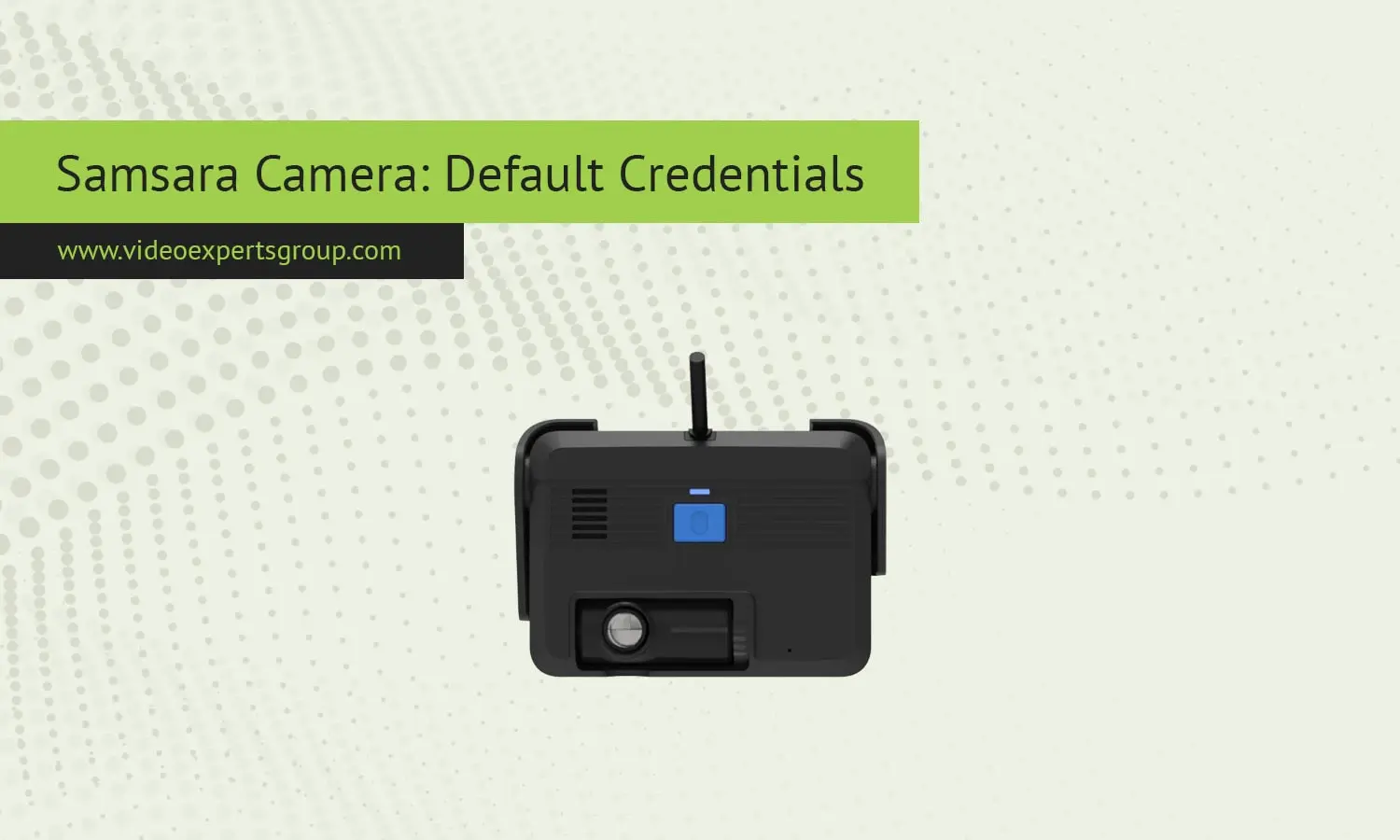
Samsara cameras are popular in fleet management, logistics, and industrial security applications where reliability, centralized management, and data security are a priority. While many IP cameras are accessed on a local network with default login credentials, Samsara cameras are different and often cause confusion to installers and IT admins who look for a default IP address or port number, username and password. This blog will explain how Samsara cameras work, whether defaults exist or not, and what access looks like in real deployments.
Meaning
A Samsara camera is a cloud-managed video product built to serve as an extension of the Samsara connected operations platform. You can use Samsara cameras for vehicle dash cameras, site security, and operational insights in warehouses and outdoor facilities. In the same way a site server connects to a single-site network, Samsara cameras connect directly to the cloud to record videos, store settings, and stream live video feeds.
Eliminates the need for local user credentials to be exposed, preventing potential hacking. Changes the treatment of default IP addresses, user names, and passwords. Most of the time, defaults don't even apply anymore to Samsara cameras.
Default IP Address
Most IP cameras will allow you to connect to the default IP camera default IP address to access the live feed. However, the Samsara camera defaults to a private IP address that is not reachable publicly. The IP address assigned to the camera while on your network is used for internal communication and for initiating the outbound encrypted connection to Samsara.
There is no 'set' or 'factory set' IP address to type into a browser window to access the camera. Even if the camera's local IP address is known, the camera does not have a web login page. Everything is accessed through the Samsara dashboard.
Administrators, this means the planning of the network is orientated towards enabling outbound connectivity rather than reserving static IPs for incoming access.
Default Username
There is no default username on Samsara cameras as the device-level accounts. A local account that ships with the device like administrator or user is not configured so a user can login to the device hardware directly. User login happens on a platform level through the samsara web dashboard.
Create user accounts for everyone you want to have access Each person who needs access gets a unique user account with one or more specific permissions. Accounts are attached to an email address and an account type or role, such as administrator, manager or viewer.
Default Password
Since there is no local username there is no default password either on a Samsara camera The device itself does not present a login protected web console. All auth is performed through Samsara Cloud using strong login procedures.
Account passwords are established by users when their account is created and are managed to Samsara security standards. With many deployments, single sign-on and multi-factor authentication is also turned on, a level of security traditional camera passwords are unable to offer.
Default Port
The Samsara cameras are not accessible from the outside with user configurable inbound ports like 80, 554, or 8080. They do not expose an RTSP or HTTP service directly for viewing. They instead open an outbound encrypted connection from the camera to the Samsara servers on normal secure ports.
This architecture makes firewall configuration a breeze. The camera only needs the network to permit outbound HTTPS traffic, and its commands can pass through and connect to the cloud. You don't have to open or forward any ports, dramatically shrinking attack surfaces.

