EagleEye Camera: Default Credentials
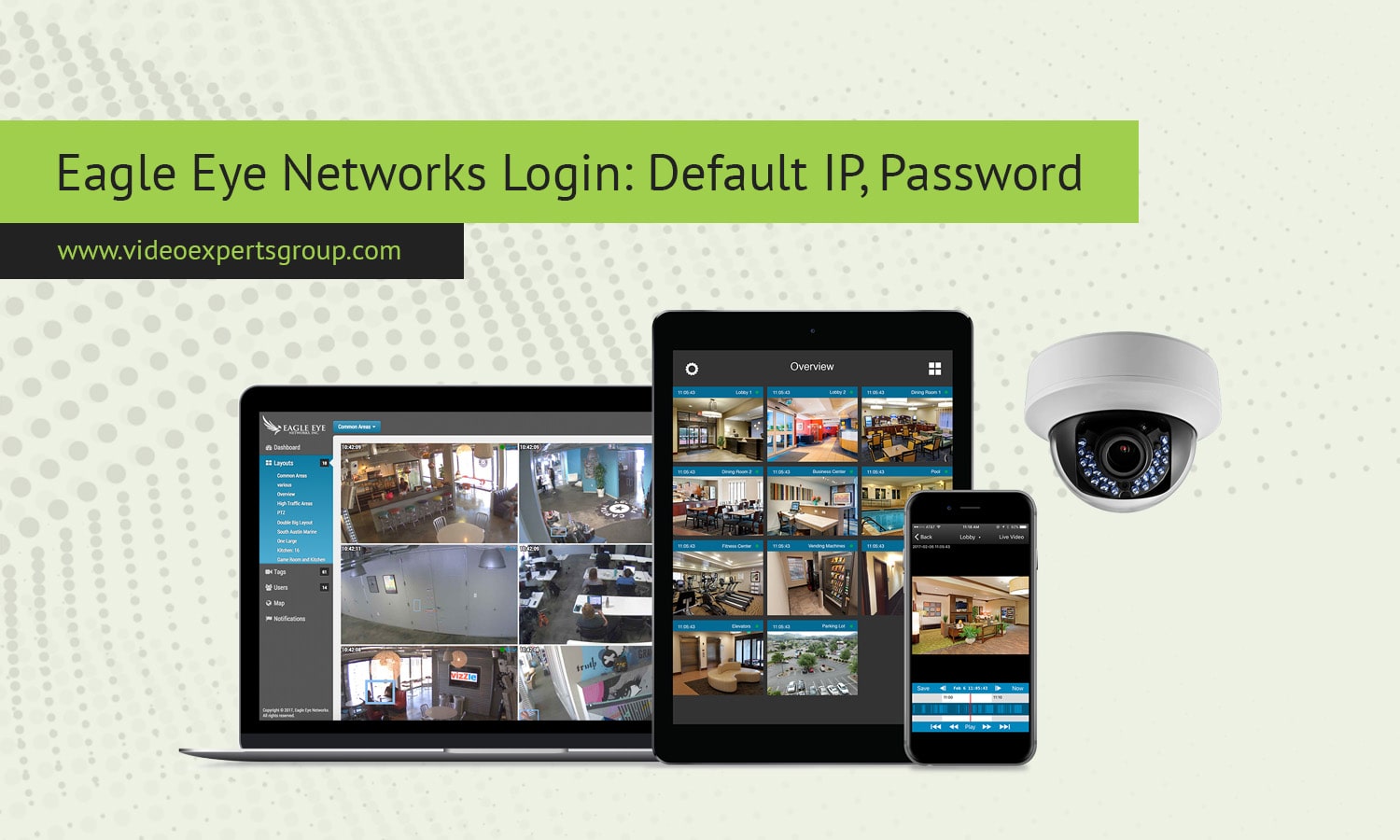
Eagle Eye Networks is known for cloud managed video surveillance systems that connect cameras, bridges, and recorders to a secure online platform. Unlike traditional standalone DVR or NVR equipment, Eagle Eye devices are designed to operate as part of a cloud video management system. This changes how login credentials, IP addresses, and access ports work. Instead of relying only on a local interface, most configuration happens through a browser based cloud dashboard. Still, installers and network administrators often need to know local access details for troubleshooting, setup, or network integration. Understanding the default IP behavior, username logic, password setup, and communication ports helps ensure a smooth installation and secure operation. Because Eagle Eye focuses on secure deployment, its login model is different from many consumer devices that ship with universal passwords.
Default IP
Most Eagle Eye bridge and recording devices obtain their network address automatically using DHCP. This means the router assigns an IP address when the device connects to the network. There is usually no fixed factory IP like many older recorders. However, in cases where DHCP is unavailable, some models fall back to a local default such as 192.168.1.1 or a similar private address so installers can reach the device directly. In normal installations, users find the assigned IP by checking the router client list or network scanner tools. Because the platform is cloud based, direct local IP access is often used only for diagnostics rather than daily management.
- Primary method: automatic DHCP assignment
- Possible fallback local IP: 192.168.1.1 on some bridge devices
- Cloud dashboard access does not require knowing the local IP
Default Username
Eagle Eye systems do not rely on a shared universal username for cloud login. Access to the management interface is linked to user accounts created in the Eagle Eye platform. Installers and administrators receive credentials during system setup. For local device level access, when available, a standard administrative user such as admin may be used, but most modern deployments rely on cloud authentication rather than local login pages. This approach reduces the risk of default credential attacks that affect many traditional surveillance products.
- Cloud login uses individual user accounts
- Local device interface, if enabled, often uses admin as the account name
Default Password
There is typically no public default password for Eagle Eye cloud access. User passwords are created during account setup and managed through the online platform. Devices themselves are usually linked to an account using registration keys or pairing codes rather than a preset password printed in manuals. For any local administrative interface, installers are prompted to define credentials during configuration. This design improves security by preventing widespread use of known factory passwords. Administrators should always use strong passwords and enable additional protection such as two factor authentication if supported.
- No universal factory password for cloud login
- Passwords are created per user during account setup
- Device pairing uses registration codes instead of shared credentials
Default Port
Eagle Eye devices communicate mainly with cloud servers over standard encrypted web ports. Outbound HTTPS traffic on port 443 is essential for video streaming, device management, and status reporting. Some devices may also use HTTP on port 80 for initial local access or redirects. For camera connections within the local network, common video ports such as RTSP on 554 can be used depending on camera type. Because the system is cloud centric, most important communication is outbound, which simplifies firewall configuration compared to systems that require open inbound ports.
- Primary cloud communication port: 443 HTTPS
- Local web access when available: 80 HTTP
- Camera streaming protocols may use 554 RTSP

Connect EagleEye cameras to VXG Cloud VMS with GenAI for free
Learn moreFAQs
Read also:
