Imou Camera: Default Credentials
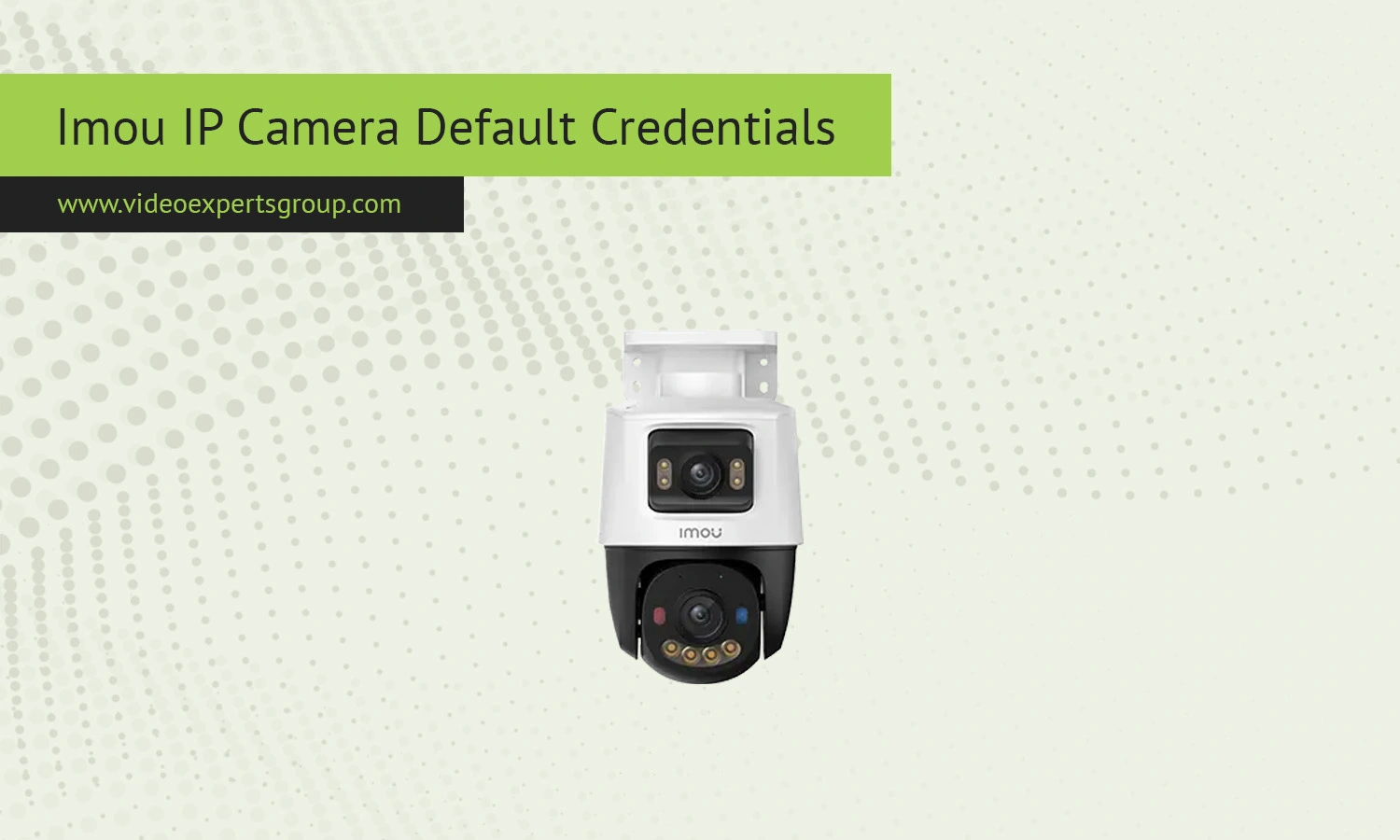
Imou IP cameras are widely used for home and small business security thanks to their simple setup and mobile-first approach. Many users, however, still search for default credentials when trying to access a camera through a browser or local network. Unlike older surveillance brands, Imou devices are designed with stronger security practices in mind, which means traditional default login combinations are often limited or disabled. Understanding how these credentials work can save time during installation and help avoid common connection issues.
Default IP
Imou cameras do not rely on a fixed default IP address in most cases. Instead, they obtain an IP automatically from your router using DHCP. This means the address will vary depending on your network. To find the current IP of your device, you can:
- Check your router's connected devices list
- Use the Imou mobile app to view device details
- Scan the network with a discovery tool
In some rare cases, especially during initial setup or offline configuration, a fallback IP such as 192.168.1.108 may be used, but this is not guaranteed across all models.
Default Username
Imou cameras typically do not use a universal default username like older IP cameras. Most devices are linked directly to an account created in the Imou app. If a username is required for web access or RTSP streams, it is usually: admin.
However, this depends on the model and firmware version. In many cases, the username is tied to your registered account rather than a preset value.
Default Password
There is no standard default password for Imou IP cameras. During the initial setup process, users are required to create a strong password. This is a deliberate security feature to prevent unauthorized access.
If you are trying to access a camera and do not know the password, the only reliable solution is to reset the device. After a reset, you will need to configure it again through the Imou app and set a new password.
Default Port
Imou cameras may use several ports depending on the service:
These ports can vary slightly by model and firmware, and some may be disabled by default for security reasons. Advanced users can enable or modify them through settings if supported.

Connect Imou cameras to VXG Cloud VMS with GenAI for free
Learn moreFAQs
