SD Cards for Security Cameras: Buyer’s Guide
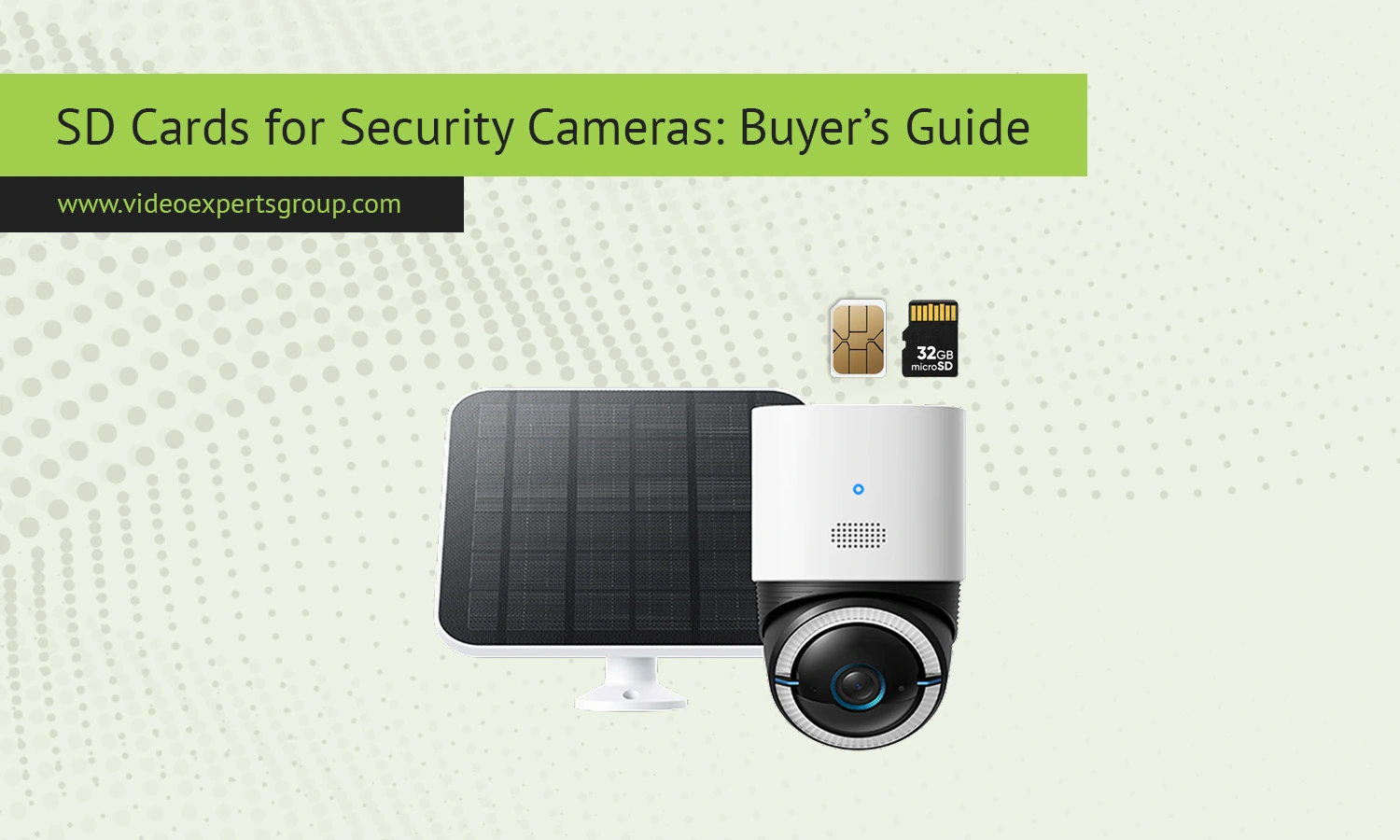
Security cameras are only as reliable as the storage behind them. Many homeowners and businesses spend money on high-quality cameras but overlook the SD card that stores the footage. That mistake often leads to corrupted recordings, missing video clips, and failed playback when important footage is needed most.
Unlike smartphones or gaming devices, security cameras write data constantly. Some cameras record 24/7, while others save clips whenever motion is detected. This creates a heavy workload for memory cards and exposes weaknesses in low-quality storage products very quickly.
Choosing the right SD card for a security camera is not just about storage size. Speed ratings, endurance, temperature resistance, and compatibility all matter. A cheap card may work for a few weeks, then suddenly stop recording without warning.
This buyer’s guide explains how SD cards work, why regular consumer cards fail in surveillance systems, what specifications matter most, and how to estimate the amount of storage your camera actually needs.
What Is an SD Card?
An SD card, or Secure Digital card, is a compact flash memory device used for storing digital data. Security cameras commonly use microSD cards because of their small size and low power consumption. These cards allow cameras to record footage directly without requiring a separate recorder or server.
MicroSD cards are widely used in smartphones, drones, dash cams, gaming consoles, and surveillance devices. In security systems, they are mainly used for local storage. If the network connection fails or cloud access becomes unavailable, the camera can continue recording footage locally to the card.
Most security cameras support microSD, microSDHC, or microSDXC cards. The difference usually relates to storage capacity:
- microSD: up to 2GB
- microSDHC: 4GB to 32GB
- microSDXC: 64GB and higher
Modern security cameras typically support capacities between 32GB and 512GB, depending on the camera model and firmware limitations.
SD cards use NAND flash memory to store data. Unlike hard drives, flash memory has no moving parts. This makes SD cards silent, compact, and energy efficient. However, flash memory wears out over time because every write cycle slowly degrades the storage cells.
That wear becomes a major issue in surveillance systems because cameras continuously overwrite old recordings.
Why Regular MicroSD Cards Fail in Security Cameras
Many people assume that all microSD cards are basically the same. In reality, cards designed for smartphones and casual photography are very different from cards intended for surveillance workloads.
A regular consumer microSD card may survive years in a smartphone because it writes data occasionally. A security camera, on the other hand, may record video every second of every day. This constant rewriting puts enormous stress on the memory cells.
Continuous Write Cycles
Security cameras constantly overwrite older footage when storage becomes full. This process is called loop recording. Cheap cards are not built for endless write operations and often fail prematurely.
Symptoms of card failure include:
- Missing recordings
- Corrupted files
- Camera freezes
- Playback errors
- Random formatting requests
Heat Exposure
Outdoor cameras often operate in direct sunlight or enclosed housings where temperatures become extremely high. Standard consumer cards are sensitive to heat and may throttle performance or fail entirely.
High-endurance surveillance cards are designed to withstand wider temperature ranges and maintain stable operation in difficult environments.
Power Interruptions
Security cameras sometimes lose power during storms, unstable electrical conditions, or accidental disconnects. Sudden shutdowns can corrupt data on low-quality SD cards.
Surveillance-grade cards usually include stronger firmware protection and better error correction systems to reduce data corruption risks.
Inferior Memory Cells
Cheap cards often use lower-quality NAND memory. While they may advertise large capacities and fast speeds, their real-world durability can be poor.
Security systems require endurance more than peak speed. A slower but durable card is usually a better choice than a fast gaming-oriented model.
Counterfeit Products
The SD card market is flooded with counterfeit products. Fake cards may display a high capacity but actually contain much smaller storage internally. Once the real limit is reached, recordings become corrupted or disappear.
Buying from trusted retailers and well-known brands is essential for surveillance storage.
Key Specifications to Look For
Understanding SD card specifications helps avoid compatibility issues and premature failures. Several technical characteristics matter when selecting a card for a security camera.
Endurance Rating
This is one of the most important factors for surveillance storage. High-endurance cards are specifically designed for continuous video recording.
Manufacturers often market them as:
- High Endurance
- Max Endurance
- Industrial Grade
- Surveillance Grade
These cards are optimized for constant write operations and typically last much longer than standard consumer models.
Storage Capacity
Larger capacity allows longer recording retention. However, not all cameras support every capacity level.
Always check:
- Maximum supported capacity
- Recommended card type
- File system compatibility
Many modern cameras support 128GB or 256GB cards, while older models may stop at 32GB or 64GB.
Speed Class
Speed ratings indicate the minimum sustained write speed of the card.
Common ratings include:
- Class 10
- U1
- U3
- V10
- V30
For Full HD security cameras, Class 10 or U1 is usually sufficient. For 4K cameras, U3 or V30 is strongly recommended.
Insufficient write speed can lead to dropped frames, recording interruptions, or corrupted video.
Application Performance Ratings
Some cards include A1 or A2 ratings designed for smartphone applications. These ratings are not especially important for surveillance cameras.
Endurance and sustained writing performance matter much more.
Temperature Resistance
Outdoor security cameras experience harsh weather conditions. A good surveillance SD card should tolerate both high heat and freezing temperatures.
Industrial-grade cards usually provide the best environmental durability.
Waterproof and Shockproof Protection
Many premium cards include protection against:
- Water
- X-rays
- Magnetic fields
- Shocks
- Vibrations
These features improve reliability in demanding environments.
Brand Reputation
Reliable brands usually offer better firmware, higher quality control, and more accurate capacity ratings.
Popular surveillance-friendly manufacturers include:
- Samsung
- SanDisk
- Kingston
- Western Digital
- Lexar
Even among trusted brands, it is important to choose surveillance-oriented product lines rather than generic consumer models.
How Much Storage Do You Actually Need?
Many buyers either underestimate or overestimate storage requirements. The ideal SD card size depends on recording settings and camera usage.
Video Resolution
Higher resolution footage consumes more storage space.
Approximate storage usage:
A 4K security camera may consume several times more storage than a 1080p model.
Bitrate
Bitrate determines how much data is recorded every second. Higher bitrates improve image quality but increase storage consumption.
Cameras with advanced compression technologies like H.265 typically reduce storage requirements compared to older H.264 systems.
Frame Rate
Recording at 30 frames per second requires more storage than recording at 15 frames per second.
For many home security scenarios, lower frame rates are perfectly acceptable and help extend storage duration.
Continuous Recording
24/7 recording consumes storage rapidly because the camera saves video constantly.
Approximate examples:
- 64GB may store 2-4 days of Full HD footage
- 128GB may store 5-8 days
- 256GB may store 1-2 weeks
Actual results vary depending on compression, scene complexity, and recording settings.
Motion Detection Recording
Motion-triggered recording saves space because footage is only recorded when movement occurs.
This approach may extend storage duration significantly, especially in low-traffic environments.
For example, a 128GB card may store several weeks of motion-triggered clips in a quiet residential setting.
Multiple Cameras
Each camera requires separate storage calculations. A single SD card per camera is common in standalone systems.
However, larger installations often benefit from centralized storage solutions like NVRs or cloud backups.
Continuous Recording vs. Motion-Triggered Recording
One of the biggest decisions in surveillance storage is choosing between continuous recording and motion-triggered recording.
Continuous Recording
Continuous recording captures everything 24/7. This approach ensures that no events are missed.
Advantages include:
- Complete video timeline
- No missed activity
- Easier investigations
- Better incident reconstruction
Disadvantages include:
- Faster SD card wear
- Higher storage requirements
- Increased power consumption
Continuous recording is ideal for:
- Businesses
- Parking lots
- Warehouses
- High-risk locations
Motion-Triggered Recording
Motion-triggered recording only saves footage when movement is detected.
Advantages include:
- Reduced storage usage
- Longer card lifespan
- Easier event searching
Disadvantages include:
- Potential missed events
- False triggers
- Detection delays
This mode works well for:
- Residential properties
- Indoor cameras
- Low-traffic areas
Hybrid Approaches
Many modern cameras support hybrid recording modes. For example, a camera may continuously record at low quality and switch to high-quality recording during motion events.
This approach balances storage efficiency with comprehensive coverage.
Summary Checklist for Buyers
Before purchasing an SD card for a security camera, review the following checklist:
- Choose high-endurance or surveillance-grade cards
- Verify maximum supported capacity in the camera manual
- Use Class 10 or better speed ratings
- Prefer U3 or V30 for 4K cameras
- Buy from trusted retailers to avoid counterfeits
- Consider heat resistance for outdoor installations
- Estimate storage needs based on recording mode
- Replace aging cards periodically
- Format cards within the camera when possible
- Monitor camera alerts for storage failures
Investing in a reliable SD card can prevent major recording failures and improve the overall reliability of a surveillance system.
VXG Solution for Automated SD Card Backup
Local SD card storage is convenient, but relying on a single memory card always carries some risk. Cards can fail, become corrupted, or be physically removed from the camera.
Automated backup solutions help protect important footage by transferring recordings from edge storage to secure cloud or server environments.
The VXG solution for SD card automated backup helps businesses and integrators manage video retention more safely and efficiently. It allows footage stored locally on cameras to be backed up automatically for improved reliability and centralized access.
Learn more about the VXG SD card automated backup solution here: https://help.videoexpertsgroup.com/kb/sd-card-automated-backup
FAQs
