SmartPSS Lite App: Login & Download for PC, Mac, Linux
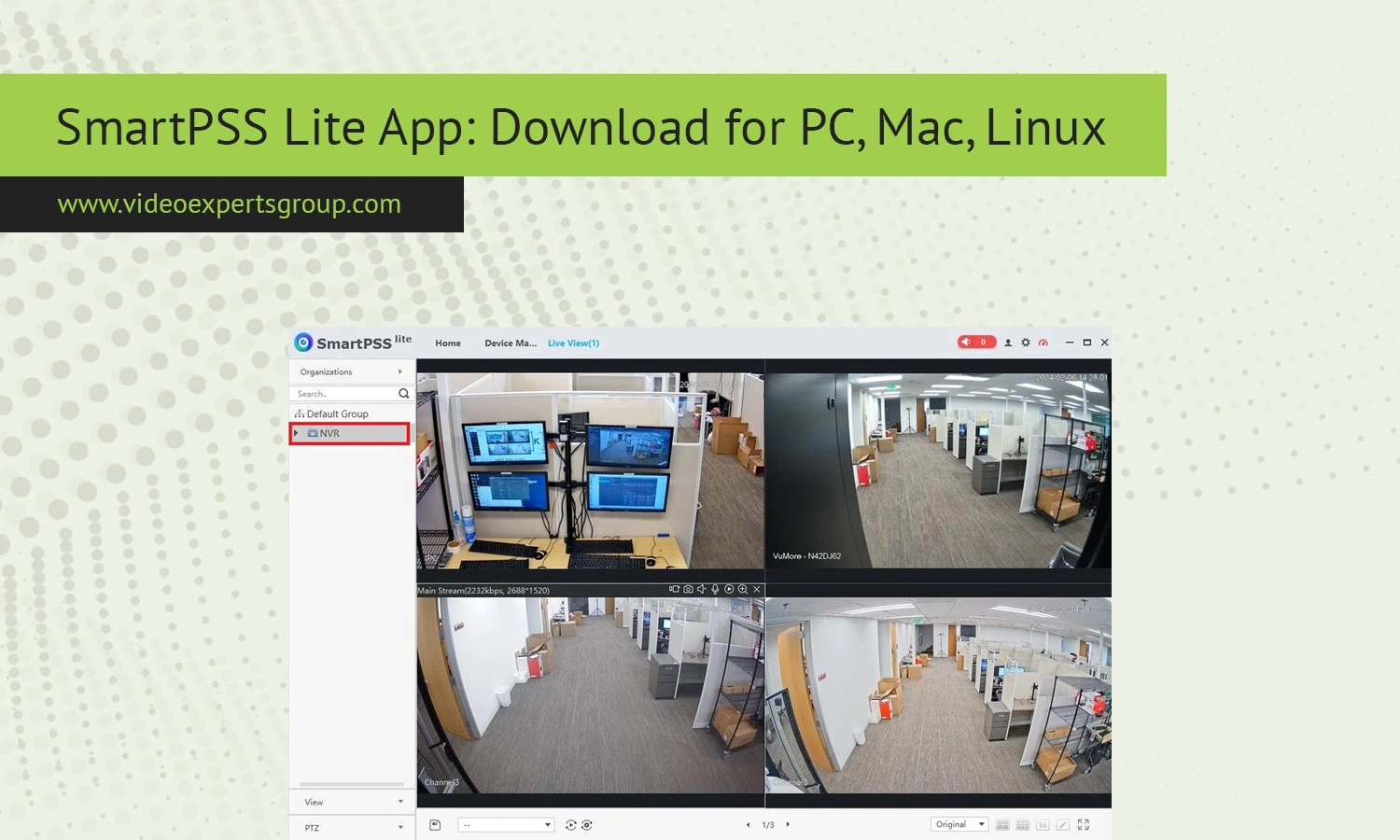
Smart video surveillance has become a core part of both home and business security. Whether you are monitoring a small office, a warehouse, or your own property, having a reliable client application is essential. SmartPSS Lite is one of the lightweight solutions designed for managing video devices with simplicity and efficiency. In this guide, you will learn what SmartPSS Lite is, how to download and install it on different operating systems, how to log in, and how it compares to other popular solutions.
What is SmartPSS Lite
SmartPSS Lite is a streamlined video management client developed for users who need a simple yet functional interface to monitor and control surveillance devices. It is commonly used with IP cameras, NVRs, and DVR systems. The Lite version focuses on core features such as live view, playback, and device management without the complexity of enterprise-grade tools.
This application is ideal for small to medium setups where ease of use is more important than advanced analytics or large-scale deployment. It supports multiple devices and allows centralized monitoring from a single interface.
Key Features
SmartPSS Lite offers a solid set of features for everyday surveillance tasks. It provides real-time live view with multiple camera layouts, allowing users to monitor several feeds simultaneously. Playback functionality makes it easy to review recorded footage, filter by date and time, and locate important events quickly.
The software includes device management tools that allow users to add, edit, and organize cameras and recorders. Remote access is another important feature, enabling users to monitor their systems from different locations. The interface is designed to be intuitive, which reduces the learning curve for beginners.
Additional features include alarm notifications, basic event management, snapshot capture, and video export. While it does not include advanced AI analytics, it covers all essential monitoring needs.
Download
For PC/Windows
SmartPSS Lite is most commonly used on Windows systems. To install it, download the official installer package from a trusted source. Once downloaded, run the setup file and follow the on-screen instructions. The installation process is straightforward and usually takes only a few minutes. After installation, launch the application and proceed with initial setup.
For Mac
Mac users can also install SmartPSS Lite, although availability may depend on the version. Download the macOS-compatible file and open the package. Drag the application into the Applications folder and launch it. You may need to allow installation from unidentified developers in your system settings before running the app.
For Linux
SmartPSS Lite support for Linux is limited, but some distributions can run it using compatibility layers or alternative builds. If a native version is available, download the package suitable for your distribution. Otherwise, consider using Wine or a virtual machine environment to run the Windows version. Keep in mind that performance and stability may vary in such cases.
How to Login
After installing SmartPSS Lite, the login process is simple. Launch the application and you will be prompted to create an account or log in. For first-time users, you will need to set up a username and password. These credentials are used to access the local application.
Once logged in, you can add devices manually by entering their IP address, port, username, and password. Some systems also support automatic device discovery within the same network. After adding devices, they will appear in your device list, and you can start viewing live feeds immediately.
If you forget your login credentials, the application usually provides a reset option. It is recommended to use a strong password and store it securely.
SmartPSS Lite vs. SmartPSS
SmartPSS Lite and SmartPSS share a similar foundation, but they are designed for different types of users. SmartPSS Lite focuses on simplicity and ease of use, making it suitable for beginners or small systems. It includes only the essential features needed for monitoring and playback.
SmartPSS, on the other hand, is a full-featured client with advanced capabilities such as intelligent video analytics, detailed event management, and support for larger installations. It is better suited for professional environments where more control and customization are required.
If your needs are basic, SmartPSS Lite is usually sufficient. If you require advanced functionality, the full version is a better choice.
SmartPSS Lite vs. DSS Express
DSS Express is a more advanced video management solution designed for enterprise-level deployments. Unlike SmartPSS Lite, DSS Express can handle a large number of devices and users. It includes features such as centralized management, role-based access control, and enhanced scalability.
SmartPSS Lite is intended for standalone use on a single computer, while DSS Express operates as a server-based system. This makes DSS Express more suitable for businesses with complex security requirements.
For small setups, SmartPSS Lite offers a simpler and more cost-effective solution. For larger operations, DSS Express provides the necessary infrastructure and flexibility.
SmartPSS Lite Alternatives
While SmartPSS Lite is a reliable option, there are several alternatives worth considering. One of the most notable is the VXG solution, which offers cloud-based video management with advanced scalability and flexibility. VXG allows users to manage cameras remotely without relying on local installations, making it a strong choice for modern deployments. If you are looking for a future-proof solution with cloud capabilities, consider exploring VXG and its platform.
Other alternatives include open-source video management systems and third-party applications that support multiple camera brands. These solutions may offer additional features such as AI analytics, mobile integration, and cloud storage.
Choosing the right alternative depends on your specific needs, budget, and technical expertise.
FAQs
