Tapo TP-Link Camera: Default IP, Username, Password, Port
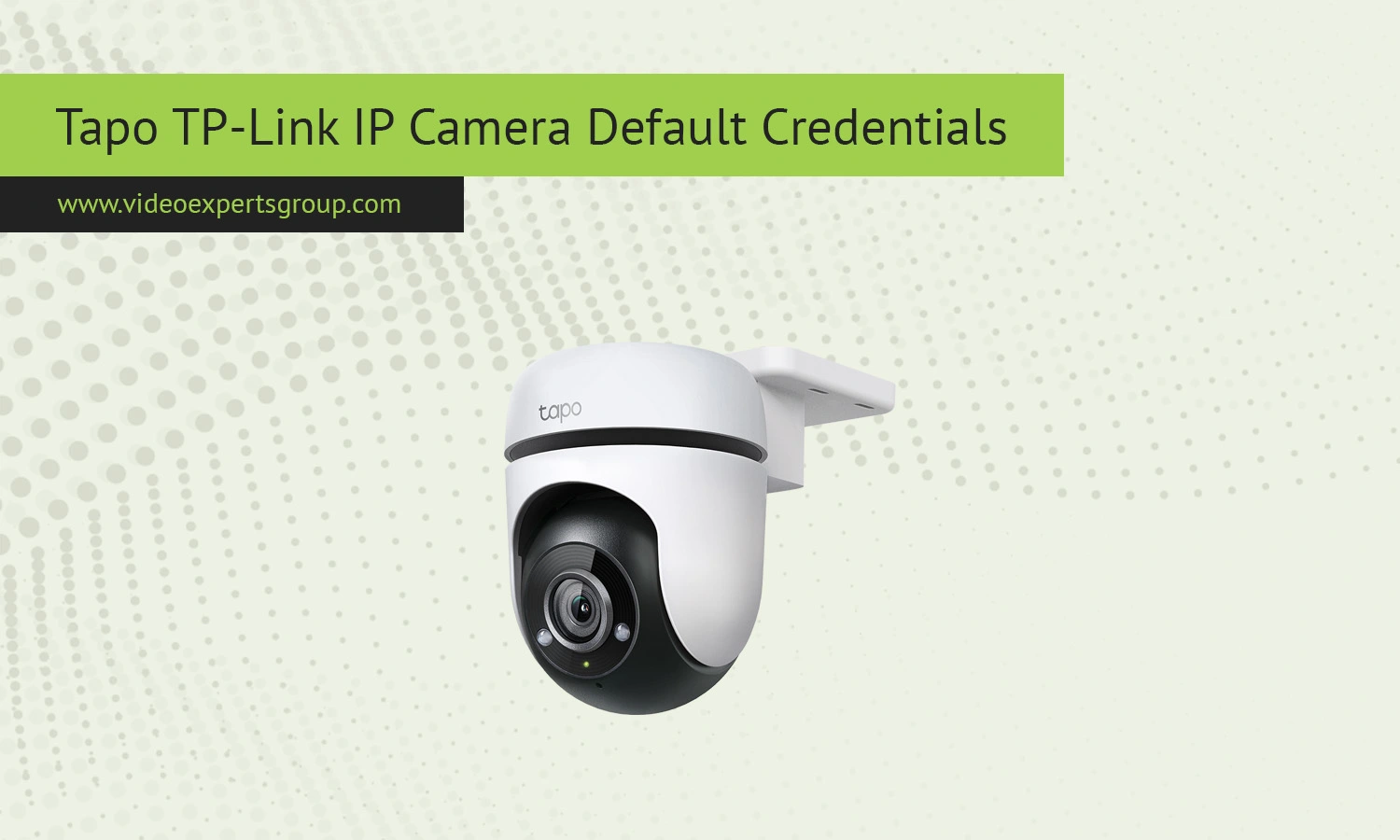
Tapo cameras by TP-Link are designed with simplicity in mind, focusing on mobile app control and secure cloud integration. Unlike older IP cameras that relied on universal default credentials, Tapo devices are built around account-based access from the start. This approach reduces the risk of unauthorized login but also confuses users who expect a traditional username and password combination. If you are setting up a Tapo camera or trying to connect it to your local network or third party software, it helps to understand how credentials are handled and what defaults still apply.
Default IP
Tapo IP cameras do not use a fixed default IP address. Once powered on and connected to your network, the camera automatically receives an IP address from your router using DHCP. The assigned address will usually look like 192.168.0.x or 192.168.1.x depending on your network setup.
- Check your router’s connected devices list
- View device information inside the Tapo mobile app
- Use a network scanner to locate the camera
There is no universal fallback IP for Tapo devices, as they are intended to be configured through the app from the beginning.
Default Username
Tapo cameras do not use a traditional default username. Instead, access is tied to your TP-Link account that you create during setup. This means there is no standard login like "admin" for most use cases.
For advanced features such as RTSP streaming, some models may internally use a username like: admin.
However, this is usually defined during setup rather than being a fixed default.
Default Password
There is no default password for Tapo IP cameras. During the initial setup process, you are required to create a password or link the camera to your TP-Link account. This design improves security and prevents unauthorized access from the start.
If you forget your password, you cannot retrieve it directly from the device. The recommended solution is to reset the camera and configure it again through the Tapo app.
Default Port
Tapo cameras use several ports depending on how you access them and which features are enabled:
- RTSP - 554
- HTTPS or cloud communication - dynamic ports managed automatically
Unlike traditional IP cameras, Tapo devices rely heavily on cloud connectivity, so manual port configuration is often unnecessary. If you enable RTSP, you can use it for local streaming with compatible software.

Connect Tapo TP-Link cameras to VXG Cloud VMS with GenAI for free
Learn moreFAQs
