Cloud DVR in CCTV: Meaning, Benefits, Comparison
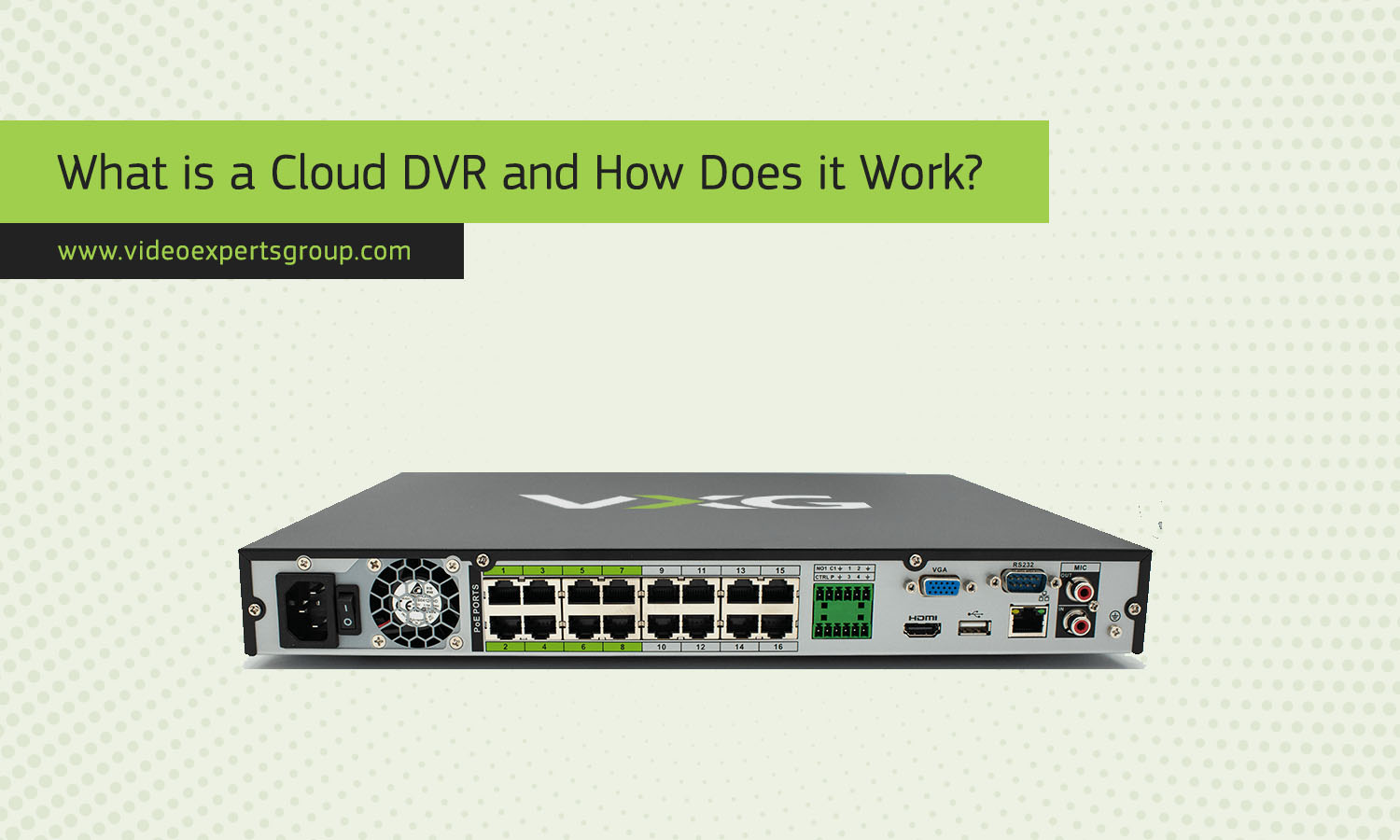
Cloud-based surveillance systems have changed the way businesses and homeowners store and manage security footage. Traditional CCTV setups relied heavily on local recording devices installed on-site, but modern systems increasingly use remote cloud infrastructure for video storage and management. One of the most discussed technologies in this field is the Cloud DVR.
Cloud DVR solutions make it possible to record, store, access, and manage surveillance footage over the internet without depending entirely on physical hardware at the installation site. This approach helps improve scalability, accessibility, and security while reducing maintenance requirements.
Whether you manage a retail store, office building, warehouse, school, or residential property, understanding how Cloud DVR systems work can help you choose the right surveillance architecture for your needs.
What Does Cloud DVR Mean in CCTV?
Cloud DVR stands for Cloud Digital Video Recorder. In CCTV systems, it refers to a recording solution where surveillance video is stored and managed using cloud servers instead of relying solely on a local DVR appliance.
A traditional DVR records footage directly onto a hard drive installed inside the recorder. In contrast, a Cloud DVR transfers video data through the internet to remote data centers where the recordings are securely stored.
The term is commonly associated with analog CCTV systems that use coaxial cable cameras connected to a DVR device. However, modern cloud DVR platforms may also support hybrid environments that combine analog and IP cameras.
Cloud DVR technology is widely used in:
- Retail stores
- Office buildings
- Warehouses
- Restaurants
- Residential properties
- Educational facilities
- Healthcare environments
- Parking facilities
Instead of keeping all recordings on local hard drives that can fail, be stolen, or become damaged, Cloud DVR systems replicate or fully store footage in secure remote infrastructure.
How Cloud DVR Works
Cloud DVR systems combine local video capture with internet-based storage and management. The process may vary slightly depending on the platform, but the overall workflow remains similar.
Video Capture
CCTV cameras continuously capture video footage. These may include analog cameras connected to a DVR or IP cameras connected through a network.
Encoding and Compression
The DVR or gateway device compresses video streams using codecs such as H.264, H.265, or H.265+ to reduce bandwidth consumption and storage requirements.
Internet Transmission
The compressed footage is securely transmitted through the internet to cloud servers. Most modern systems use encrypted connections to protect the video data during transmission.
Cloud Storage
The footage is stored in distributed cloud infrastructure. Depending on the service plan, recordings may be retained for several days, weeks, or months.
Remote Access
Users can access live feeds and recorded footage through web browsers, desktop software, or mobile applications. Authorized users may search events, export clips, and receive notifications remotely.
Smart Analytics
Many Cloud DVR platforms include artificial intelligence and video analytics features such as:
- Motion detection
- Object recognition
- Line crossing detection
- Intrusion alerts
- People counting
- License plate recognition
- Facial recognition
These tools help users find important events faster and reduce the need to review hours of footage manually.
Advantages
Cloud DVR technology offers several important benefits compared to fully local recording systems.
Remote Accessibility
One of the biggest advantages is the ability to access footage from virtually anywhere with an internet connection. Business owners, security teams, and property managers can monitor cameras remotely through mobile apps or web dashboards.
This feature is especially useful for companies with multiple locations.
Improved Data Security
Local DVR systems are vulnerable to theft, fire, flooding, vandalism, and hardware failure. Since Cloud DVR stores recordings remotely, the footage remains protected even if equipment at the site is damaged or stolen.
Most cloud providers also use redundancy and backup systems to minimize data loss risks.
Scalability
Expanding a traditional DVR system often requires purchasing larger hard drives or replacing hardware entirely. Cloud DVR systems are much easier to scale.
Users can usually add more cameras or increase storage retention through software subscriptions without major hardware upgrades.
Lower Maintenance Requirements
Traditional DVR systems require ongoing maintenance, including hard drive replacements and firmware updates. Cloud DVR platforms reduce these responsibilities because much of the infrastructure management is handled by the service provider.
Automatic Software Updates
Cloud-based systems often receive automatic security patches and feature updates. This helps keep the surveillance platform secure and current without requiring manual intervention.
Flexible Storage Retention
Users can select storage plans that match their operational needs. For example:
- 7-day retention
- 30-day retention
- 90-day retention
- Long-term archival storage
This flexibility makes Cloud DVR suitable for both small businesses and enterprise deployments.
Centralized Management
Organizations with multiple sites can manage all cameras and recordings from a single interface. This improves operational efficiency and simplifies monitoring.
Disaster Recovery
Cloud DVR solutions improve business continuity by preserving footage in remote data centers. Even after power failures or local disasters, recordings can still be retrieved.
Disadvantages
Although Cloud DVR offers many benefits, it also has some limitations that should be considered before deployment.
Internet Dependency
Cloud DVR systems rely heavily on stable internet connectivity. Poor upload speeds or unreliable connections can impact video quality, recording consistency, and remote access performance.
In areas with weak internet infrastructure, this may become a serious challenge.
Recurring Subscription Costs
Unlike traditional DVR systems that mainly involve upfront hardware costs, Cloud DVR services usually require monthly or annual subscription fees.
Costs may increase depending on:
- Number of cameras
- Video resolution
- Storage duration
- Analytics features
- User accounts
Bandwidth Consumption
Uploading high-resolution video to the cloud can consume significant bandwidth. This is especially important for:
- 4K cameras
- High frame rate recording
- Large camera deployments
- 24/7 continuous recording
Organizations may need upgraded internet plans to support cloud surveillance properly.
Potential Privacy Concerns
Some organizations may hesitate to store surveillance footage on third-party servers due to compliance or privacy regulations.
Industries handling sensitive data often require strict security policies and regional data storage compliance.
Latency Issues
Cloud-based access can occasionally introduce delays during live viewing or playback, especially if network conditions are poor.
Limited Offline Functionality
If the internet connection fails completely, some Cloud DVR systems may temporarily lose cloud recording functionality unless local backup recording is available.
Cloud DVR vs. Cloud NVR
Cloud DVR and Cloud NVR are often confused because both use cloud-based recording and remote access. However, they are designed for different camera technologies and architectures.
Camera Compatibility
Cloud DVR systems are commonly associated with analog CCTV cameras connected through coaxial cables.
Cloud NVR systems are designed primarily for IP cameras that transmit video over Ethernet networks.
Video Quality
Cloud NVR systems usually support higher video resolutions because IP cameras can transmit more detailed digital data.
Cloud DVR setups may be more limited depending on the analog camera technology used.
Installation Complexity
DVR systems may be easier to deploy in older buildings that already use coaxial cable infrastructure.
NVR systems often require network switches, Ethernet cabling, and more advanced network configuration.
Scalability
Cloud NVR systems generally provide better scalability for modern enterprise deployments because IP-based architecture supports flexible network expansion.
Advanced Features
Cloud NVR platforms usually include more advanced analytics and AI capabilities since IP cameras can process and transmit richer metadata.
Cost Considerations
Cloud DVR systems may offer lower initial upgrade costs for organizations that already own analog cameras.
Cloud NVR systems often require higher upfront investment but provide greater long-term flexibility and image quality.
Which One Is Better?
The best option depends on your environment and requirements.
- Choose Cloud DVR if you want to modernize an existing analog CCTV installation without replacing all cameras.
- Choose Cloud NVR if you are building a modern IP surveillance system with advanced analytics and high-resolution cameras.
Who Should Use Cloud DVR?
Cloud DVR solutions are suitable for many different industries and use cases.
Small Businesses
Retail stores, cafes, and offices benefit from remote monitoring and reduced hardware maintenance.
Multi-Site Organizations
Businesses with several branches can centralize surveillance management across all locations.
Residential Users
Homeowners can monitor properties remotely and keep footage safe even if local devices are stolen.
Educational Institutions
Schools and universities use cloud recording to improve security monitoring across large campuses.
Warehouses and Logistics
Cloud DVR helps secure inventory and monitor operations remotely.
If you are looking for a flexible and scalable cloud video surveillance platform, VXG offers professional cloud recording solutions designed for modern CCTV deployments.
VXG solutions support cloud video recording, remote camera management, AI-powered analytics, and secure video storage for businesses of all sizes.
Whether you need to modernize an existing CCTV installation or deploy a new cloud surveillance platform, VXG provides tools that simplify video management and remote access.
You can explore the available cloud recording options here: https://www.videoexpertsgroup.com/recording/.
FAQs
