VMS (Video Management System) in CCTV Explained
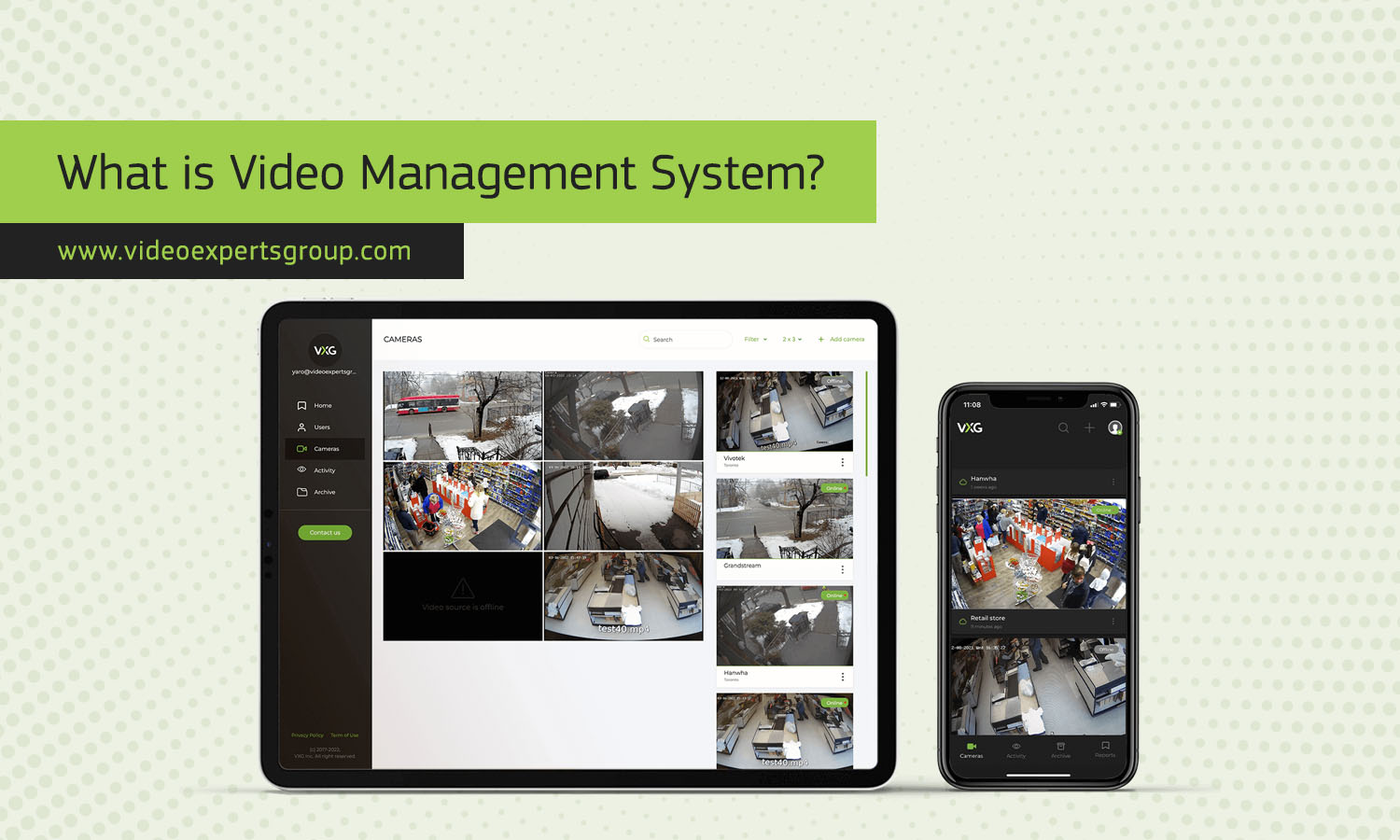
A Video Management System (VMS) is the core software that controls, records, manages, and organizes video from CCTV cameras. It provides a unified interface for monitoring live footage, reviewing video archives, managing alerts, and integrating advanced features such as analytics and remote access.
As CCTV systems become more complex and widespread, VMS platforms ensure that video data is easy to use, secure, and efficient to manage — whether for small businesses or large enterprise environments.
Meaning
A VMS (Video Management System) is software designed to handle all aspects of video surveillance. It connects CCTV cameras, recorders, storage, and optional analytics tools into a single system.
A VMS allows users to:
- View live video streams
- Access recorded footage
- Set up automation rules and alerts
- Manage multiple cameras or sites
- Integrate smart analytics (motion detection, face recognition, etc.)
Unlike simple DVR or NVR interfaces, a VMS offers flexible control, scalability, and customization — especially useful in multi-camera or multi-location environments.
Architecture
The architecture of a VMS generally consists of several layers that work together to deliver stable and secure video management.
- Device Layer
Includes CCTV cameras, encoders, sensors, and recorders. These devices send video streams and metadata to the VMS.
- Network Layer
Handles the transmission of video data. Modern systems rely on IP networks, allowing high-resolution streaming and remote access.
- VMS Server Layer
The main processing layer. It manages video recording, camera connections, user permissions, event handling, and analytics processing. This may run on local servers or virtualized environments.
- Storage Layer
Can include NVRs, SAN/NAS devices, or cloud-based storage. Advanced VMS solutions dynamically allocate storage based on retention rules and camera priority.
- Client Layer
Provides user interfaces such as desktop applications, mobile apps, or web dashboards for monitoring and management.
Cloud VMS
A cloud VMS shifts most processing and storage to remote cloud servers. Users access video through the internet without maintaining local infrastructure.
Key characteristics include:
- Web-based management
- Automatic updates
- Remote storage and retrieval
- Scalable deployment for large or distributed systems
- Cloud VMS solutions reduce hardware costs and simplify multi-site monitoring.
Key Functions
A modern VMS offers a wide range of features that improve the efficiency and security of CCTV systems:
- Live video monitoring from multiple cameras on one interface
- Centralized recording and playback with timeline navigation
- Event detection and alerts (motion, tampering, intrusion)
- User access control with role-based permissions
- Camera health monitoring to detect disconnects or failures
- Video analytics integration including AI-based insights
- Exporting and archiving footage for investigations
- Remote access from mobile or web clients
- Multi-site management for distributed installations
- System integration with alarms, access control, and sensors
Benefits
A VMS enhances CCTV performance in many important ways:
- Scalability: Easily add more cameras, locations, or analytics tools.
- Flexibility: Compatible with different camera brands and models.
- Centralized control: Manage everything from a single console.
- Improved security: Encrypted connections, user permissions, and audit logs.
- Faster investigations: Smart search tools reduce the time needed to find events.
- Cost-efficiency: Cloud VMS reduces hardware investment and maintenance.
- Automation: Intelligent alerts and triggers decrease manual monitoring.
- Remote operations: Monitor locations from anywhere using mobile or web apps.
FAQs
