Zmodo Camera: Default Credentials
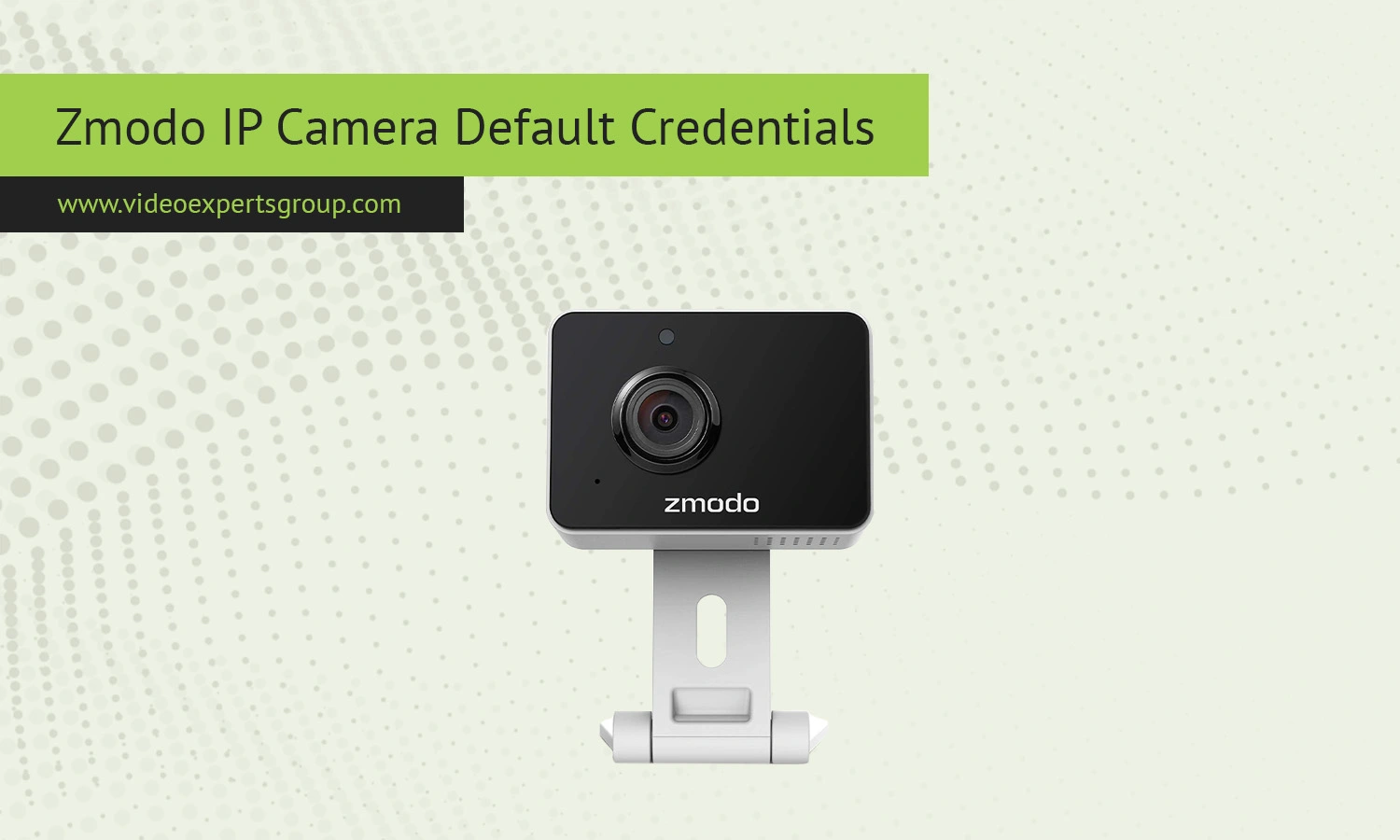
Zmodo IP cameras are popular for home monitoring because they are affordable, easy to install, and designed for everyday users. Unlike older surveillance systems that relied heavily on static credentials, Zmodo has gradually moved toward cloud-based access and app-controlled setup. Even so, many users still look for default login details when trying to connect through a browser, NVR, or third-party software. Knowing how Zmodo handles default credentials can help you avoid login errors and speed up the configuration process.
Default IP
Zmodo cameras typically do not use a fixed default IP address. Instead, they request an IP automatically from your router using DHCP. This means the address changes depending on your local network setup. To locate your camera’s current IP, you can:
- Open your router settings and check the connected devices list
- Use the Zmodo mobile app to view device details
- Run a network scanner to detect active devices
Some older Zmodo models may briefly use a fallback IP such as 192.168.1.1 or 192.168.0.1 during initial setup, but this is not consistent across all devices.
Default Username
Many Zmodo cameras use a simple default username for local access, especially on older firmware versions. The most common value is: admin.
However, newer devices often require you to register an account during setup, and the username becomes tied to that account rather than a generic login. If the camera is linked to a Zmodo cloud account, you may not be able to log in locally with a standard username.
Default Password
The default password for Zmodo cameras depends on the model and firmware. Common options found on older devices include: admin or (blank password).
For security reasons, newer Zmodo cameras require users to create a password during the first setup. If you are unable to log in, try common defaults only if the device has not been configured before. Otherwise, a factory reset is usually required to regain access.
Default Port
Zmodo cameras use several ports depending on the connection method and features enabled. Typical ports include:
Some models limit direct port access to improve security, especially those designed for cloud-only operation. If you plan to use third-party software, check whether RTSP or ONVIF is supported on your specific camera.

Connect Zmodo cameras to VXG Cloud VMS with GenAI for free
Learn moreFAQs
