AXIS Companion: Overview, Alternatives
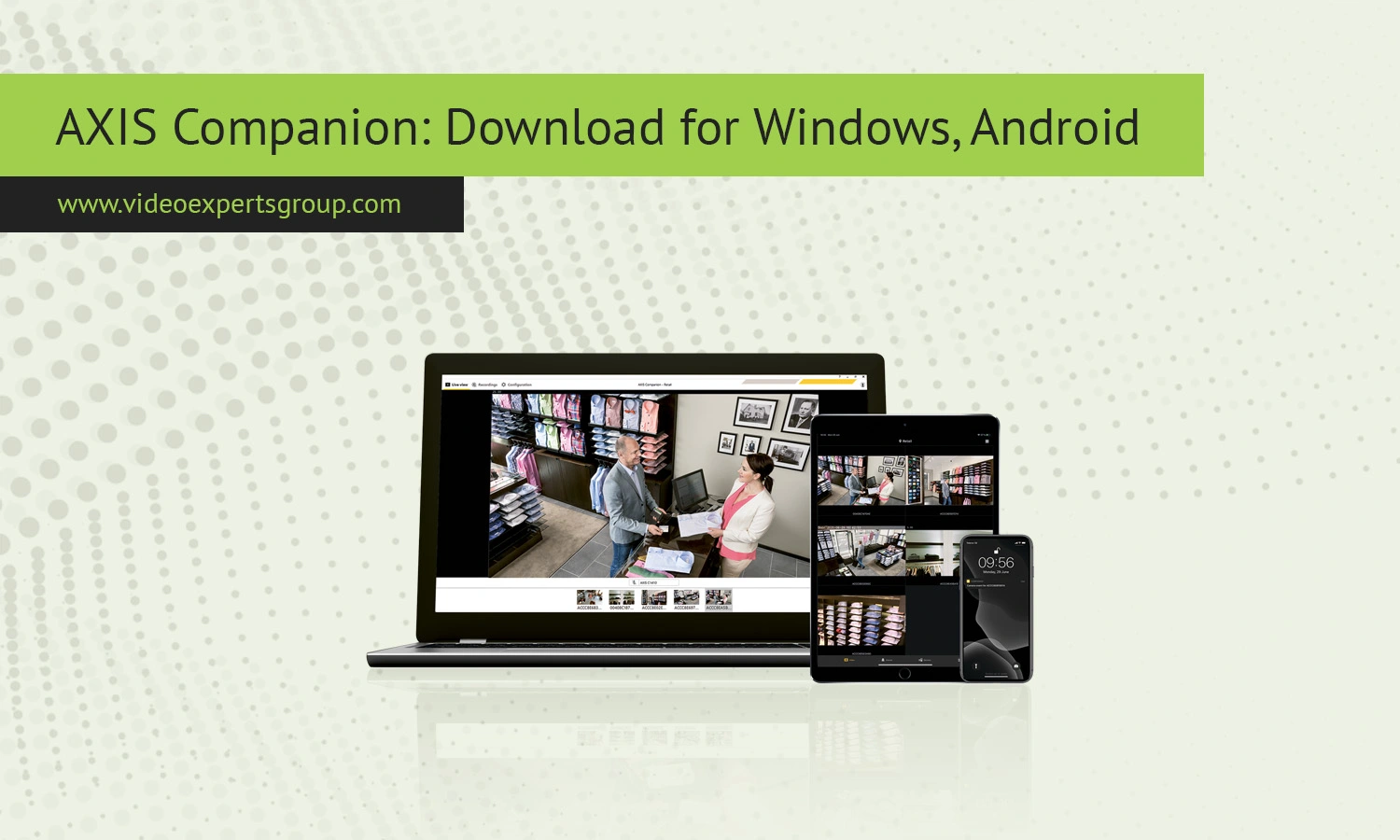
AXIS Companion is the most liked software for video surveillance for small setups, with a smart interface and stable output. In order to check your house, office or small shop, the application gives a simple way to supervise an IP camera without being troubled about the elaborate setup. In our comprehensive guide, let’s discover what is AXIS companion, which types of cameras supported in AXIS companion and the other better options in the industry to compare with it.
What is AXIS Companion
AXIS Companion is a video management software suitable for small-scale surveillance systems. It facilitates the connection, configuration, and monitoring of cameras over a network from a central interface. It has been engineered for use with Axis devices, giving the advantage of a truly plug-and-play setup that cuts down initial time investment.
While not as comprehensive as a full enterprise class video management system, AXIS Companion simplifies your security system. The software is perfect for those who only need the basics and not have to worry about server setup or costly licensing. Live viewing, playback, motion detection, and secure remote access are all provided.
Key Features
AXIS Companion offers various features suitable for both novice and expert users. A primary benefit is its ease of installation, whereby cameras can be discovered on the network automatically, without needing any manual setup. It has remote access capabilities, allowing viewing of live or recorded footage remotely, proving to be an asset to business owners needing to keep an eye on premises while away.
Motion detection and alerts is another useful function, helping users stay proactive when activity occurs.
The video playback function is smooth, with clear time-line navigation for users to easily locate events. AXIS Companion comes with multiple storage options, with either local storage or the cloud depending on how the system has been set up. Multiple camera viewing options, user access control, and mobile app for smart phones is a welcome bonus.
Compatible Cameras
AXIS Companion supports various types of cameras suitable for various needs and environments. Here are the most frequent categories.
360 Cameras
With a 360 degree field of view a room has no blind spots. These cameras are well-suited to monitor large open spaces like shops, warehouses or entrance lobbies. One device covers a whole room.
Bullet Cameras
Bullet Cameras work in outdoor conditions and the lens are built for a far field of view. The cigar shape means they are easy to maneuver for mounting, these often include outdoor housing to cope with the elements. They are best used on perimeters and in car parks.
Cube Cameras
Cube cameras are small, lightweight units; making them ideal for indoor use. Their size and weight means they are easy to move, which is ideal for indoor monitoring of a property or small office space.
Dome Cameras
Dome cameras can be found either indoors or out. Their designs mean they are aesthetically less conspicuous, as well as much harder to tamper with. Typically used in stores, an office or public areas.
Eye Cameras
Eye Cameras have an individual and stylish design, with excellent adaptability to the different ways an object can be mounted, these cameras can complement the interior due to their style.
AXIS Companion Alternatives
While AXIS Companion is great, it’s not for everyone or for every purpose. If you’re looking for more room to scale or need more flexible, cross-platform compatible options, have a look at some alternatives. Here’s a look at an alternative with plenty of room to grow: VXG - a cloud-based video surveillance for the current world.
It offers an adaptable infrastructure, the ability to work with many cameras, and a remote to your cameras!
VXG is the more versatile, smarter, more powerful alternative for building video security infrastructure – and best of all – you can try out VXG for free! For users that require enterprise-level control, complex logic, support for AI analysis and for managing an array of facilities, enterprise video management and surveillance solutions might be better. And then there are, of course, the open-source and enterprise platforms that offer their own set of advantages.
FAQs
