MX Player: Overview, Features, Alternatives
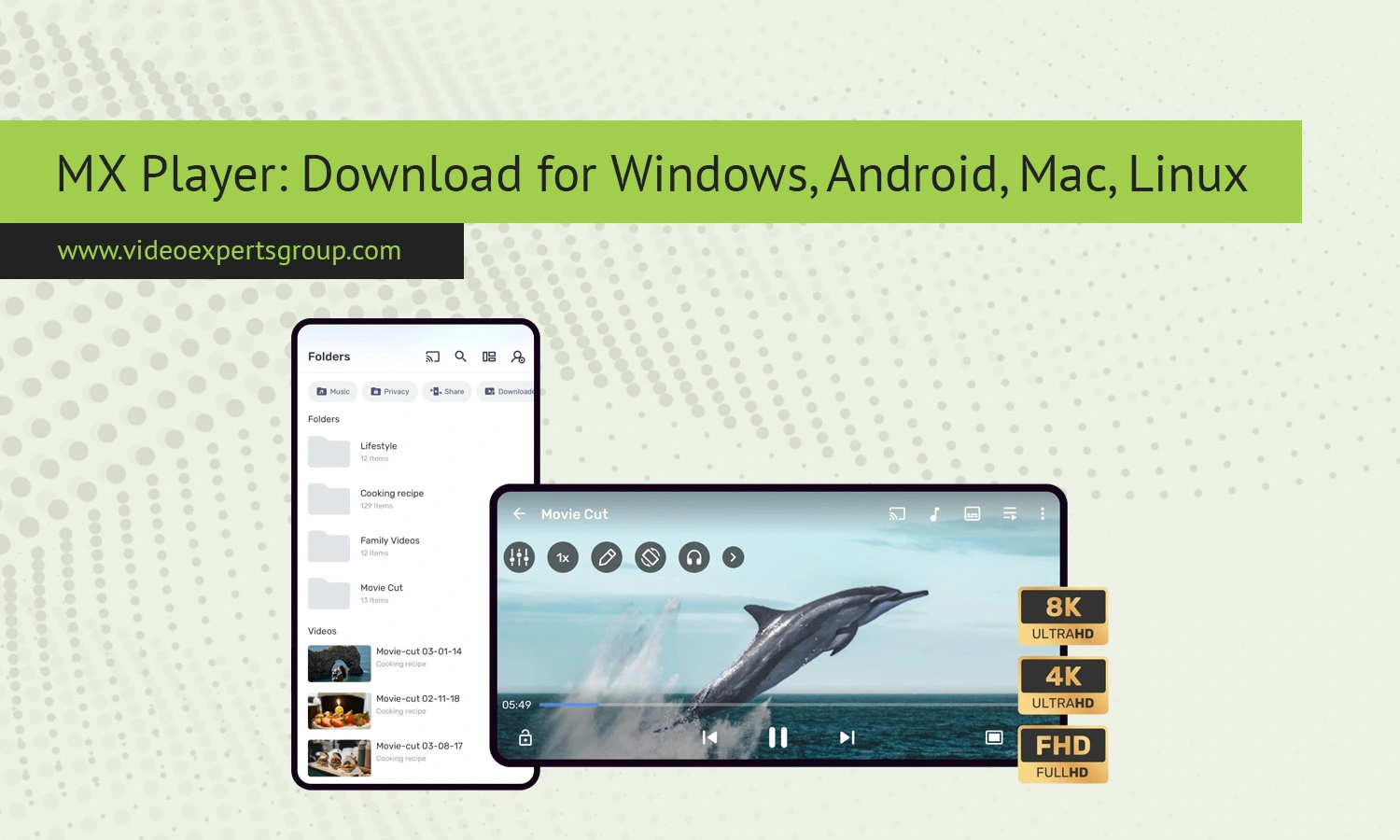
MX Player is a widely used media player which gained a good reputation with its fluent video playback, support of subtitles and a Wide range of codec support. Once highly used on mobile phones it has already spread into different platforms and is quite practical media player where users can enjoy local and streamed content on phones, tablets and computers. With the following guide users can explore the most important functions of MX player, supported platforms and good alternatives of this media player.
About MX Player
Built by J2 Interactive, the app proved to be an exceedingly popular video player on mobile, earning notoriety for its efficient hardware decoding, gesture system, and accommodating subtitle capabilities. MX Player then went the route of becoming a somewhat de facto media-streaming service in certain markets too, adding online video streams to its offline local media support. Regardless, its heart continues to remain with being a multi-format video player that is well equipped for quite a bit.
Key Features
Video Playback
- Hardware and software decoding for smooth playback on low and high-end devices.
- Support for popular formats such as MP4, MKV, AVI, MOV, FLV, and more.
- Advanced subtitle handling including SRT, SSA, and embedded tracks.
- Gesture controls for volume, brightness, and seeking.
- Multi-core decoding for improved performance on modern processors.
- Background playback and floating window support on mobile devices.
Networking
- Playback of files from network locations such as shared folders or media servers.
- Streaming compatibility with local network protocols.
- Subtitle download and synchronization tools.
- Online content integration in supported regions.
Supported Platforms
- Android smartphones and tablets.
- Windows PCs via emulation or compatible builds.
- macOS systems through Android runtime environments.
- Linux desktops using Android compatibility layers.
MX Player Alternatives
MX player is one among the popular and best media players, primarily used in mobile devices because of its smooth playing and format support range. But, if you're one who wants Cross-Platform access, Support for multiple advancedstreaming protocolsor even IP camera support MX Player is probably not the right choice. The list of the following options will provide more access and more extensive features to satisfy all such requests and needs.
VXG Player
VXG Player supports standard technologies for high-performance, low-latency video streaming-such as HLS, RTSP, WebRTC. Ideal for using with IP-cameras, live-streams and with low latency delivery. Supports web browsers on desktop and mobile as well as Windows desktop. VXG Player uses cloud-based services for access anywhere without downloading complex and heavy applications for IP streaming.
VLC Media Player
The more reliable free software alternative is VLC Media Player which handles nearly any type of digital media, any DVD/CD and also supports network streaming. It's a small footprint and works on all popular operating system platforms, Windows, Mac OS X, Linux, Android, and iPhone OS.
KMPlayer
KMPlayer is a versatile media player that can play many different file types and can stream media. It runs on desktop and mobile platforms and has a neat user interface.
GOM Player
GOM Player is famous for being easy-to-use and for having bundled codecs. It produces a fluently moving result for anyone wanting a decent yet simple media player.
BSPlayer
BSPlayer is one among many of media players. This player aims at its smooth performance and minimal resource usage. BSPlayer media player is considered as the lightweight players as it gives optimum performance and uses few resources of your systems. BSPlayer media player supports a variety of media content and forms to render.
FAQs
Looking for an RTSP Player?
With VXG you can watch any RTSP stream using cloud video streaming technology in our RTSP Viewer. In addition, we offer cloud storage for video streaming making it a complete solution for RTSP video.
Learn more
