Default Credentials for Reolink IP Cameras
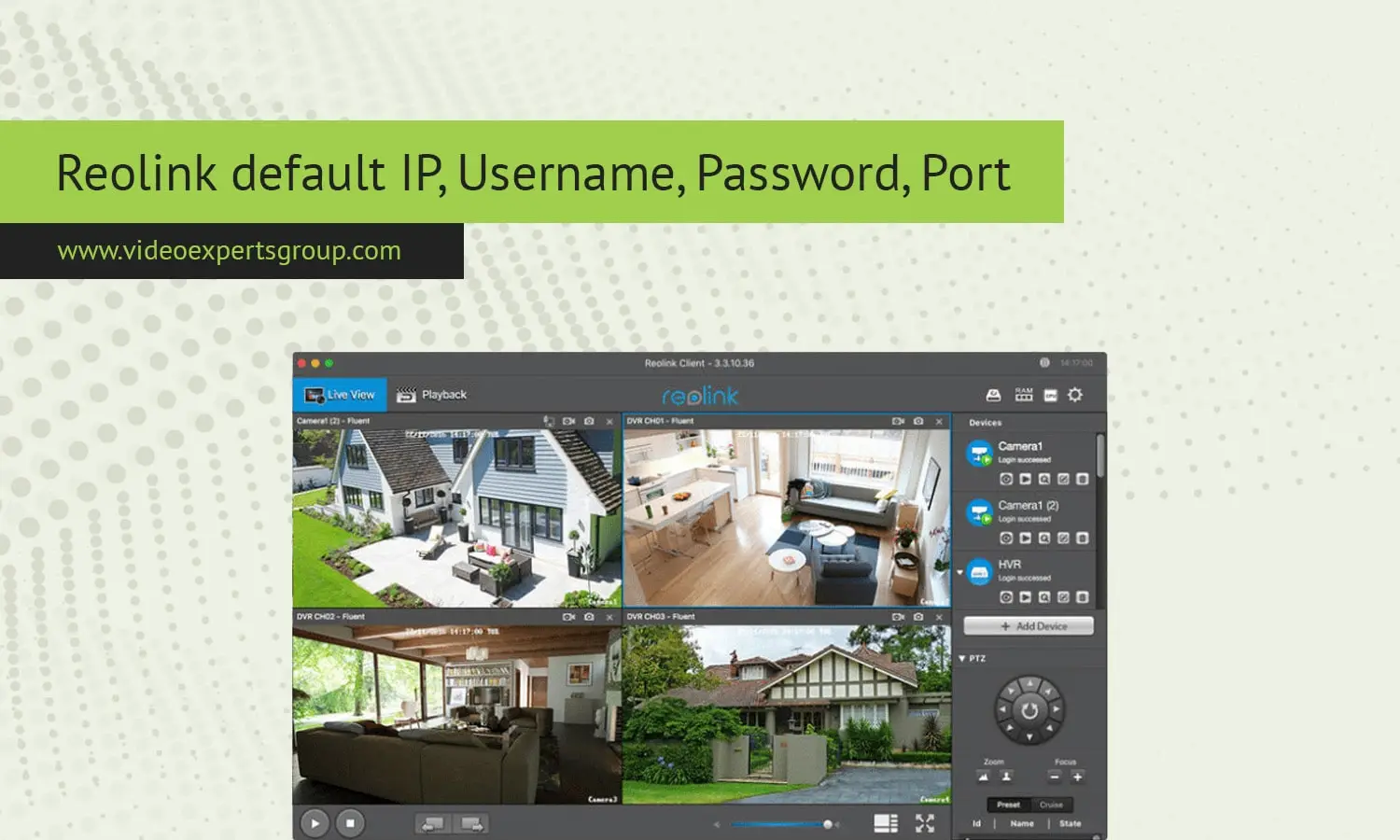
If you are installing your new Reolink IP camera or NVR for the first time, then you probably need to know the default IP, user name, password and port to ensure effortless configuration. Here is an easy to follow guide that describes all these details in simple words.
Default IP Address
The Reolink IP Address is the IP address which is assigned to your Reolink camera/NVR to communicate with other devices on the network. The default IP address for Reolink devices like cameras and NVR is DHCP. DHCP or Dynamic Host Configuration Protocol is what Reolink uses by default.
Default IP for Reolink Devices:
- Reolink IP Cameras: 192.168.0.100
- Reolink NVRs: 192.168.0.99
You can open the camera or NVR directly by entering the device's IP into Reolink Client software or web browser. And if the IP range is different from your network, you might need to change the camera or NVR IP.
Default Username
It is what allows you to log into the device's interface to manage settings, watch footage or administer your system. Default username is preset on your Reolink device to make it easy to get started.
- Default Username: admin
This username is the default for all Reolink products, whether you are using an IP camera or an NVR. An admin user is the user with rights to set up everything on the device.
Default Password
Security is key to any surveillance setup and you will find that your Reolink device comes with a default password that allows you to view your footage. Just keep in mind that you will need to change this as soon as possible.
- Default Password: No default password (leave the password field blank)
When Reolink devices are first time configured, they are without password so you need to set a new password right after you have logged in with admin. This also reminds you to set a new password which is also very important to safeguard your camera's recordings and configs.
Default Port
Ports are both entry and exit points that are used for network traffic to get to and from your Reolink device. Each port supports different functions like video streaming, device management, etc.
These default ports are necessary for communicating with other network devices on the device and for remote access. For instance, port 80 has been used for web interface access for camera, while port 554 is using for RTSP (real-time streaming protocol) which permits you to stream video on other software or devices.
All of default IP address, default user name, password and ports of Reolink device are to be familiarizing yourself with your cloud video management system. Default setting is used for quick setup, but to match your own network environment and enhance security, please change to use custom setting later, and don't forget to change the default password. Also, remember to change default port in post-configuration.

