UNV Camera: Default Credentials
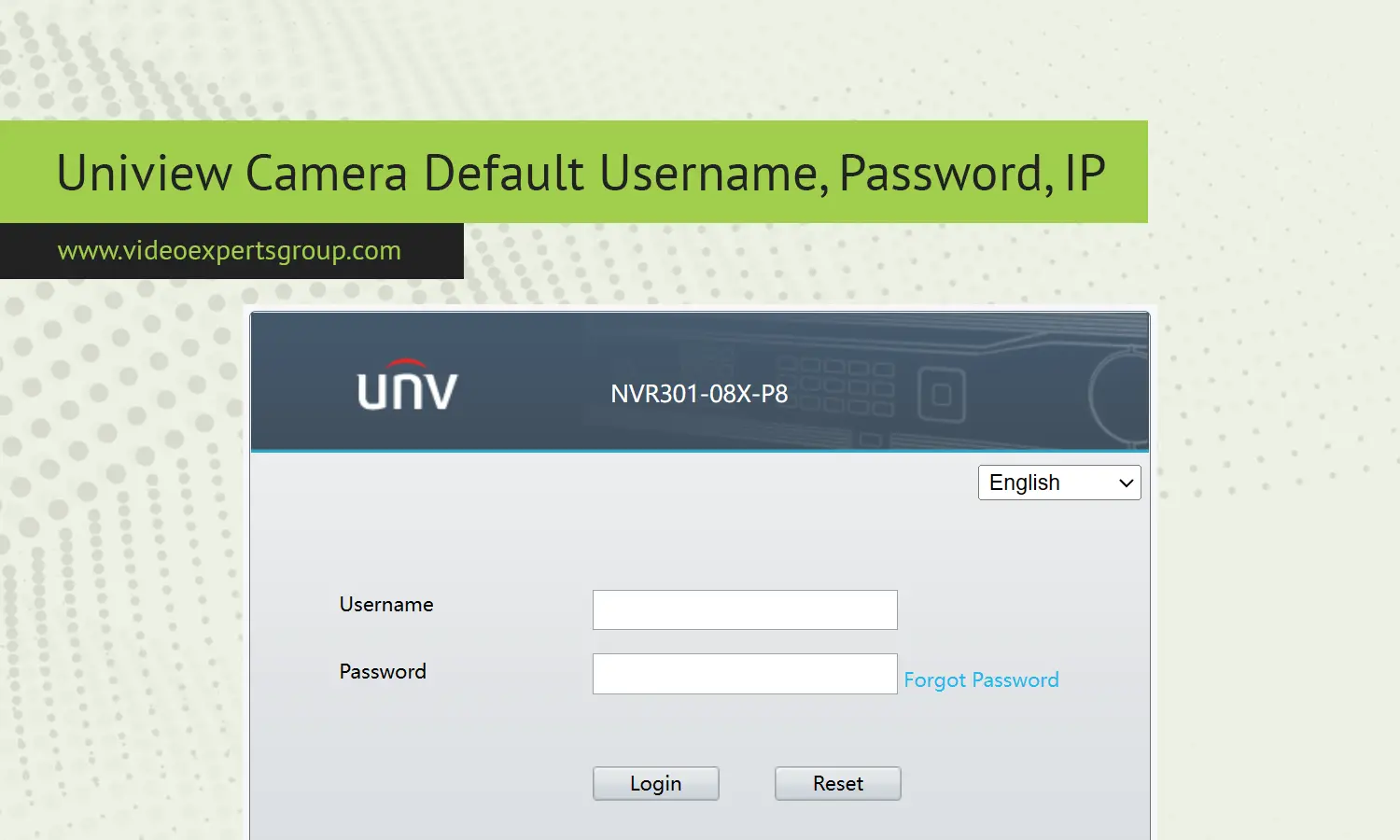
UNV, also known as Uniview, is a popular professional product manufacturer of IP surveillance equipment that monitors homes, offices, warehouse buildings, and even cities. There are times when new IP camera users need the default username and password to access the web interface for the first time when setting up or restoring factory defaults on a previous device. These can be helpful to system installers, camera system administrators, and home users wishing to add the camera to an NVR or cloud-based system. Default user credentials are also useful when troubleshooting a network issue, updating device firmware, and changing the video, motion detection, and recording settings.
Default IP
Many UNV IP camera's are supplied with a default network address so that they can be connected straight away before the device is on a network with a router/DHCP server in place. The most popular default IP address for UNV cameras is 192.168.1.13. With this address, your installer can plug a laptop in with a network cable and access the camera web page via a web browser.
If the camera was previously configured and found on a network with DHCP enabled then the camera may have obtained a different address from the router and you may need to scan for it with a device search tool or check the list of clients on the router.
A factory reset of the camera will usually restore the default address.
- Typical factory IP: 192.168.1.13
- Subnet often used: 255.255.255.0
- Gateway usually set to match local router
Default Username
The default login account for UNV cameras is a standard administrator account. The most popular default log in is admin, though there are a couple other generic default passwords. This login will give you complete access to change the video, network, storage, and security settings.
It is highly recommended you preserve the user name but change the password right away for your first login.
Certain versions of the software may require you to enable the device when first turned on through a password creation.
- Default user: admin
- Access level: full administrator rights
Default Password
This password was usually a simple factory code like 123456 when logging in for the first time. However, due to tightening security, more recent UNV cameras prompt the user to set up a password on first power on. Any camera with a default password should be immediately changed to a different code that is less vulnerable to brute-force cracking attempts from devices on the local network or the internet (the new password should include a variety of characters to make brute-force attacks less practical).
- Common legacy password: 123456
- New models: password created during activation
Default Port
What network ports does a UNV camera use? Network ports enable the various features of the UNV camera to access from browsers, NVRs and Apps. A default value of port 80 is normal for HTTP web access through a browser window, which is the general method used for loading the camera interface. Ports for Video streaming like RTSP is usually 554 (which many recorders and media players will be configured to use) and can be reconfigured for remote access or port forwarding.
- HTTP web port: 80
- RTSP streaming port: 554

