Zosi Camera: Default Login Credentials
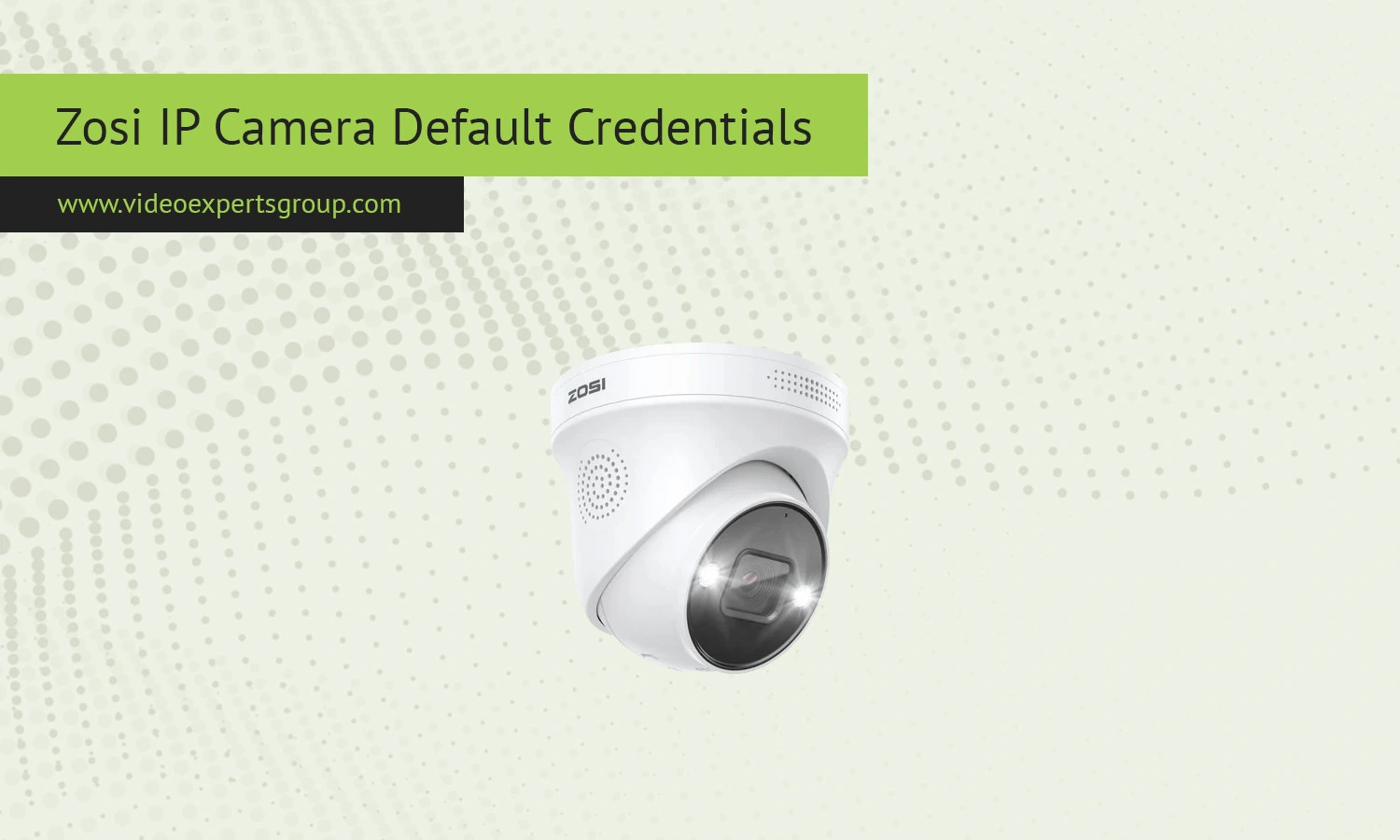
Zosi IP camera is a popular choice for the application of home and small business security, primarily because they have a good balance of cost and performance. Many of the systems are supplied as complete kits with NVR's but IP cameras are available as individual units. When attempting to configure or troubleshoot an IP camera, users may find that there is confusion about default credentials used to log into the camera web page or third-party software.
Default IP
Zosi IP cameras don't use a static default IP address. All new IP cameras will automatically find the IP address of your camera in order to communicate with your router this is done through DHCP automatically. So the camera will display an address at 192.168.0.x or 192.168.1.x depending upon your network.
- Check your router's device list to find the assigned IP
- Use Zosi Smart or AVSS software to detect the device
- Scan the network with a discovery tool if needed
Some older models or factory reset devices may briefly use a fallback IP like 192.168.1.10, but this is not guaranteed and varies by firmware.
Default Username
For example, many older Zosi cameras have one default username that is required to log in to the device for the first time. The default username may be: admin.
In the latest firmware the system might ask you to set up a login or to log in for the first time. When connecting a camera through an NVR, the username might be handled by the recorder rather than the camera.
Default Password
The default password for Zosi IP cameras depends on the device generation. Common options include:
- admin
- 123456
- (blank password)
Some of the newer Zosi cameras will prompt you to create a password when you setup the camera, which adds security. If you cannot access the login, use the most common default only if the camera hasn't been configured previously. If it has, then a factory reset will be necessary.
Default Port
Zosi cameras support several ports depending on the connection type and features enabled. Typical defaults include:
In an NVR they are usually taken care of automatically so these port forwarding instructions won't be necessary. If you're trying to access the NVR remotely or use third party camera software, you will probably need to do port forwarding with your router.

Connect Zosi cameras to VXG Cloud VMS with GenAI for free
Learn moreFAQs
