HikCentral Professional: Overview, Download, Login
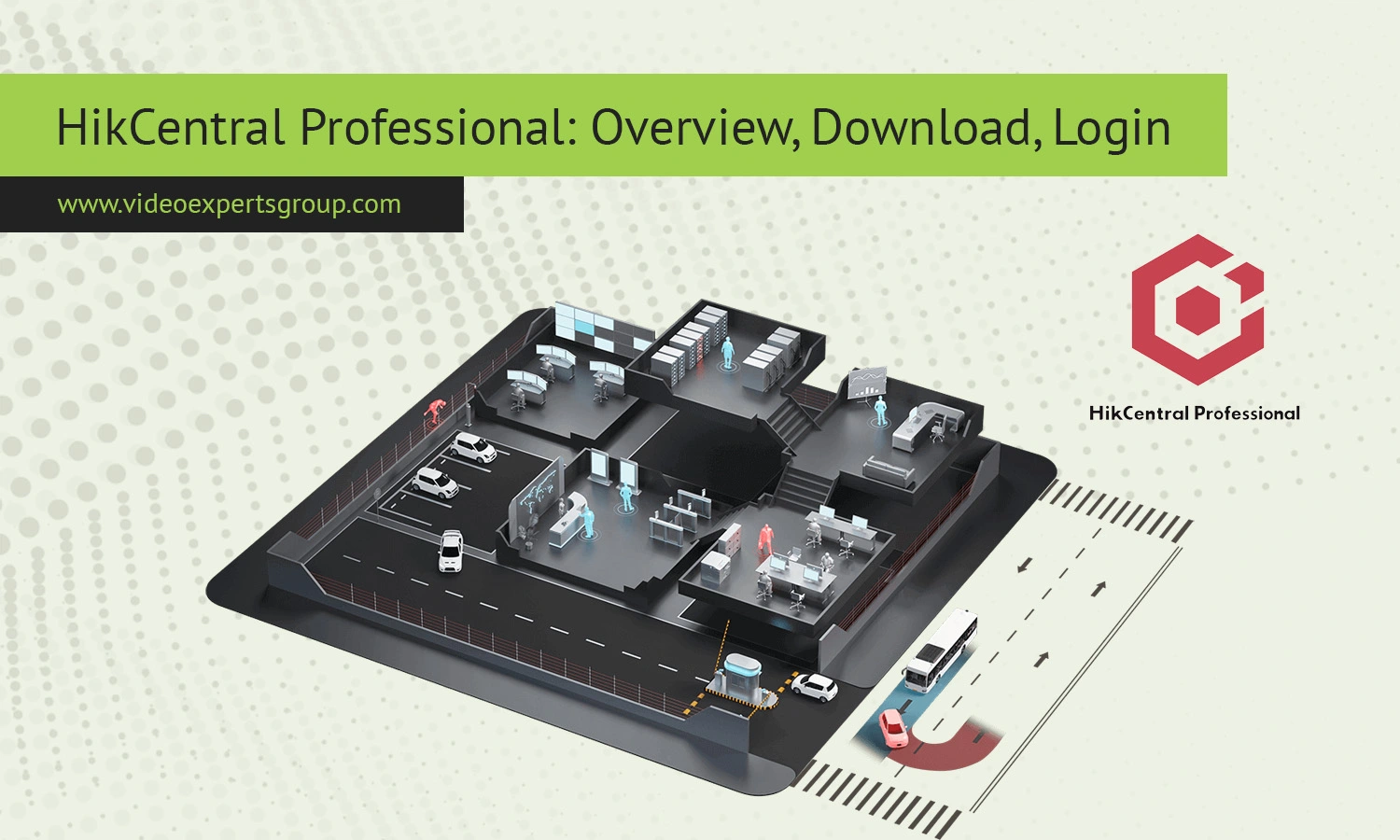
Modern video surveillance platforms are no longer limited to simple camera recording. Businesses, industrial facilities, schools, hospitals, retail stores, and transportation hubs require centralized systems that combine monitoring, access control, alarm management, analytics, and remote administration. HikCentral Professional was created to address these enterprise-level security needs.
Hikvision developed HikCentral Professional as a comprehensive security management platform for organizations that operate multiple devices, locations, and users. The software combines video surveillance, access control, intercom systems, AI analytics, and event management into one centralized ecosystem.
Unlike basic NVR software, HikCentral Professional is designed for scalability. It can manage small deployments with several cameras or enterprise infrastructures containing thousands of devices across multiple sites.
About HikCentral Professional
HikCentral Professional is an enterprise-grade Physical Security Information Management (PSIM) and Video Management Software (VMS) platform. It allows organizations to control surveillance infrastructure from a unified interface while simplifying administration and monitoring tasks.
The platform serves as a centralized management layer between operators and connected hardware devices such as:
- IP cameras
- NVR and DVR systems
- Access control terminals
- Biometric readers
- Alarm devices
- Video walls
- Intercom systems
- ANPR/LPR cameras
- AI-enabled security devices
One of the strongest advantages of HikCentral Professional is its modular architecture. Organizations can deploy only the functions they need. For example, a warehouse may focus on perimeter protection and alarm handling, while a corporate office may prioritize visitor management and biometric access control.
The software is commonly used in:
- Retail chains
- Factories and warehouses
- Office buildings
- Educational institutions
- Hospitals
- Airports and transportation systems
- Government facilities
- Smart city projects
Features
Centralized Video Management
HikCentral Professional enables centralized monitoring and management for cameras and recording systems located across one or multiple sites. Operators can view live video streams, search recordings, manage layouts, and organize devices through a single dashboard.
The platform supports multi-screen environments and large monitoring centers where operators must monitor many cameras simultaneously.
Access Control Management
The platform includes integrated access control functionality that allows administrators to manage doors, users, schedules, and permissions.
Supported authentication methods may include:
- RFID cards
- PIN codes
- Fingerprint recognition
- Face recognition
- QR code verification
Organizations can also implement visitor management workflows and employee attendance tracking.
Alarm and Event Handling
HikCentral Professional provides centralized event monitoring with configurable responses for security incidents.
The system can detect and process:
- Motion detection alerts
- Intrusion alarms
- Unauthorized access attempts
- Line crossing events
- Camera tampering
- Video loss notifications
- Perimeter violations
Automated workflows can trigger recording, notifications, pop-up windows, or video wall actions.
AI Analytics
Modern Hikvision devices support AI-powered analytics that integrate directly into HikCentral Professional.
Common AI functions include:
- People counting
- Heat mapping
- Queue analysis
- Face recognition
- Vehicle detection
- License plate recognition
- Behavior analysis
- Perimeter protection
These features help organizations improve both operational efficiency and security performance.
Video Wall Support
The platform supports advanced video wall management for security operation centers. Operators can create custom display layouts and switch monitoring scenes in real time.
Role-Based Permissions
Administrators can assign different permissions to operators, supervisors, auditors, and IT personnel. This reduces the risk of unauthorized system changes.
Remote Monitoring
Users can remotely access the platform through desktop applications, mobile apps, and web browsers.
Remote functionality usually includes:
- Live video viewing
- Playback access
- Alarm notifications
- PTZ camera control
- Snapshot capture
- Event review
Compatibility
HikCentral Professional is optimized for Hikvision hardware but also supports many third-party devices through ONVIF and other industry standards.
Compatible device categories include:
- IP cameras
- PTZ cameras
- Thermal cameras
- NVR systems
- DVR systems
- Door controllers
- Biometric terminals
- Alarm systems
- Storage servers
The platform supports modern Windows environments and browser-based access using current web browsers.
Supported browsers generally include:
- Google Chrome
- Microsoft Edge
- Mozilla Firefox
Older browser technologies such as Internet Explorer and ActiveX are becoming less common in modern deployments.
System Requirements
System requirements depend on the number of devices, AI analytics usage, recording load, and deployment architecture.
Minimum Requirements
- 64-bit processor
- Intel Core i5 CPU or equivalent
- 8 GB RAM
- SSD storage recommended
- Windows 10/11 Professional or Windows Server
- Gigabit network connection
Recommended Enterprise Configuration
- Intel Xeon processor
- 32 GB RAM or more
- RAID storage arrays
- Dedicated GPU for video decoding
- Redundant power supplies
- Dual network interfaces
Large enterprise deployments often separate management, database, streaming, and storage services across multiple servers.
Deployment & Management
Single-Server Deployment
Smaller organizations may deploy HikCentral Professional on a single server where all services run together. This configuration is easier to manage and suitable for medium-sized installations.
Distributed Deployment
Enterprise deployments often use distributed architectures with dedicated servers for:
- Management services
- Streaming services
- Database operations
- Storage management
- Failover protection
- Web services
This architecture improves scalability, redundancy, and system stability.
Maintenance
Regular maintenance procedures usually include:
- Database backups
- Firmware updates
- License management
- Storage monitoring
- System diagnostics
- Health monitoring
Download
Windows
The primary HikCentral Professional server platform is designed for Windows systems. Most enterprise deployments use Windows Server editions because of their stability and scalability.
The Windows installation package commonly includes:
- Management server
- Control client
- Streaming service
- Database utilities
- Web service components
Installation should be performed with administrator privileges.
Linux
Linux support is more limited than Windows support. Some backend services, virtualization environments, and storage infrastructure may operate on Linux-based systems depending on deployment requirements.
Mac
There is no fully native HikCentral Professional server version for macOS. However, Mac users can access the web client through supported browsers or use virtualization software to run Windows-based management tools.
iOS
iPhone and iPad applications provide remote monitoring and event management functionality.
Common iOS features include:
- Live video viewing
- Playback access
- Push notifications
- PTZ control
- Alarm management
Android
Android applications allow operators to manage surveillance systems remotely from smartphones and tablets.
Typical Android functionality includes:
- Live monitoring
- Playback review
- Snapshot capture
- Two-way audio
- Alarm notifications
Web Client
The browser-based web client allows operators to access HikCentral Professional without installing desktop software.
Users can:
- View live cameras
- Search recordings
- Manage alarms
- Configure permissions
- Access dashboards
Modern versions are optimized for Chromium-based browsers and provide significantly better compatibility than older ActiveX-based interfaces.
Login
Desktop Client Login
- Open the HikCentral Professional Control Client.
- Enter the server IP address or hostname.
- Input your username and password.
- Select the appropriate domain if required.
- Click the Login button.
Web Client Login
- Open a supported web browser.
- Enter the server web address.
- Provide your login credentials.
- Complete additional verification if enabled.
- Access the system dashboard.
Common Login Problems
- Incorrect IP address
- Firewall restrictions
- Expired passwords
- Browser incompatibility
- License limitations
- Server connectivity issues
Many organizations implement strong password policies and role-based authentication to improve system security.
FAQs
