i-PRO Camera Login: Default IP, Username, Password, Port
i-PRO cameras are professional network surveillance devices widely used in commercial buildings, city surveillance, transportation, retail, and critical infrastructure. Known for their reliability, strong image quality, and advanced analytics, these cameras are designed for secure, long-term operation in demanding environments. When installing or servicing an i-PRO camera, many users look for default login information such as IP address, username, password, and port settings. Understanding these factory values helps during initial setup, network changes, or device recovery after a reset.
Unlike many low-cost consumer cameras, i-PRO devices follow enterprise security principles. While default network behavior still exists, modern firmware often requires administrators to set secure credentials during the first login. This article explains the typical defaults and how they are used in practice, along with important security considerations.
Meaning
i-PRO is a brand focused on professional security and imaging solutions, previously associated with Panasonic’s security division. An i-PRO camera is an IP-based video surveillance device that transmits digital video over Ethernet networks. These cameras include a built-in web interface, support for NVR and VMS platforms, and advanced features such as intelligent motion detection, AI analytics, wide dynamic range, and low-light performance.
Each i-PRO camera operates as a network device with its own IP address, authentication system, and service ports. Default login details refer to the factory network configuration that allows the device to be discovered and accessed before full system integration. After installation, these defaults should always be secured.
Default IP
Many i-PRO cameras are set to obtain an IP address automatically using DHCP by default. When connected to a network with a router or DHCP server, the camera receives an available IP address without manual input. This makes deployment easier in enterprise networks where address management is centralized.
If a DHCP server is not available, some models may fall back to a default static address such as 192.168.0.10 or a link-local address in the 169.254.x.x range. The exact behavior can vary by model and firmware version. Installers typically use device discovery tools or check the router’s client list to identify the assigned address.
For stable operation, it is common to assign a static IP after installation so that NVRs, VMS software, and other systems can reliably connect to the camera.
Default Username
Historically, many i-PRO cameras used admin as the default username. This account provides full administrative access, including video configuration, network settings, user management, and security options.
On newer firmware, the first login process may require the installer to create or confirm administrator credentials instead of using a permanent factory username. This approach improves security and helps prevent unauthorized access using well-known defaults.
Default Password
Older i-PRO devices sometimes shipped with a simple default password such as 12345 or a blank password combined with the admin username. However, modern security standards have reduced the use of fixed factory passwords. Many current models force the user to create a strong password during the initial setup process.
If a password is printed on the device label, it should be treated as temporary and changed immediately. Using complex passwords and limiting administrator accounts are important steps to protect surveillance infrastructure from cyber threats.
Default Port
i-PRO cameras use standard network service ports for communication. The web management interface typically operates over HTTP on port 80 and HTTPS on port 443. For secure environments, HTTPS is strongly recommended because it encrypts login credentials and video configuration traffic.
Video streaming often uses RTSP on port 554, allowing integration with NVRs and third-party video management software. Additional ports may be used for ONVIF services, device discovery, or system integration, but these are usually handled automatically by professional VMS platforms.
Opening ports to the internet should be avoided unless necessary and properly secured. VPN access or protected gateways are safer options for remote viewing.

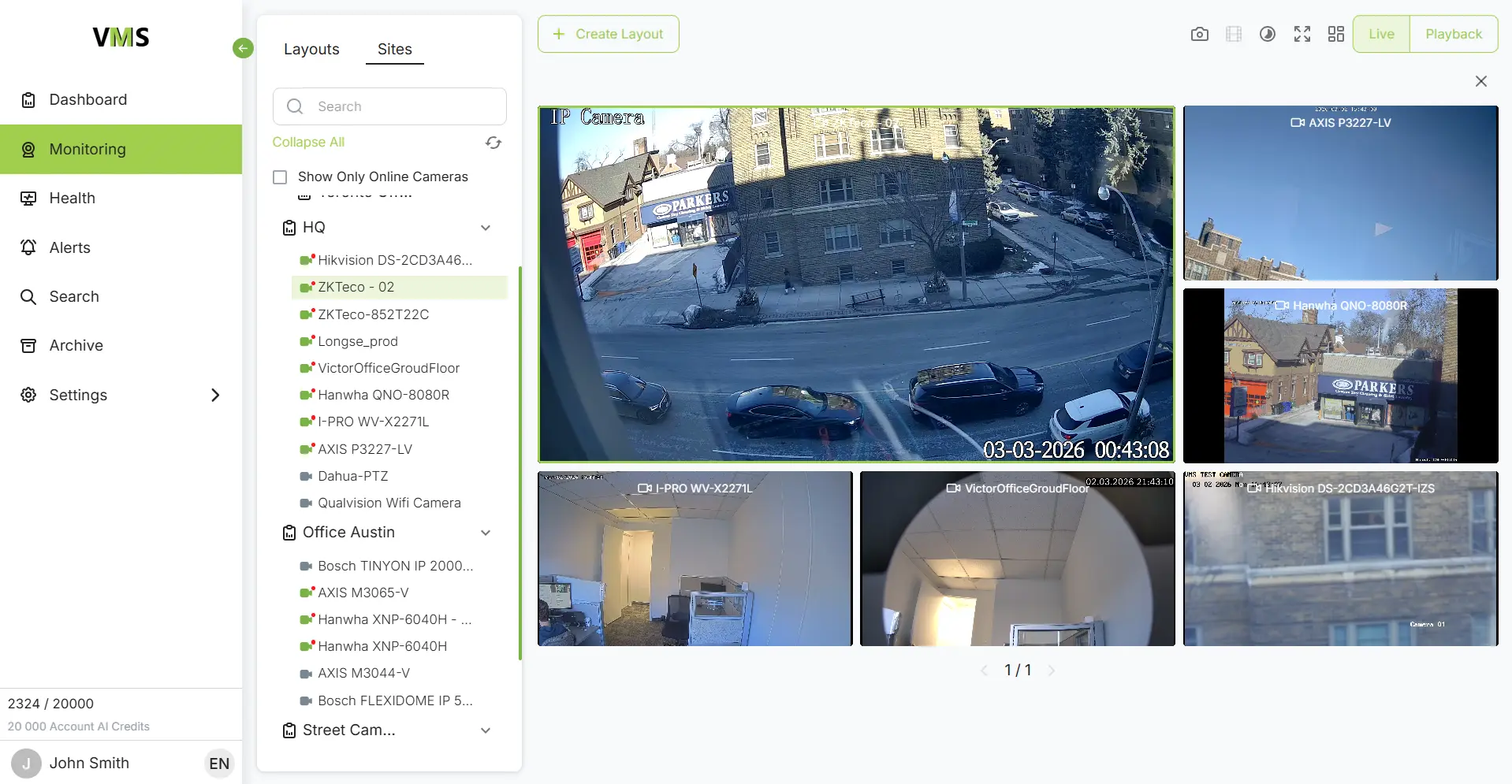
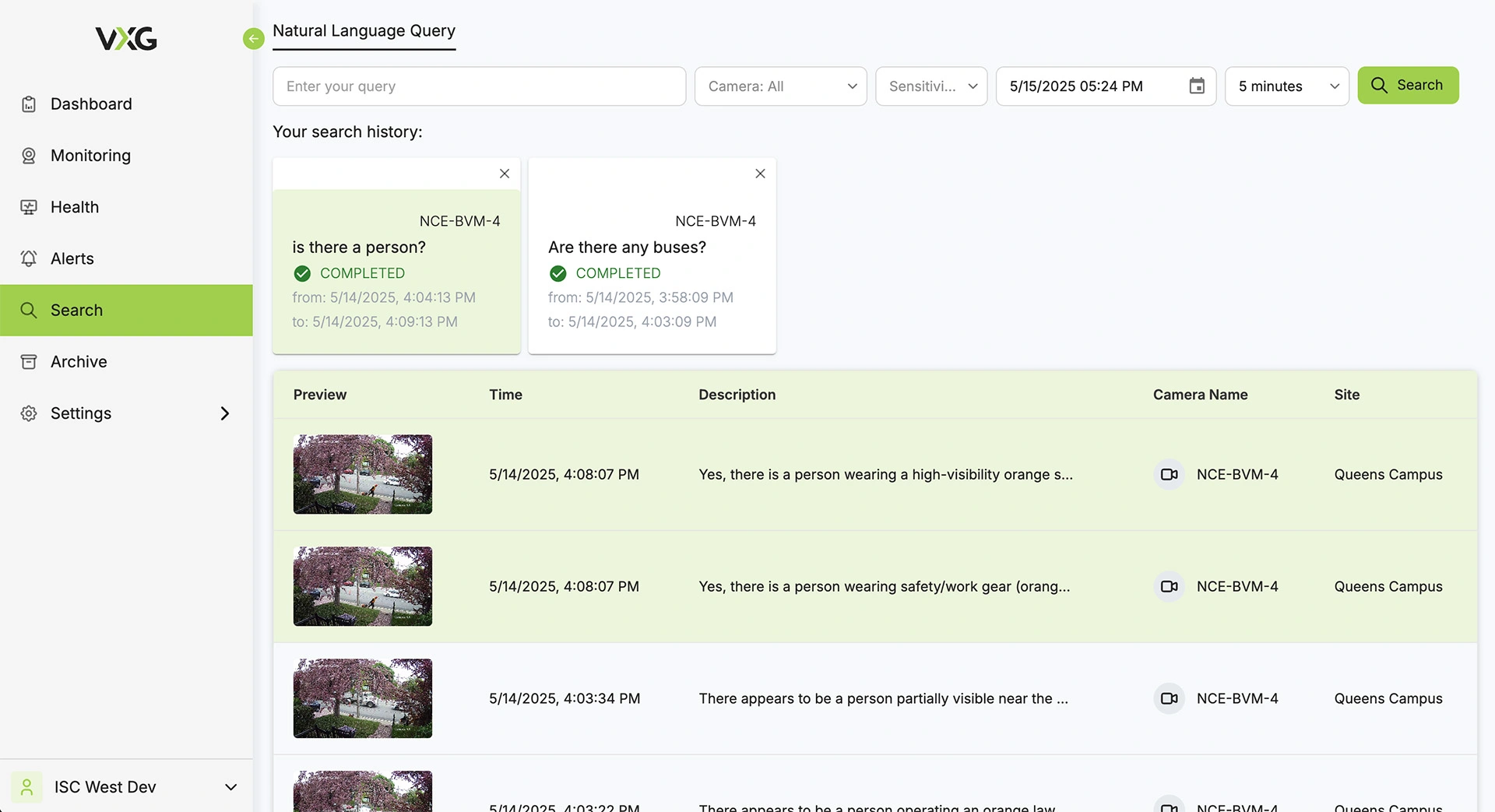
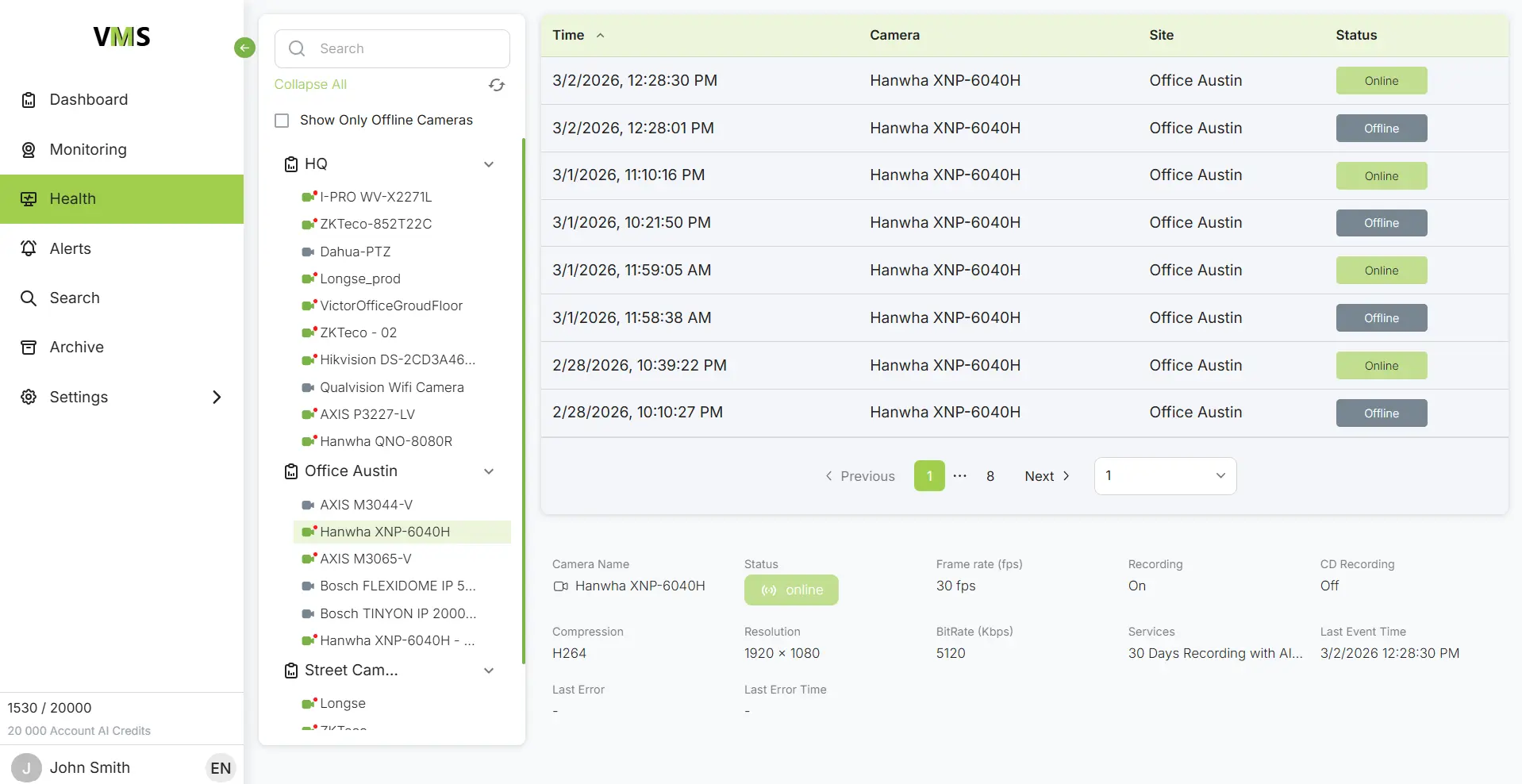
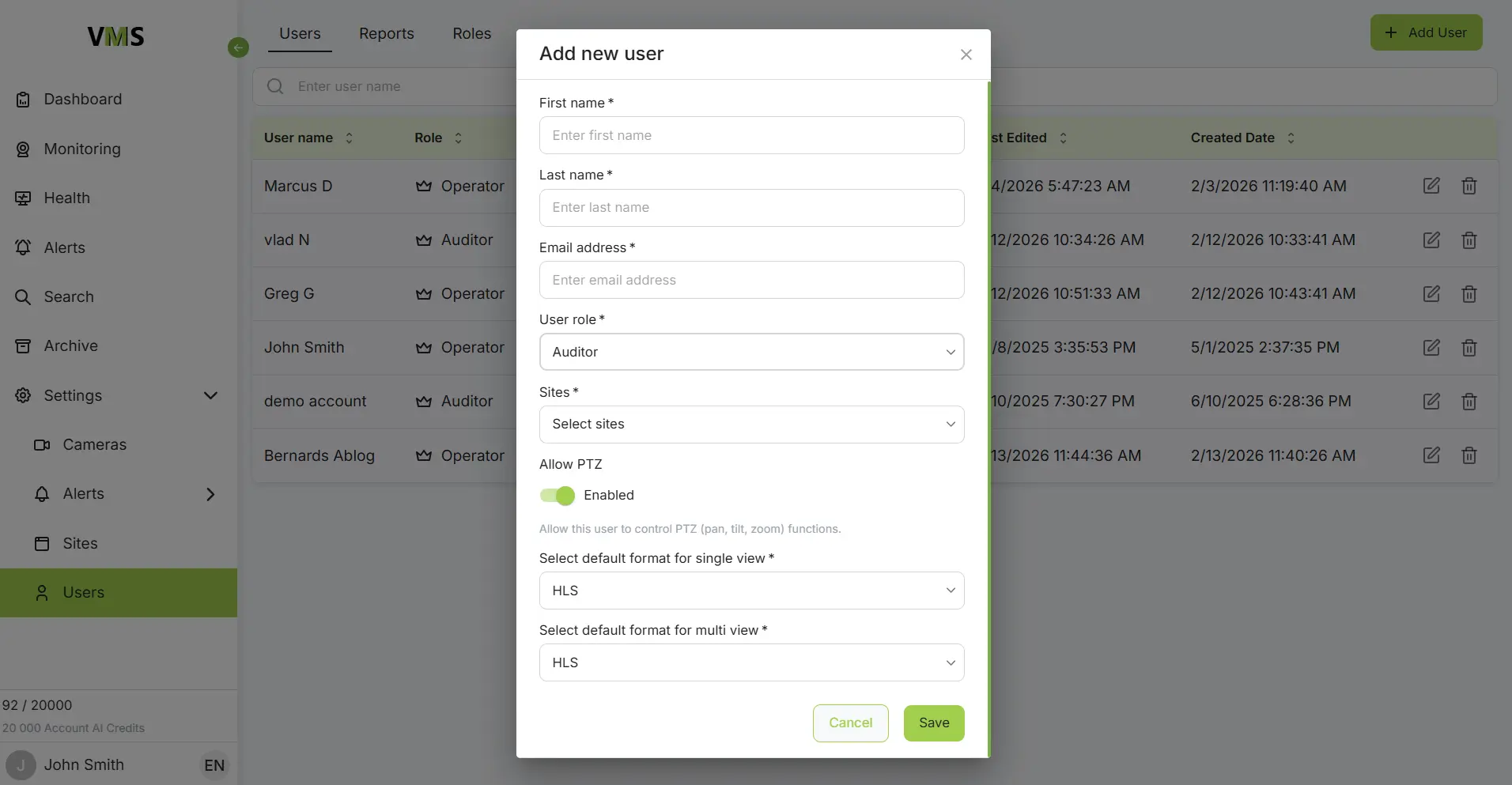
Connect i-PRO cameras to VXG Cloud VMS with GenAI for free
Learn moreFAQs