UNV Camera: Default Credentials
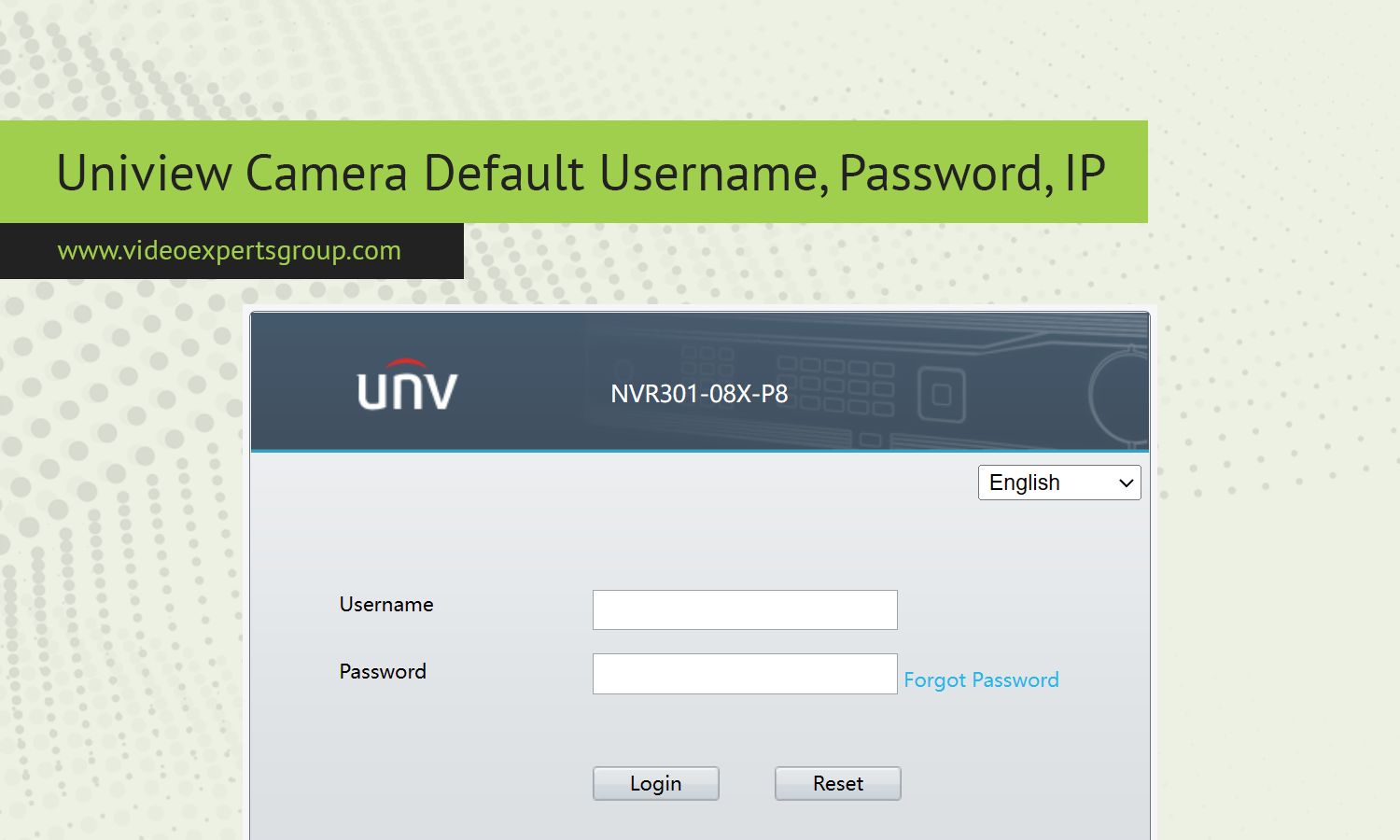
UNV, also known as Uniview, is a well known manufacturer of professional IP surveillance equipment used in homes, offices, warehouses, and city monitoring projects. When setting up a new camera or restoring a device to factory settings, users often need the default login information to access the web interface for the first time. Understanding these initial parameters is essential for installers, system administrators, and even home users who want to integrate the camera into an NVR or cloud system. Default credentials also play an important role in troubleshooting network issues, performing firmware updates, and adjusting video, motion detection, or recording settings. While these values allow quick access, they should always be changed after installation to keep the surveillance system secure from unauthorized access.
Default IP
Many UNV IP cameras ship with a factory network address that allows direct connection before the device joins a router with DHCP. A commonly used default IP for UNV cameras is 192.168.1.13. This address enables installers to connect a laptop directly to the camera using a network cable and access the web interface through a browser. In networks where DHCP is active, the camera may automatically receive a different IP from the router, so using a device search tool or checking the router client list can help locate it. If the camera was previously configured, a factory reset will usually restore the original address settings.
- Typical factory IP: 192.168.1.13
- Subnet often used: 255.255.255.0
- Gateway usually set to match local router
Default Username
UNV cameras traditionally use a standard administrator account for first time access. The most common default username is admin. This account provides full control over video settings, network configuration, storage options, and security features. Because this account has complete privileges, it is strongly recommended to keep the username but change the password immediately after login. Some newer firmware versions may ask users to activate the device by creating a password on first use, which removes the use of a preset password but still relies on the admin account name.
- Default user: admin
- Access level: full administrator rights
Default Password
Older UNV devices often used a simple factory password such as 123456 for initial login. However, modern security standards have pushed manufacturers to improve protection, and many newer UNV cameras now require password creation during first activation. If a camera still uses a preset password, it should be changed right away to prevent unauthorized access from the local network or internet. Strong passwords should include a mix of letters, numbers, and symbols to reduce the risk of brute force attempts.
- Common legacy password: 123456
- New models: password created during activation
Default Port
Network ports allow different services of the UNV camera to communicate with browsers, NVRs, and mobile apps. The default HTTP web access port is usually 80, which lets users open the camera interface through a standard browser. For video streaming, RTSP commonly operates on port 554, which is used by many recording systems and media players. If remote access or port forwarding is needed, these ports may be changed inside the camera settings to reduce exposure to automated scans.
- HTTP web port: 80
- RTSP streaming port: 554

Connect UNV cameras to VXG Cloud VMS with GenAI for free
Learn moreFAQs
